
Start with the container surface
A wrap label must span a curved surface, so its flat width depends on the container circumference and the intentional gap between label edges. This calculator is for a round container and uses diameter, gap, and height, all in inches. Measure the container where the label will sit; a shoulder, taper, seam, grip texture, or changing diameter can make a single circular estimate unsuitable.
Calculate a flat wrap width
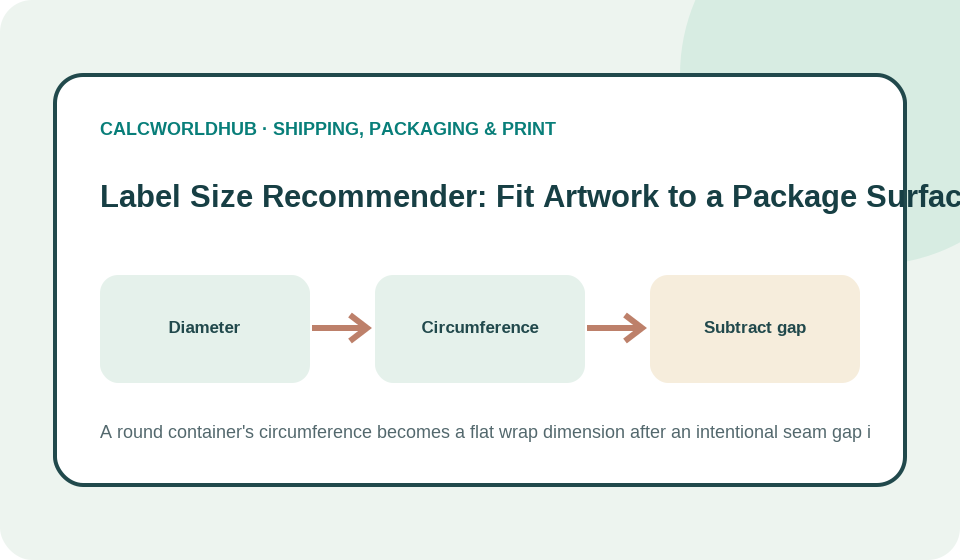
For a circular cross-section, circumference is π multiplied by diameter. The recommended wrap width is circumference minus the chosen gap. The height is the user-entered label height. This leaves an intentional unprinted space or seam gap; it does not add overlap. If your production process requires overlap, a different gap convention, or a nonrectangular die line, confirm that requirement with the label supplier before using the dimensions.
The calculator reports the width and height in inches to at most two decimal places and converts each dimension to millimetres using 25.4 millimetres per inch. NIST states that the inch is exactly equivalent to 25.4 mm. The conversion is exact; the displayed millimetre measurement is rounded to one decimal place. Preserve the unrounded width for planning if a print specification needs more precision, then apply the supplier's required rounding and tolerance rules.
Measure the right diameter and height
Use the outside diameter at the label position, not a catalog dimension measured elsewhere on the package. If a bottle is oval, tapered, ribbed, or flexible, one diameter does not describe the full surface. Measure several points and ask the converter whether a conforming label, panel label, or wrap with a different gap is appropriate. The calculator assumes an ideal circle with one constant circumference. Measure the usable vertical panel and keep clear of seams, curves, and molded details.
Plan for the seam and application tolerance
A gap is not merely a cosmetic number. It can affect how a label behaves at a seam, under humidity, or on a package that flexes or changes shape. The calculator subtracts the entered gap once from the circumference. It does not decide whether the gap should be zero, whether the label needs overlap, or how adhesive and material stretch influence application. Select that value from the converter's specification and a physical test, not from the arithmetic alone.
Printer and die-cut tolerances affect fit; a nominal size is not a manufacturing tolerance. Confirm the supplier’s finished-size tolerance and gap convention. Keep those requirements separate from the mathematical estimate so a rounded display is not mistaken for a production drawing.
Separate dimensions from label compliance
The output is a size suggestion only. It does not check legal label content, font size, ingredient declarations, barcode quiet zones, recycling marks, warning panels, or a product's packaging rules. NIST publications discuss measurement and package declarations, but using this calculator does not certify a label or establish compliance in a particular market. Confirm artwork requirements with the relevant regulator and qualified packaging professional.
Test the dimensions on the actual package
A paper mock-up can expose a measurement problem before a print run. Wrap a strip around the container at the intended height, mark the desired seam gap, and check whether the edges remain aligned through the full turn. If the package tapers or curves, compare the fit at the top, middle, and bottom. A physical check is especially useful when using shrink sleeves, pressure-sensitive labels, or containers with molded details.
Record the container model, measured diameter, gap, height, units, and approved supplier drawing with the result. If the container changes, recalculate and make a new sample. A small change in diameter changes the circumference by π times that change, while a different gap shifts the width one-for-one. Those relationships help explain why apparently minor packaging revisions can affect label fit.
Worked examples
The examples use the same exact inch-to-millimetre conversion and show the display rounding only after calculating the circumference-based width.
A three-inch diameter container
Inputs: Diameter = 3 in; seam gap = 0.125 in; label height = 2 in.
Calculation: Width = π × 3 − 0.125 = 9.29977796… ≈ 9.30 in; height = 2 in. Metric = 9.29977796… × 25.4 = 236.2144… ≈ 236.2 mm; 2 × 25.4 = 50.8 mm.
The calculator displays a 9.3 × 2 in suggestion, or 236.2 × 50.8 mm.
A smaller container and shorter label
Inputs: Diameter = 2.5 in; seam gap = 0.1 in; label height = 1.5 in.
Calculation: Width = π × 2.5 − 0.1 = 7.75398163… ≈ 7.75 in; height = 1.5 in. Metric = 7.75398163… × 25.4 = 196.9511… ≈ 197.0 mm; 1.5 × 25.4 = 38.1 mm.
The calculator displays 7.75 × 1.5 in, or 197.0 × 38.1 mm, before a physical fit check.
