
Define a customer before counting a change
Choose the unit that your business calls a customer: a unique account, a household, a buyer profile, or another stable identifier. A person who places three orders is still one customer if the metric is based on customer records. Merge duplicate accounts consistently, and do not mix registered users in the starting count with paying buyers in the additions field.
The calculator labels additions as new customers this period and separately asks for customers lost. In this model, “new” means newly added to the counted customer population during the window, while “lost” means removed under your chosen churn rule. Those definitions are not universal. For subscriptions, cancellation may define a loss; for retail, a long period without a purchase may or may not.
Use a net numerator against the period-start base
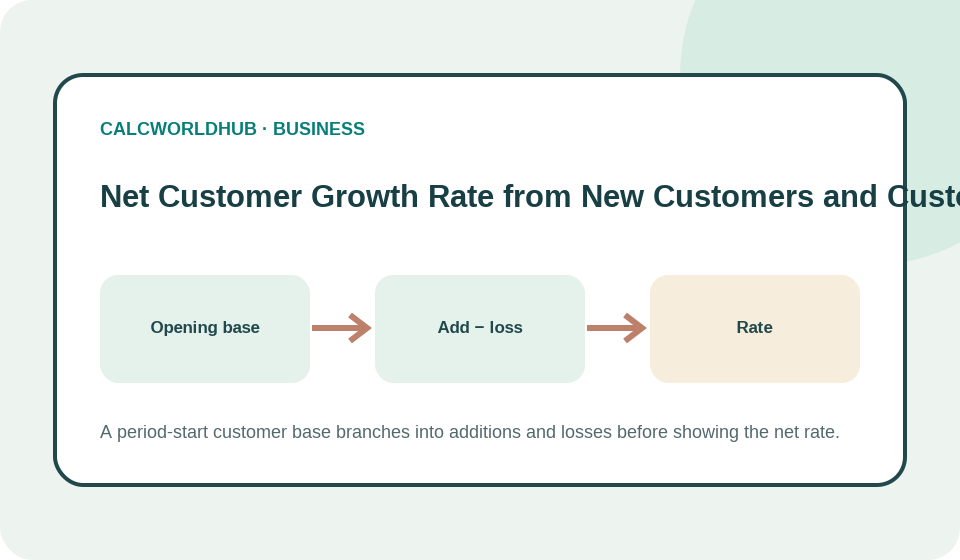
The calculation is (new customers − lost customers) ÷ customers at period start × 100. Subtracting losses first creates a net customer change. Dividing by the starting count expresses that change relative to the base that existed before the period’s activity. A positive result indicates net additions; a negative result indicates the counted population shrank.
For example, 90 additions and 30 losses produce a net increase of 60. If the start count is 1,000, the rate is 6%. Do not divide by the ending count, or add losses to the numerator: both changes would answer a different question. Keep the unrounded counts for arithmetic and round only the displayed percentage.
Keep the time window and customer universe aligned
The start count should be a point-in-time count immediately before the reporting window, and additions and losses should belong to that same interval. A month of activity cannot be paired casually with a year-end opening base or losses counted through the next month. Record the boundaries, timezone, and account-status rule alongside the result when comparing periods.
A business with a seasonal customer base can show a high growth rate from a small opening count even when the net number of additions is modest. A mature base may show a smaller percentage with more absolute additions. Keep both the count change and the rate in view so a percentage does not hide scale.
Read additions, losses, and net growth separately
The net rate compresses two flows into one number. Two periods can both finish at +5% from different opening bases: (150 − 50) ÷ 2,000 × 100 = 5%, while (80 − 20) ÷ 1,200 × 100 = 5%. The first adds 100 customers to 2,000; the second adds 60 to 1,200. The same rate therefore describes different starting counts and absolute changes. It cannot reveal acquisition channel, retention quality, purchase frequency, or customer profitability.
If losses exceed additions, the result is negative rather than invalid. A zero result means the counted additions and losses offset one another; it does not mean no customer activity occurred. When the starting count is zero, the ratio is undefined because there is no opening base. Use counts and a separately defined acquisition or retention metric for that situation.
Use the rate beside a customer-count record
Keep a small reconciliation: starting customers, additions, losses, ending customers, and the period definition. The expected ending count is starting count plus additions minus losses when those flows are complete and no other account adjustments occur. If it does not reconcile, investigate migrations, merges, reactivations, or status changes before interpreting the percentage.
For external reporting, define the metric and its calculation and explain material changes in methodology. SEC guidance specifically treats net customer additions and active-customer measures as key performance indicators that need context. This calculator performs the arithmetic only; it cannot determine whether a churn rule, a customer identity model, or a chosen window is appropriate for your business.
Worked examples
These examples hold the customer definition and reporting window constant so the numerator and denominator describe the same business population.
Additions exceed losses
Inputs: Starting customers = 1,200; new customers = 144; customers lost = 48.
Calculation: Net change = 144 − 48 = 96 customers. Net growth = 96 ÷ 1,200 × 100 = 8%. Ending count under this model = 1,200 + 96 = 1,296.
The counted customer base grew by 8% relative to its 1,200-customer opening count.
Losses exceed additions
Inputs: Starting customers = 850; new customers = 37; customers lost = 57.
Calculation: Net change = 37 − 57 = −20 customers. Net growth = −20 ÷ 850 × 100 = −2.352941…% ≈ −2.35%. Ending count under this model = 830.
The negative rate indicates a net contraction of 20 customers, about 2.35% of the starting base.
