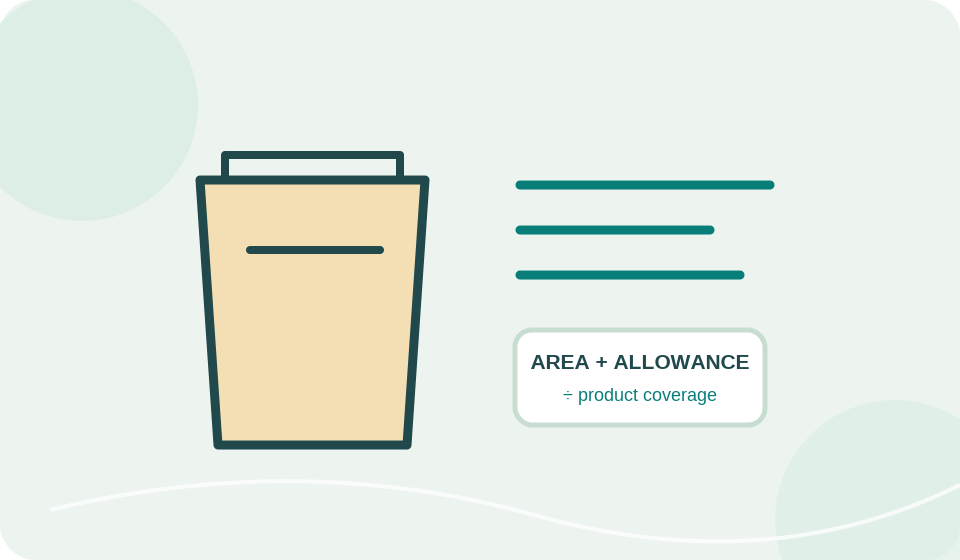

Start with the tile area
Enter the surface area to be set in square feet, the coverage per bag from the selected mortar’s product information, and an allowance percentage. The calculator increases the area by that allowance, divides by the coverage figure, and rounds up to whole bags. Coverage is an input because one universal number would misrepresent different mortar and installation setups.
Measure only the surfaces that will receive the mortar. Subtract openings and exclude areas assigned to another setting material. If the project has different tile types, trowel notches, or substrates, separate the areas and use the appropriate product coverage for each one instead of averaging incompatible conditions.
Use product coverage carefully
A bag’s coverage depends on the mortar, trowel notch, angle, tile size, substrate flatness, and whether mortar is applied to the back of the tile. CUSTOM’s thin-set product guidance notes that large or deeply patterned tiles may need a larger notch or back-troweling to obtain coverage and support. Consult the current technical sheet for the exact product.
Coverage is usually an estimate from a tested installation setup, not guaranteed area on every job. A rough or uneven substrate can consume more mortar, while a different trowel may change the bed. Enter the product-specific figure that matches the intended method, and keep any project allowance separate from that label value.
Understand the whole-bag result
The calculator displays the area including allowance, the whole bag count, and the coverage input. For 420 square feet with 12% extra, adjusted area is 470.4 square feet. At 50 square feet per bag, 9.408 bags are mathematically required, so the purchase estimate rounds upward to ten.
The rounding happens after the allowance is applied. If the entered allowance already accounts for expected waste, do not apply a second percentage to the displayed bags unless project conditions justify it. Bag count is a procurement estimate, not a mortar thickness or a coverage guarantee.
Check suitability outside the estimate
This calculator does not choose mortar type, trowel notch, substrate preparation, tile material, exterior exposure, wet-area system, or required bond coverage. Those choices depend on the tile and installation specification. A correct bag count cannot make an unsuitable mortar appropriate or correct an unprepared substrate.
Read the product data and the tile or assembly instructions together. Follow the specified open time, mixing, slake, pot life, coverage checks, and cure requirements. If the product label gives a range of coverage, use the conservative value that matches the project or run more than one scenario.
Build an order you can explain
Keep the measured area, product name, coverage basis, and allowance with the takeoff. The estimate can be updated quickly if tile selection or trowel choice changes. For many rooms, preserve separate line items and round each package decision according to how the product will actually be purchased and staged.
The tool estimates only bag quantity from the inputs. It does not include grout, waterproofing, uncoupling membranes, leveling products, or an allowance for unrelated construction materials. Compare the final order with the installer’s plan and the product’s current technical sheet before purchase.
Worked examples
The examples use a coverage value taken as an explicit product assumption, not a universal rate. The percentage is added to tile area before whole-bag rounding.
A 420-square-foot installation
Inputs: Tile area 420 ft²; coverage 50 ft² per bag; allowance 12%.
Calculation: Area with allowance = 420 × 1.12 = 470.4 ft². Bags = ceil(470.4 ÷ 50) = ceil(9.408) = 10.
The estimate is ten bags. The entered 50 ft² per bag must match the selected product and the intended trowel and tile installation.
A smaller area with lower coverage
Inputs: Tile area 275 ft²; coverage 38 ft² per bag; allowance 10%.
Calculation: Area with allowance = 275 × 1.10 = 302.5 ft². Bags = ceil(302.5 ÷ 38) = ceil(7.9605) = 8.
Eight bags cover the modeled area at that product rate. The output is a whole package estimate; it does not choose a mortar or confirm bond coverage.
