
Start with vehicle-specific ratings
GVWR is the maximum loaded vehicle weight set by its manufacturer. Curb weight is a defined vehicle mass, but the exact published basis can vary by vehicle and source. Enter both in kilograms and use the values that apply to the same vehicle configuration; do not substitute a trailer rating, gross combination rating, or a guessed shipping weight.
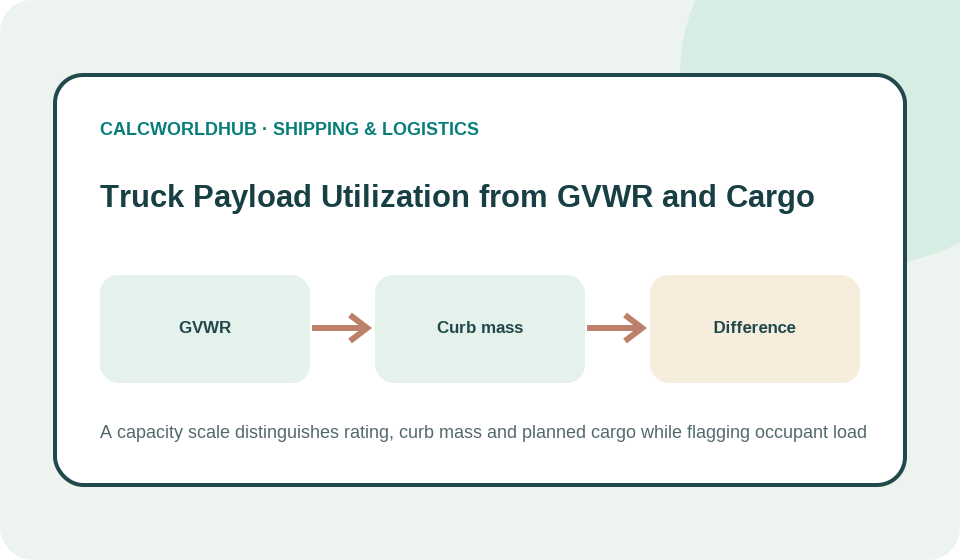
The third field is cargo load. The calculator’s capacity is GVWR − curb weight, then utilization is cargo ÷ capacity × 100 and remaining payload is capacity − cargo. This model compares the entered cargo alone with that difference. It does not separately ask for people, accessories, fuel changes, hitch load, or axle distribution.
Account for what travels in the vehicle
For an actual trip, occupants and added equipment also contribute to loaded vehicle weight. NHTSA loading-label guidance presents cargo and luggage capacity after accounting for vehicle and occupants. If the value you enter as cargo excludes passengers or installed additions, the calculator can show more apparent headroom than remains in practice.
Use the vehicle certification label, owner’s manual, and the actual equipment configuration. A pickup fitted with a canopy, toolboxes, winch, or aftermarket suspension may differ from a published base curb weight. Do not treat an online specification as a verified rating for a particular VIN or modified vehicle.
Read utilization and remaining mass together
A utilization percentage near 100% means the entered cargo is close to the calculated allowance. A positive remainder is only a subtraction result, not a safety margin approved by the manufacturer. If cargo exceeds the allowance, remaining payload becomes negative and utilization exceeds 100%; that should prompt a load review, not a conclusion that the vehicle can legally carry it.
The calculation does not check front and rear axle limits, tire load ratings, trailer tongue weight, braking, suspension, cargo securement, or road restrictions. A vehicle may be below GVWR while one axle is overloaded. Distribute and secure loads according to the manufacturer and applicable rules, and use a scale when a real load must be confirmed.
Keep the units and configuration consistent
Convert every entered mass to kilograms before comparing. Do not mix a curb mass in pounds with a cargo figure in kilograms. Preserve whether the rating is for the vehicle as delivered or a modified configuration, and note what is included in curb weight so a later comparison does not silently change the basis.
If the calculator rejects a value, check that GVWR exceeds curb weight and that cargo is nonnegative. The UI bounds these inputs, but a form check cannot authenticate a rating or tell whether the load includes occupants. Use supported values from the vehicle label and treat any missing rating as unknown rather than entering zero.
Use the result as a planning screen
The estimate is helpful for a first load plan: derive the payload allowance, compare a proposed cargo mass, and see the arithmetic remainder. It is not a roadworthiness certificate or advice about every jurisdiction. National rules and manufacturer labels may define capacities and required checks differently.
Before loading, include passengers, tools, accessories, and other carried mass in the real calculation. Confirm axle and tire limits and secure the cargo. The tool’s narrower output is useful when its three inputs are clear; if they are not, obtain the exact vehicle data before relying on the percentage.
Worked examples
The examples use vehicle ratings in kilograms. Their remainders are arithmetic payload amounts; passengers, accessories, axle limits, and tire ratings require separate checks.
A medium truck with 3,200 kg of cargo
Inputs: GVWR = 12,000 kg; curb weight = 7,400 kg; cargo = 3,200 kg.
Calculation: Payload capacity = 12,000 − 7,400 = 4,600 kg. Utilization = 3,200 ÷ 4,600 × 100 = 69.5652…% ≈ 69.57%. Remaining = 4,600 − 3,200 = 1,400 kg.
The entered cargo uses about 69.57% of the calculated 4,600 kg allowance and leaves 1,400 kg by this simplified comparison.
A smaller truck with less remaining capacity
Inputs: GVWR = 10,000 kg; curb weight = 6,400 kg; cargo = 2,700 kg.
Calculation: Payload capacity = 10,000 − 6,400 = 3,600 kg. Utilization = 2,700 ÷ 3,600 × 100 = 75%. Remaining = 3,600 − 2,700 = 900 kg.
The entered cargo uses 75% of the derived allowance; occupants and equipment not included in cargo still need separate consideration.
