How to use this calculator
Estimate a car loan payment after sales tax, fees, cash down payment, and trade-in equity.
- Enter vehicle price, tax percentage and financed fees, then cash down payment, trade allowance and its outstanding payoff in their separate fields. Do not enter the same trade payoff again as a fee. Set the entered APR and term in months; compare the estimate with the lender’s payment.
- Use the worked example to check the input basis and units.
- Change one input at a time to compare scenarios; Reset restores the starting values.
How this estimate works
The cash price alone is not the amount financed. Sales tax and fees raise it, while a down payment and trade equity reduce it.
Inputs and units
price— Vehicle price before tax ($)- Enter the negotiated vehicle price.
taxPct— Sales tax rate (%)- Enter the applicable tax rate for this estimate.
fees— Fees and financed add-ons ($)- Add title, registration, dealer fees, or other financed items.
down— Cash down payment ($)- Cash paid toward the purchase.
trade— Trade-in value applied ($)- Enter trade-in allowance applied to the deal.
tradePayoff— Trade-in loan payoff ($)- Enter any balance that must be paid off on the trade-in.
apr— APR (%)- Enter the offered annual percentage rate.
termMonths— Loan term (months)- Number of monthly payments.
Formula and method
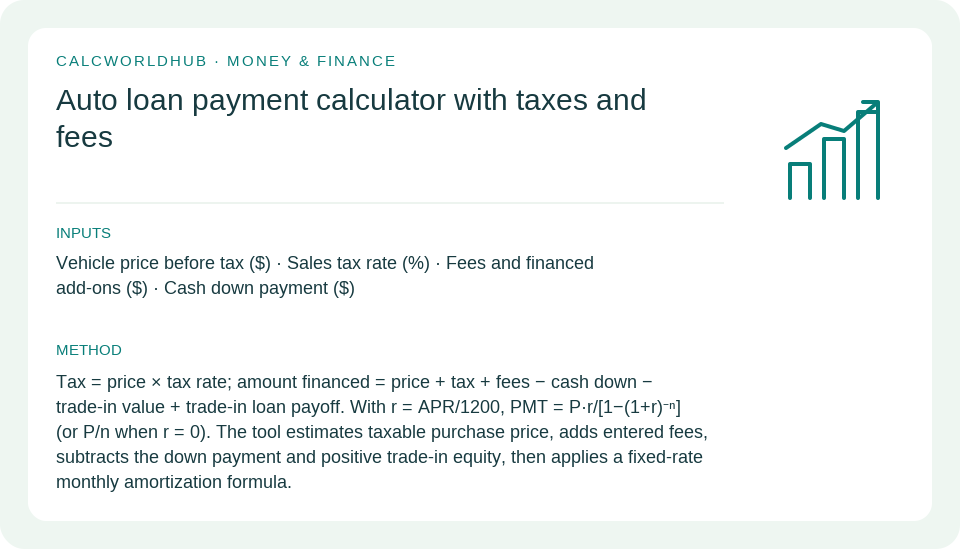
Tax = price × tax rate; amount financed = price + tax + fees − cash down − trade-in value + trade-in loan payoff. With r = APR/1200, PMT = P·r/[1−(1+r)⁻ⁿ] (or P/n when r = 0).
The tool estimates taxable purchase price, adds entered fees, subtracts the down payment and positive trade-in equity, then applies a fixed-rate monthly amortization formula.
The existing model uses r = entered APR/1200. APR can include finance charges and is not always the contract interest rate. Treat the payment as an estimate when those differ; compare it with the lender’s disclosed payment.
Worked example
A $20,000 vehicle, $500 financed fees, $1,000 down, $7,000 trade allowance and $9,000 trade payoff give $21,500 financed before any entered sales tax. With 0% entered APR for 60 months, the estimated payment is $21,500 / 60 = $358.33 per month. The $9,000 payoff is counted once.
Assumptions and limits
Tax rules vary by location and may treat trade-ins differently. Enter the tax base and fees according to the dealer quote. Insurance, fuel, maintenance and unentered add-ons are excluded. Enter the trade-in allowance in Trade-in value applied and the outstanding balance in Trade-in loan payoff. The calculation subtracts the allowance and adds the payoff; do not add that same payoff again to Fees.
Frequently asked questions
Where do I enter negative trade equity?
Enter the trade allowance and outstanding payoff in their separate fields. A payoff larger than the allowance increases the financed amount; do not enter the same balance again as a fee.
Does the tax estimate apply a trade-in tax credit?
The displayed model calculates tax from vehicle price and the entered tax percentage. Local tax treatment of a trade-in may differ.
Is APR always the rate used to accrue interest?
No. APR may include finance charges. This calculator uses its APR input as the annual rate in a monthly payment model, so a lender’s contractual payment can differ.
Are running costs included in the payment?
No. Insurance, fuel and maintenance are separate from the estimated loan payment.
Source: CFPB auto loan key terms.
Read our calculation methodology.