Bayes theorem calculator
Combine test characteristics with prevalence to interpret a positive result.
Calculator

How to use this calculator
Estimate posterior probability after a positive result using prevalence, sensitivity, and false-positive rate.
- Enter Prior probability / prevalence (%), Sensitivity (%), False-positive rate (%). Match the units shown beside each field and review the result together with the assumptions below.
- Read the worked example below to check the expected input format and result.
- Compare another scenario by changing one input at a time. Use Reset to return to the starting values.
Update a prior probability after a positive test result
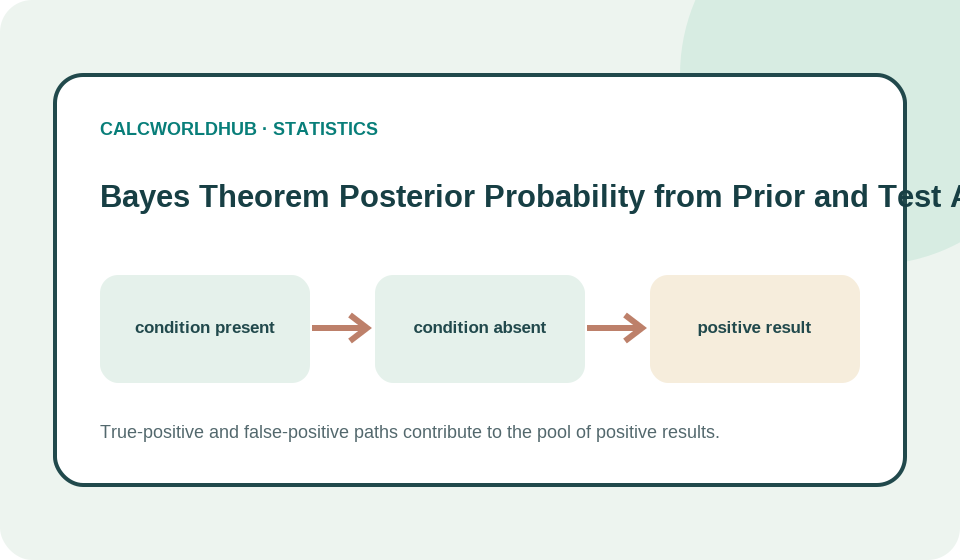
Bayes’ theorem combines prevalence, sensitivity, and false-positive rate to estimate the probability that a case is truly positive after a positive result.
Inputs and units
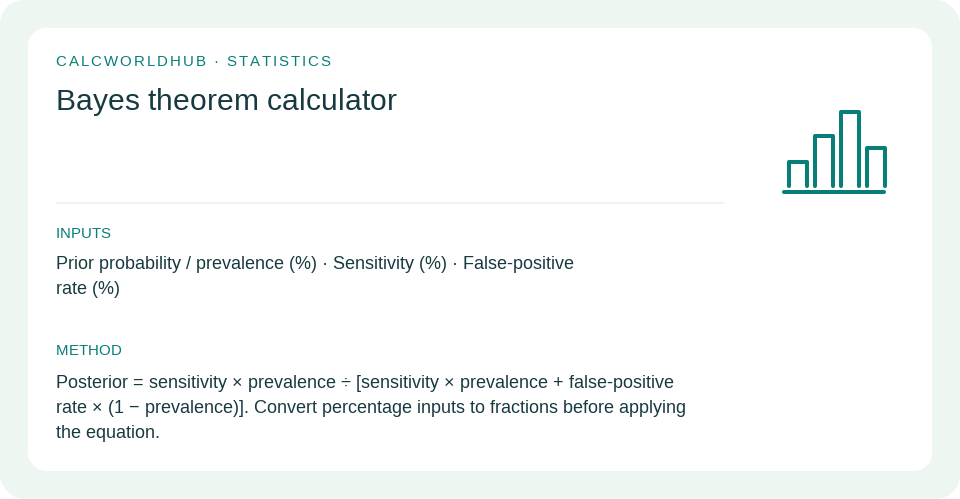
- Prior probability / prevalence (%): Share of the tested population with the condition before the test result.
- Sensitivity (%): Probability of a positive result among true cases.
- False-positive rate (%): Probability of a positive result among cases without the condition; it equals 100% minus specificity.
Formula and method
Posterior = sensitivity × prevalence ÷ [sensitivity × prevalence + false-positive rate × (1 − prevalence)]. Convert percentage inputs to fractions before applying the equation.
Worked example
With 1% prevalence, 95% sensitivity, and a 5% false-positive rate, posterior = 0.95×0.01 ÷ (0.95×0.01 + 0.05×0.99) ≈ 16.10%.
Interpreting the result
Even with a fairly sensitive test, a low prior prevalence means false positives can make up much of the positive group. The posterior depends on all three inputs.
Assumptions and limits
This is a probability illustration, not a diagnosis. Test performance can vary by population and setting; medical decisions require validated test characteristics and clinical interpretation.
Method references
Frequently asked questions
Why is the result lower than 95% sensitivity?
Sensitivity is conditional on having the condition. The posterior also accounts for how uncommon the condition is and for positive results among people without it.
Is false-positive rate the same as specificity?
No. False-positive rate = 1 − specificity.
How do I use the Bayes theorem calculator?
Enter Prior probability / prevalence (%), Sensitivity (%), False-positive rate (%). Match the units shown beside each field and review the result together with the assumptions below.
What is a worked example of Bayes theorem?
With 1% prevalence, 95% sensitivity, and a 5% false-positive rate, posterior = 0.95×0.01 ÷ (0.95×0.01 + 0.05×0.99) ≈ 16.10%.
What does the Bayes theorem calculator calculate?
Estimate posterior probability after a positive result using prevalence, sensitivity, and false-positive rate.
Good calculators show their work.
CalcWorldHub is built around clear inputs and visible assumptions. Results are estimates for planning; check official sources or your provider’s terms when exact figures matter.