Compressed storage savings calculator
Compare original and compressed file size to find storage reduction.
inputs.
Calculator
How to use this calculator
Calculate percentage storage saved by comparing original and compressed data sizes.
- Enter Original data size (MB), Compressed data size (MB). Match the units shown beside each field and review the result together with the assumptions below.
- Read the worked example below to check the expected input format and result.
- Compare another scenario by changing one input at a time. Use Reset to return to the starting values.
Measure storage reduction from a compressed file size
The percentage saved compares the compressed size with the original size. It describes space reduction for the stated pair of sizes, not a compression speed or a guarantee for other files.
Inputs and units
- Original data size (MB): Uncompressed size of the same data set, in megabytes.
- Compressed data size (MB): Size after compression, in the same megabyte convention.
Formula and method
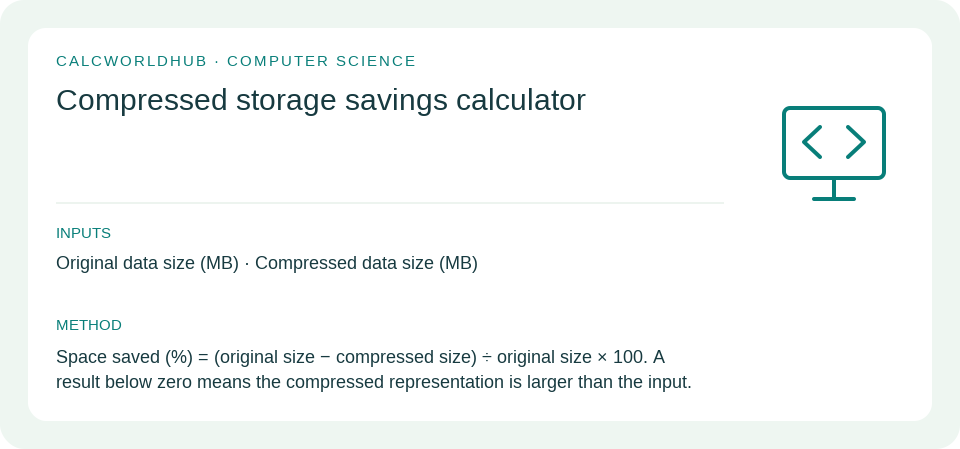
Space saved (%) = (original size − compressed size) ÷ original size × 100. A result below zero means the compressed representation is larger than the input.
Worked example
Reducing 100 MB to 62 MB saves (100 − 62) ÷ 100 × 100 = 38%. The remaining data is 62% of the original size.
Interpreting the result
The sample occupies 38% less storage after compression. Compare representative content using the same file-size convention and storage metadata rules.
Assumptions and limits
Does not measure processing time, quality loss, energy use, or the effect of a different compressor. Compression results depend on data type, settings, and whether the method is lossless.
Frequently asked questions
Can the savings percentage be negative?
Yes. If the compressed file is larger than the original, the formula returns a negative value, showing storage increased.
How do I use the Compressed storage savings calculator?
Enter Original data size (MB), Compressed data size (MB). Match the units shown beside each field and review the result together with the assumptions below.
What is a worked example of Compressed storage savings?
Reducing 100 MB to 62 MB saves (100 − 62) ÷ 100 × 100 = 38%. The remaining data is 62% of the original size.
What does the Compressed storage savings calculator calculate?
Calculate percentage storage saved by comparing original and compressed data sizes.
What assumptions apply to Compressed storage savings?
Does not measure processing time, quality loss, energy use, or the effect of a different compressor. Compression results depend on data type, settings, and whether the method is lossless.
Good calculators show their work.
CalcWorldHub is built around clear inputs and visible assumptions. Results are estimates for planning; check official sources or your provider’s terms when exact figures matter.