How to use this calculator
Check a one-dimensional advection Courant number and the time step implied by a chosen Courant limit.
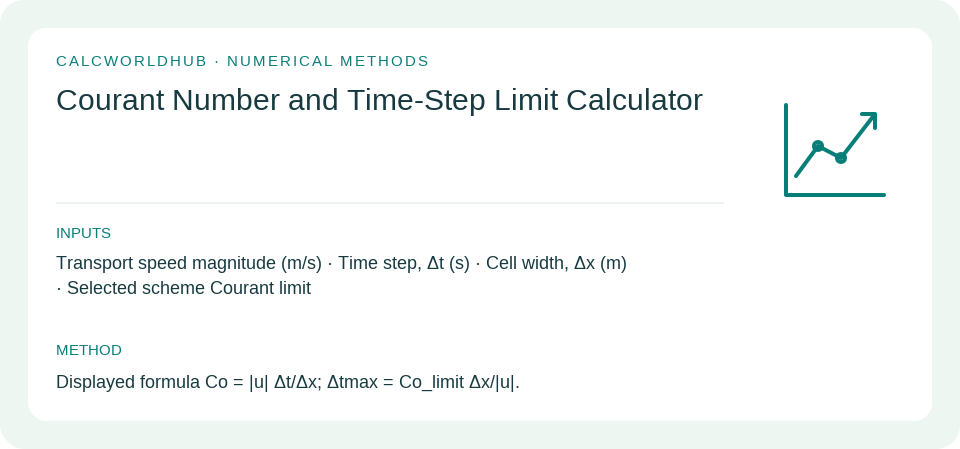
- Enter Transport speed magnitude (m/s), Time step, Δt (s), Cell width, Δx (m), Selected scheme Courant limit. Match the units shown beside each field and review the result together with the assumptions below.
- Read the worked example below to check the expected input format and result.
- Compare another scenario by changing one input at a time. Use Reset to return to the starting values.
How this calculation works
The Courant number compares how far a signal travels during one time step with the spatial cell width. It is a useful dimensionless diagnostic for explicit advection calculations when interpreted with the selected numerical scheme.
Inputs and units
speed— Transport speed magnitude (m/s)- Magnitude of the wave or advective speed.
timeStep— Time step, Δt (s)- Simulation time-step size.
cellWidth— Cell width, Δx (m)- One-dimensional spatial cell width.
courantLimit— Selected scheme Courant limit- User-selected bound appropriate to the discretization and solver.
Formula
Co = |u| Δt/Δx; Δtmax = Co_limit Δx/|u|.
Method
Enter the wave or transport speed, time step, cell width, and a scheme-specific Courant limit. The calculator reports Co, the maximum time step at that limit, and the current step as a percentage of the limit.
Worked example
With speed 2 m/s, Δt = 0.01 s, Δx = 0.05 m, and selected limit Co = 1, the Courant number is 0.40 and the corresponding maximum time step is 0.025 s.
Assumptions and limits
A Courant number is not a universal stability verdict. The admissible limit depends on the spatial discretization, time integration, problem dimension, and solver. This page reports a one-dimensional transport diagnostic and does not certify a simulation.
Frequently asked questions
What does the Courant number measure?
It compares transport distance during a time step with the spatial cell width.
Does Co below 1 guarantee stability?
No. Stability and accuracy limits depend on the complete numerical scheme and the modeled equation.
How should I choose the limit?
Use the limit documented for the solver and discretization you are running.
How do I use the Courant Number and Time-Step Limit Calculator?
Enter Transport speed magnitude (m/s), Time step, Δt (s), Cell width, Δx (m), Selected scheme Courant limit. Match the units shown beside each field and review the result together with the assumptions below.
What is a worked example of Courant Number and Time-Step Limit?
With speed 2 m/s, Δt = 0.01 s, Δx = 0.05 m, and selected limit Co = 1, the Courant number is 0.40 and the corresponding maximum time step is 0.025 s.
Reference: OpenFOAM documentation for the Courant number field diagnostic. See our calculation methodology.