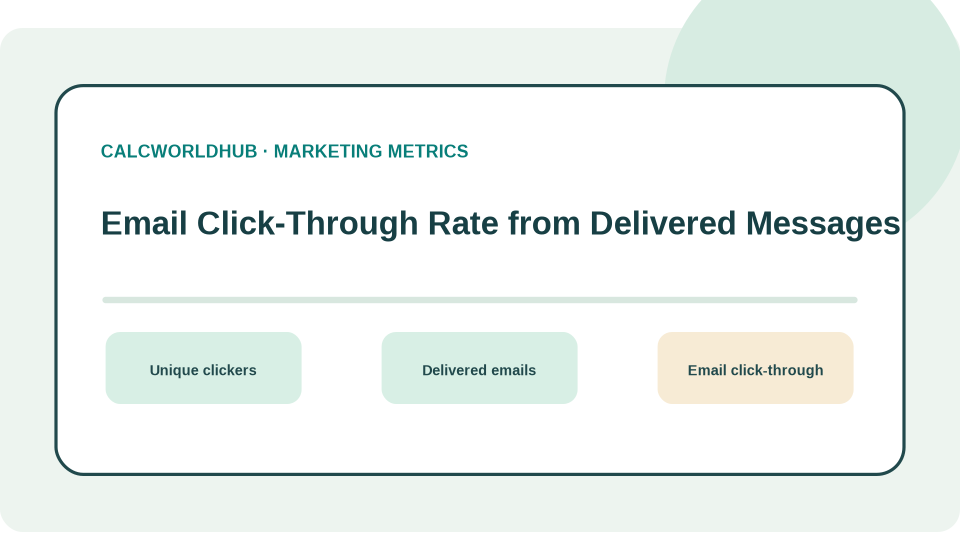
Email click-through rate calculator
Calculate unique clicks as a share of delivered email messages for a campaign.
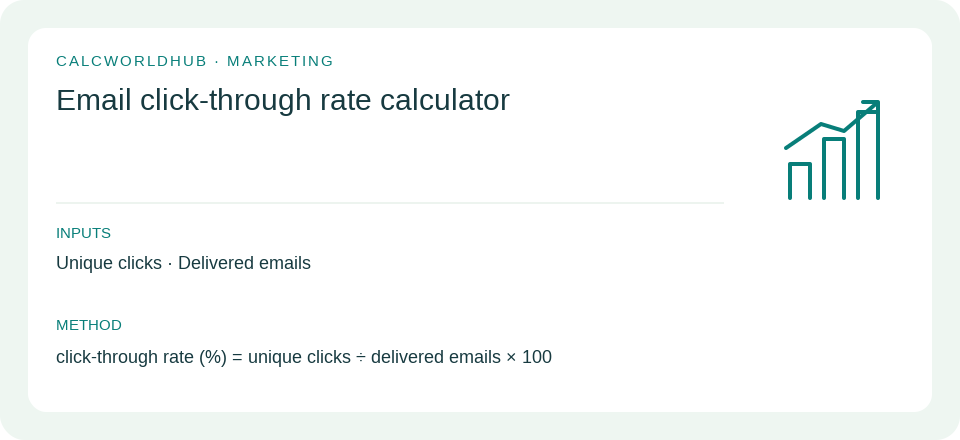
inputs.
How to use this calculator
Calculate unique clicks as a share of delivered email messages for a campaign.
- Enter Unique clicks, Delivered emails. Match the units shown beside each field and review the result together with the assumptions below.
- Read the worked example below to check the expected input format and result.
- Compare another scenario by changing one input at a time. Use Reset to return to the starting values.
How the Email click-through rate calculator works
Calculate unique clicks as a share of delivered email messages for a campaign.
Inputs and units
- Unique clicks: Distinct clicks counted for the email campaign.
- Delivered emails: Messages successfully delivered for the same campaign; denominator for delivered CTR.
Formula and method
click-through rate (%) = unique clicks ÷ delivered emails × 100
Worked example
240 unique clicks ÷ 8,000 delivered emails × 100 = 3%.
Interpreting the result
This denominator is delivered messages, sometimes called click-through rate by delivery. It is distinct from click-to-open rate, which divides clicks by unique opens.
Assumptions and limits
Use unique-click and delivered-message counts from the same campaign and platform definitions. Click filtering, bot activity, and attribution windows affect reported counts.
Frequently asked questions
How does this differ from click-to-open rate?
This calculation divides unique clicks by delivered messages; click-to-open rate divides by unique opens instead.
Can unique clicks exceed delivered messages?
Under a consistent one-recipient message basis they should not; a higher count indicates a mismatch in scope or counting definitions.
How do I use the Email click-through rate calculator?
Enter Unique clicks, Delivered emails. Match the units shown beside each field and review the result together with the assumptions below.
What is a worked example of Email click-through rate?
240 unique clicks ÷ 8,000 delivered emails × 100 = 3%.
What does the Email click-through rate calculator calculate?
Calculate unique clicks as a share of delivered email messages for a campaign.
See the calculation methodology.