Emergency fund calculator calculator
Set a reserve target as a chosen number of months of essential costs, then compare current savings.
Calculator
How to use this calculator
Set a reserve target as a chosen number of months of essential costs, then compare current savings.
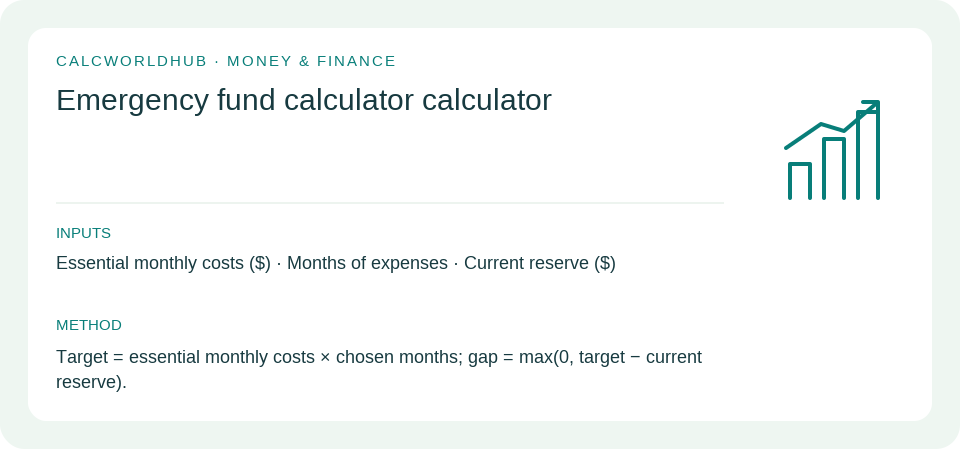
- Enter Essential monthly costs ($), Months of expenses, Current reserve ($). Match the units shown beside each field and review the result together with the assumptions below.
- Read the worked example below to check the expected input format and result.
- Compare another scenario by changing one input at a time. Use Reset to return to the starting values.
Emergency fund calculator calculator
Set a reserve target as a chosen number of months of essential costs, then compare current savings.
What it measures
The months figure is an editable planning choice. The calculator reports the target and remaining gap, not a personalized financial recommendation.
Inputs and units
- Essential monthly costs ($): Essential monthly costs in dollars, using a consistent household budget.
- Months of expenses: Chosen number of months; it is a planning assumption, not a universal rule.
- Current reserve ($): Current reserve available for this purpose in dollars.
Formula and method
Target = essential monthly costs × chosen months; gap = max(0, target − current reserve).
Worked example
$2,500 × 4 = $10,000 target; with $3,000 saved, the gap is $7,000.
Interpreting the result
If current savings meet or exceed the selected target, the additional amount is zero.
Assumptions and limits
Costs, reserve duration, and savings are user-entered. Irregular income, insurance, debt, and household circumstances are not modeled.
Frequently asked questions
Is four months the recommended amount for everyone?
No. The duration is an editable scenario and should reflect the user’s circumstances.
Can current savings exceed the target?
Yes. The reported gap floors at zero while the target remains visible.
How do I use the Emergency fund calculator calculator?
Enter Essential monthly costs ($), Months of expenses, Current reserve ($). Match the units shown beside each field and review the result together with the assumptions below.
What is a worked example of Emergency fund calculator?
$2,500 × 4 = $10,000 target; with $3,000 saved, the gap is $7,000.
What does the Emergency fund calculator calculator calculate?
Set a reserve target as a chosen number of months of essential costs, then compare current savings.
See the calculation methodology.
Good calculators show their work.
CalcWorldHub is built around clear inputs and visible assumptions. Results are estimates for planning; check official sources or your provider’s terms when exact figures matter.