Emissions reduction rate calculator
Compare project emissions with a matching baseline in the same CO₂e units.
Calculator
How to use this calculator
Calculate a percentage change from matching baseline and project emissions values.
- Enter Baseline emissions (kg CO₂e), Project emissions (kg CO₂e). Match the units shown beside each field and review the result together with the assumptions below.
- Read the worked example below to check the expected input format and result.
- Compare another scenario by changing one input at a time. Use Reset to return to the starting values.
Express project emissions relative to a stated baseline
This ratio compares a project-emissions value with its matching baseline and reports the difference as a percentage of that baseline.
Inputs and units
- Baseline emissions (kg CO₂e): Comparable reference emissions for the same scope and reporting period.
- Project emissions (kg CO₂e): Emissions measured or estimated for the project scenario over that same scope and period.
Formula and method
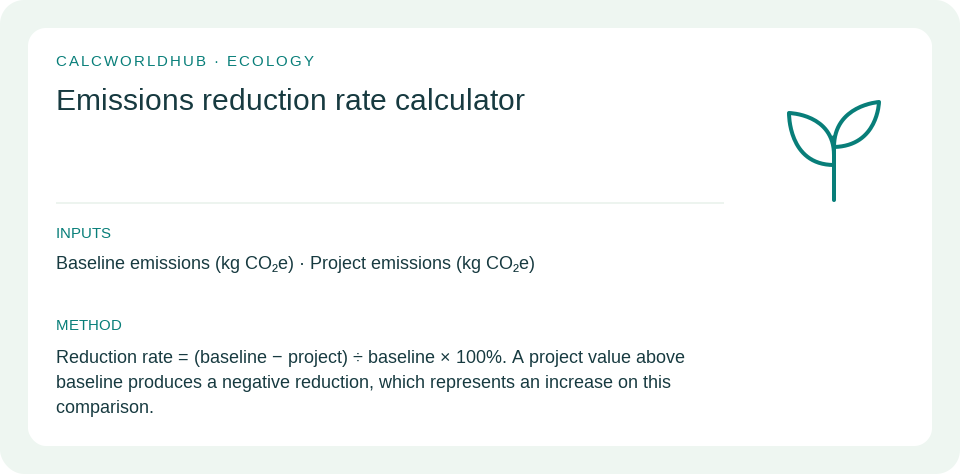
Reduction rate = (baseline − project) ÷ baseline × 100%. A project value above baseline produces a negative reduction, which represents an increase on this comparison.
Worked example
For a baseline of 800 kg CO₂e and project emissions of 510 kg CO₂e, the difference is 290 kg. 290 ÷ 800 × 100 = 36.25%.
Interpreting the result
The percentage is relative to the selected baseline. It does not imply that the project caused the full difference or that the change is verified.
Assumptions and limits
Baseline selection, system boundaries, time period, activity levels, leakage, uncertainty, and additional effects determine whether a reduction claim is defensible. This arithmetic tool does not perform inventory accounting or verification.
Method references
Frequently asked questions
Can the result be negative?
Yes. If project emissions exceed baseline emissions, the formula returns a negative reduction rate, indicating an increase relative to baseline.
Why were fuel and distance fields removed?
They did not affect the stated baseline-to-project comparison. Use an emissions calculator when you need to estimate either emissions value from activity data.
How do I use the Emissions reduction rate calculator?
Enter Baseline emissions (kg CO₂e), Project emissions (kg CO₂e). Match the units shown beside each field and review the result together with the assumptions below.
What is a worked example of Emissions reduction rate?
For a baseline of 800 kg CO₂e and project emissions of 510 kg CO₂e, the difference is 290 kg. 290 ÷ 800 × 100 = 36.25%.
What does the Emissions reduction rate calculator calculate?
Calculate a percentage change from matching baseline and project emissions values.
Good calculators show their work.
CalcWorldHub is built around clear inputs and visible assumptions. Results are estimates for planning; check official sources or your provider’s terms when exact figures matter.