How to use this calculator
Measure net headcount change relative to starting employees over a chosen reporting period.
- Enter Starting employee headcount, Ending employee headcount. Match the units shown beside each field and review the result together with the assumptions below.
- Read the worked example below to check the expected input format and result.
- Compare another scenario by changing one input at a time. Use Reset to return to the starting values.
How this calculation works
Headcount growth compares the ending employee count with the starting count. Use comparable snapshots with the same inclusion rules for full-time, part-time, temporary, and leave-status employees.
Inputs and units
start— Starting employee headcount- Employees at the start of the period under your counting policy.
end— Ending employee headcount- Employees at the end using the same counting rules.
Formula
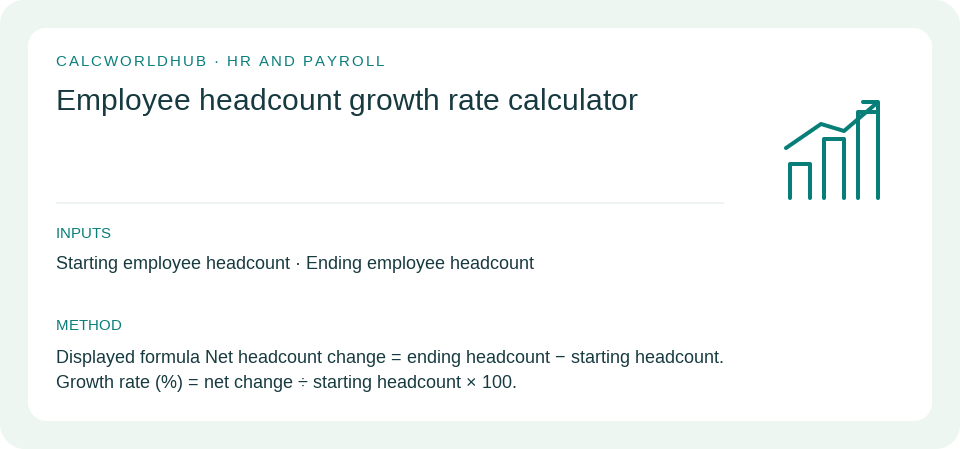
Net headcount change = ending headcount − starting headcount. Growth rate (%) = net change ÷ starting headcount × 100.
Worked example
A team that grows from 120 to 132 employees has a net increase of 12; 12 ÷ 120 × 100 = 10% headcount growth.
Assumptions and limits
A percentage is undefined when starting headcount is zero. Snapshot timing, contractor treatment, acquisitions, and organizational transfers can affect comparisons.
Frequently asked questions
Does this equal employee retention?
No. It is net change between two snapshots and does not reveal how many employees left or were hired.
Can the growth rate be negative?
Yes. An ending headcount below the starting count produces a negative net growth rate.
Should contractors be included?
Choose a consistent employee definition for both snapshots; contractor counts are often reported separately.
How do I use the Employee headcount growth rate calculator?
Enter Starting employee headcount, Ending employee headcount. Match the units shown beside each field and review the result together with the assumptions below.
What is a worked example of Employee headcount growth rate?
A team that grows from 120 to 132 employees has a net increase of 12; 12 ÷ 120 × 100 = 10% headcount growth.
Read our calculation methodology.