Energy savings calculator
Subtract new energy use from a baseline measured on the same basis. A negative result means consumption increased.
Calculator
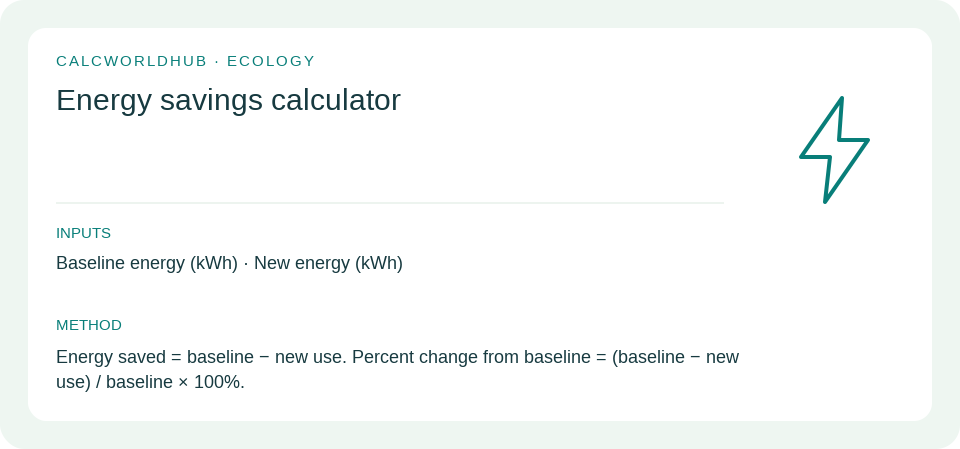
How to use this calculator
Compare baseline and new energy use for the same period to estimate saved kWh and percentage change.
- Enter Baseline energy (kWh), New energy (kWh). Match the units shown beside each field and review the result together with the assumptions below.
- Read the worked example below to check the expected input format and result.
- Compare another scenario by changing one input at a time. Use Reset to return to the starting values.
Energy savings calculator
Subtract new energy use from a baseline measured on the same basis. A negative result means consumption increased.
What it measures
The calculator reports an absolute kWh change and a percentage of baseline. It compares two entered periods; it does not attribute the change to a particular project.
Inputs and units
- Baseline energy (kWh): Baseline consumption in kWh for the reference period; it must be positive.
- New energy (kWh): New consumption in kWh for the same duration and scope; zero is allowed, negative energy is not.
Formula and method
Energy saved = baseline − new use. Percent change from baseline = (baseline − new use) / baseline × 100%.
Worked example
A 12,000 kWh baseline and 9,000 kWh new use give 3,000 kWh saved, or 25% of baseline.
Interpreting the result
Positive kWh and percent values mean lower use; negative values mean new use exceeded baseline. Compare like periods, units, and operating conditions.
Assumptions and limits
The comparison does not adjust for weather, occupancy, production, operating hours, tariffs, or equipment changes. Use a documented normalization method when those factors differ.
Frequently asked questions
What does a negative result mean?
New use was greater than baseline, so the calculator shows an increase rather than savings.
Can I compare a month with a year?
No. Put both values on the same period and scope first.
How do I use the Energy savings calculator?
Enter Baseline energy (kWh), New energy (kWh). Match the units shown beside each field and review the result together with the assumptions below.
What is a worked example of Energy savings?
A 12,000 kWh baseline and 9,000 kWh new use give 3,000 kWh saved, or 25% of baseline.
What does the Energy savings calculator calculate?
Compare baseline and new energy use for the same period to estimate saved kWh and percentage change.
See the calculation methodology.
Good calculators show their work.
CalcWorldHub is built around clear inputs and visible assumptions. Results are estimates for planning; check official sources or your provider’s terms when exact figures matter.