Lens magnification calculator
Calculate lateral magnification from image and object distances. Enter your values below for a free estimate, with no account required.
Calculator
How to use this calculator
Calculate signed thin-lens magnification from object and image distances. Interpret the sign as image orientation and the magnitude as the size ratio.
- Enter Object distance do (cm), Image distance di (cm). Match the units shown beside each field and review the result together with the assumptions below.
- Read the worked example below to check the expected input format and result.
- Compare another scenario by changing one input at a time. Use Reset to return to the starting values.
Find signed lateral magnification
For the stated thin-lens sign convention, magnification is negative image distance divided by object distance. The sign indicates orientation; the magnitude gives the size ratio.
Inputs and units
- Object distance do (cm)
- Image distance di (cm)
Formula and method
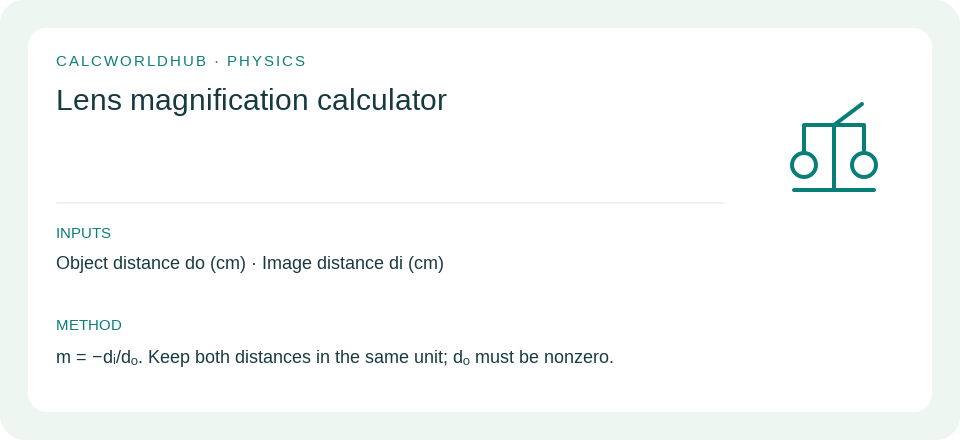
m = −dᵢ/dₒ. Keep both distances in the same unit; dₒ must be nonzero.
Worked example
With dₒ=25 cm and dᵢ=50 cm, m=−50/25=−2: an inverted image twice as tall.
Interpreting the result
A negative result is inverted; a positive result is upright under this convention.
Assumptions and limits
This uses signed image distance and does not determine image distance from focal length. Real lens systems may need a fuller optical model.
Method references
Frequently asked questions
What does a positive magnification mean here?
It indicates an upright image in the standard thin-lens convention.
How do I use the Lens magnification calculator?
Enter Object distance do (cm), Image distance di (cm). Match the units shown beside each field and review the result together with the assumptions below.
What is a worked example of Lens magnification?
With dₒ=25 cm and dᵢ=50 cm, m=−50/25=−2: an inverted image twice as tall.
What does the Lens magnification calculator calculate?
Calculate signed thin-lens magnification from object and image distances. Interpret the sign as image orientation and the magnitude as the size ratio.
What assumptions apply to Lens magnification?
This uses signed image distance and does not determine image distance from focal length. Real lens systems may need a fuller optical model.
Good calculators show their work.
CalcWorldHub is built around clear inputs and visible assumptions. Results are estimates for planning; check official sources or your provider’s terms when exact figures matter.