Masonry block count estimator
Estimate whole masonry units from wall coverage and an ordering allowance.
inputs.
Calculator
How to use this calculator
Estimate masonry blocks from net wall area, installed module dimensions, and a waste allowance.
- Enter Wall area (m²), Installed module length (m), Installed module height (m), Waste allowance (%). Match the units shown beside each field and review the result together with the assumptions below.
- Read the worked example below to check the expected input format and result.
- Compare another scenario by changing one input at a time. Use Reset to return to the starting values.
Estimate masonry units from wall area and module dimensions
This estimator divides net wall face area by the area covered by one installed block module, adds a percentage allowance, and rounds the purchase count up to a whole block.
Inputs and units
- Wall area (m²): Net wall face area in square meters after openings are removed.
- Installed module length (m): Repeating horizontal block coverage, using nominal module dimensions that include the intended joint spacing.
- Installed module height (m): Repeating vertical block coverage, using nominal module dimensions that include the intended joint spacing.
- Waste allowance (%): Extra quantity allowance for cuts, breakage, and handling, entered as a percentage.
Formula and method
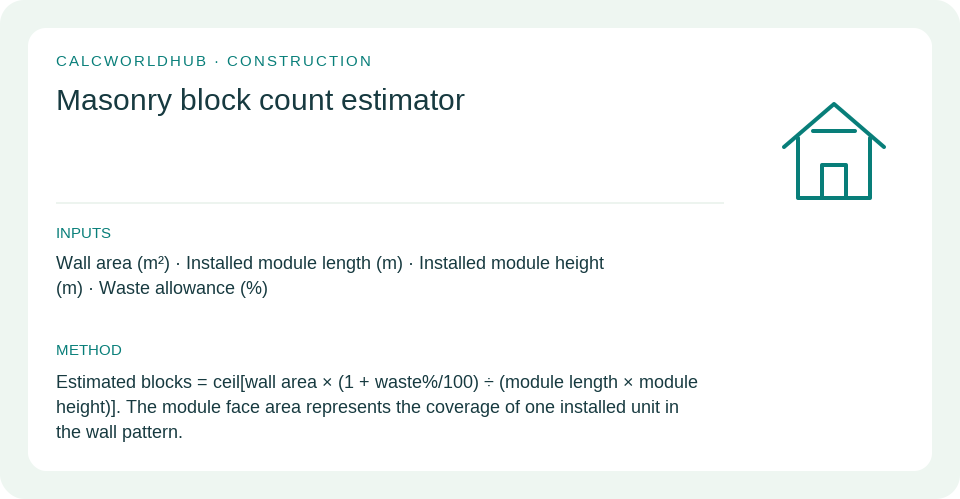
Estimated blocks = ceil[wall area × (1 + waste%/100) ÷ (module length × module height)]. The module face area represents the coverage of one installed unit in the wall pattern.
Worked example
For 24 m² of net wall, a 0.40 m × 0.20 m module, and 8% allowance, 24×1.08 ÷ 0.08 = 324 blocks. This exact result is already a whole number.
Interpreting the result
The estimate is 324 units before checking bond pattern, cuts, corners, openings, and supplier pack quantities. A change in module size changes coverage per block.
Assumptions and limits
Use module dimensions that account for the mortar-joint spacing in the installed pattern; do not add a second joint allowance. This is a quantity estimate, not a structural design, mortar takeoff, or waste guarantee.
Method references
Frequently asked questions
Why does the calculator ask for module dimensions instead of joint thickness?
Installed masonry coverage depends on the repeating unit-plus-joint module. Entering module dimensions directly avoids applying a joint allowance twice or leaving it unused.
How do I use the Masonry block count estimator?
Enter Wall area (m²), Installed module length (m), Installed module height (m), Waste allowance (%). Match the units shown beside each field and review the result together with the assumptions below.
What is a worked example of Masonry block count estimator?
For 24 m² of net wall, a 0.40 m × 0.20 m module, and 8% allowance, 24×1.08 ÷ 0.08 = 324 blocks. This exact result is already a whole number.
What does the Masonry block count estimator calculate?
Estimate masonry blocks from net wall area, installed module dimensions, and a waste allowance.
What assumptions apply to Masonry block count estimator?
Use module dimensions that account for the mortar-joint spacing in the installed pattern; do not add a second joint allowance. This is a quantity estimate, not a structural design, mortar takeoff, or waste guarantee.
Good calculators show their work.
CalcWorldHub is built around clear inputs and visible assumptions. Results are estimates for planning; check official sources or your provider’s terms when exact figures matter.