How to use this calculator
Compare two percentage rates in percentage points and show the relative percent change from the starting rate.
- Enter Starting rate, Ending rate. Match the units shown beside each field and review the result together with the assumptions below.
- Read the worked example below to check the expected input format and result.
- Compare another scenario by changing one input at a time. Use Reset to return to the starting values.
How this calculation works
A change between rates can be reported in two different ways. Subtracting the starting rate from the ending rate gives percentage points; dividing that same difference by the starting rate gives relative percent change. Showing both prevents a rate movement from being described with an ambiguous single percentage.
Inputs and units
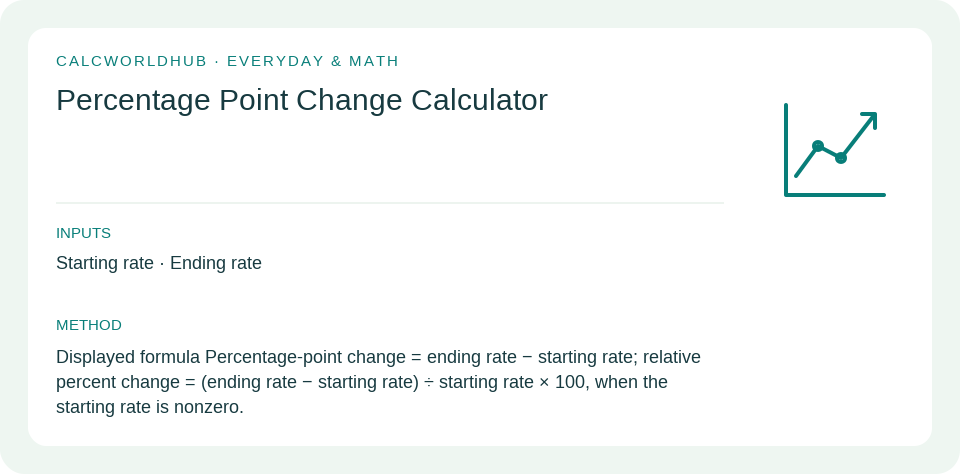
startingRate— Starting rate- Starting percentage rate from 0 to 100; enter 2.5 for 2.5%.
endingRate— Ending rate- Ending percentage rate measured on the same scale, from 0 to 100.
Formula
Percentage-point change = ending rate − starting rate; relative percent change = (ending rate − starting rate) ÷ starting rate × 100, when the starting rate is nonzero.
Method
Enter both rates as percentages from 0 to 100, such as 2.5 and 3.0. The first result is the signed absolute gap in percentage points. The second is the change relative to the starting rate; when the starting rate is zero, relative percent change is undefined and is reported explicitly.
Worked example
A move from 2.5% to 3.0% is an increase of 0.5 percentage points. Relative to the 2.5% starting value, it is an increase of 0.5 ÷ 2.5 × 100 = 20%.
Assumptions and limits
This compares two rates on the same scale and over comparable populations or periods. It does not estimate statistical significance or explain why a rate changed. Percentage-point change is an absolute difference; relative percent change depends on the starting value.
Frequently asked questions
Is a rise from 2.5% to 3% a 0.5% increase?
It is a 0.5 percentage-point increase. Relative to the 2.5% starting rate, the increase is 20%. These describe different quantities.
What happens when the starting rate is zero?
The absolute percentage-point change can still be calculated, but relative percent change divides by zero and is undefined.
Does this tell me whether the change is statistically significant?
No. Significance requires the sample sizes, study design, and uncertainty; this tool only compares the two entered rates.
How do I use the Percentage Point Change Calculator?
Enter Starting rate, Ending rate. Match the units shown beside each field and review the result together with the assumptions below.
What is a worked example of Percentage Point Change?
A move from 2.5% to 3.0% is an increase of 0.5 percentage points. Relative to the 2.5% starting value, it is an increase of 0.5 ÷ 2.5 × 100 = 20%.
Reference: Statistics Canada example distinguishing percentage-point changes. See our calculation methodology.