How to use this calculator
Calculate planar area and perimeter from ordered x-y vertices for a local survey or map polygon.
- Enter Ordered x, y vertices. Match the units shown beside each field and review the result together with the assumptions below.
- Read the worked example below to check the expected input format and result.
- Compare another scenario by changing one input at a time. Use Reset to return to the starting values.
How this calculation works
Coordinate-based area is useful when a boundary is already represented by vertices rather than by a width and length. This tool treats each entered pair as a point in one flat coordinate system, joins points in the order supplied, and closes the last point back to the first.
Inputs and units
coordinates— Ordered x, y vertices- Enter at least three vertices in boundary order, such as 0,0; 40,0; 40,25; 0,25. Use one unit for every coordinate; the boundary is closed automatically.
Formula
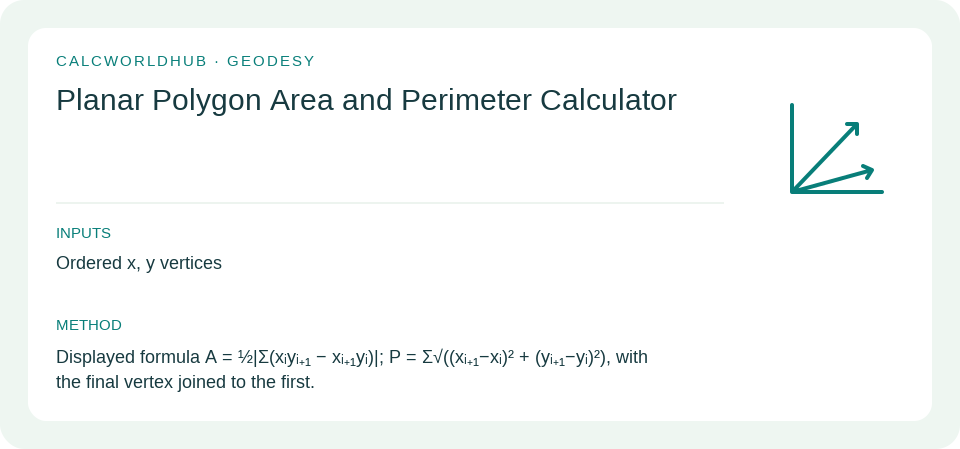
A = ½|Σ(xᵢyᵢ₊₁ − xᵢ₊₁yᵢ)|; P = Σ√((xᵢ₊₁−xᵢ)² + (yᵢ₊₁−yᵢ)²), with the final vertex joined to the first.
Method
Enter at least three ordered x,y coordinate pairs, all measured in one linear unit. The shoelace sum gives signed planar area; the absolute value removes the clockwise-versus-counterclockwise sign. Perimeter is the sum of straight-line distances around the closed vertex sequence. Area is in squared coordinate units and perimeter in coordinate units.
Worked example
For vertices (0,0), (40,0), (40,25), and (0,25), the shoelace sum gives 1,000 square coordinate units. The four side lengths total 130 coordinate units.
Assumptions and limits
The boundary must be a simple, non-self-intersecting polygon in a local planar coordinate system. The tool does not project latitude/longitude, account for Earth curvature, detect crossing edges, or choose a map projection. For large regions use a suitable projected-coordinate or geodesic-area workflow.
Frequently asked questions
Do I need to repeat the first point at the end?
No. The calculator closes the polygon by connecting the final entered vertex to the first.
Can I enter latitude and longitude directly?
Not for a curved-Earth area calculation. First choose a suitable projected coordinate system for a local region or use a geodesic-area method for a large region.
Does the order of vertices matter?
Yes. Enter boundary points consecutively around the outline in clockwise or counterclockwise order. A self-crossing order can produce an incorrect area.
How do I use the Planar Polygon Area and Perimeter Calculator?
Enter Ordered x, y vertices. Match the units shown beside each field and review the result together with the assumptions below.
What is a worked example of Planar Polygon Area and Perimeter?
For vertices (0,0), (40,0), (40,25), and (0,25), the shoelace sum gives 1,000 square coordinate units. The four side lengths total 130 coordinate units.
Reference: Wolfram MathWorld shoelace formula for polygon area. See our calculation methodology.