How to use this calculator
Estimate PoE device capacity from a switch power budget, port count, device allocation, and reserve.
- Enter Available PoE budget (W), PoE port count, Power allocation per device (W), Planned powered devices, then complete the remaining labeled fields. Match the units shown beside each field and review the result together with the assumptions below.
- Read the worked example below to check the expected input format and result.
- Compare another scenario by changing one input at a time. Use Reset to return to the starting values.
How this calculation works
Power-over-Ethernet planning uses both the total switch budget and the port limit. This estimate reserves a chosen share of power, then counts how many device allocations fit without exceeding either constraint.
Inputs and units
budgetW— Available PoE budget (W)- Switch power budget available to PoE ports; zero means no PoE power is available.
portCount— PoE port count- Number of ports available for the planned devices.
allocationW— Power allocation per device (W)- Budgeted watts per powered device based on the switch planning value or class.
plannedCount— Planned powered devices- Number of devices you plan to connect.
reservePct— Budget reserve (%)- Share of the PoE budget to leave unused for headroom.
Formula
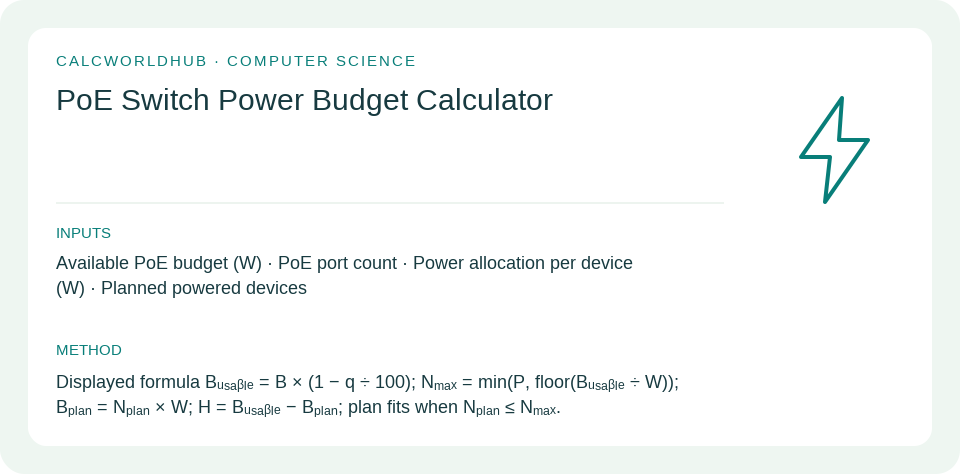
Bᵤₛₐᵦₗₑ = B × (1 − q ÷ 100); Nₘₐₓ = min(P, floor(Bᵤₛₐᵦₗₑ ÷ W)); Bₚₗₐₙ = Nₚₗₐₙ × W; H = Bᵤₛₐᵦₗₑ − Bₚₗₐₙ; plan fits when Nₚₗₐₙ ≤ Nₘₐₓ.
Method
B is the switch PoE budget in watts, q is the reserve percentage, P is the available port count, W is the configured watts allocated per device, and Nplan is the planned device count. The maximum supported count is limited by both budget and ports.
Worked example
With 370 W available, 48 PoE ports, 15.4 W allocated per device, 20 planned devices, and a 10% reserve, 333 W remains usable; 21 devices fit and the plan allocates 308 W.
Assumptions and limits
Uses one equal allocation per planned device and a single switch-wide reserve. Real switches may allocate by IEEE class or negotiated device needs and have per-port constraints, platform-specific budgets, or shared power supplies. Consult the switch configuration guide.
Frequently asked questions
Should I enter device draw or switch allocation?
Use the power amount the switch counts against its PoE budget, often based on the device class or negotiated allocation. Actual draw may be lower.
Can the maximum exceed the port count?
No. The calculator takes the lower of power-supported devices and available ports.
Why include a reserve?
A reserve keeps some budget available for variation or future additions. Choose it based on your design policy and switch documentation.
Does this guarantee every device will receive power?
No. Per-port limits, power supply sharing, cable conditions, device class, and platform rules can affect the supported deployment.
How do I use the PoE Switch Power Budget Calculator?
Enter Available PoE budget (W), PoE port count, Power allocation per device (W), Planned powered devices, then complete the remaining labeled fields. Match the units shown beside each field and review the result together with the assumptions below.
Reference: Cisco Catalyst 9000 PoE configuration guide on device classification and switch power budgets. See our calculation methodology.