How to use this calculator
Calculate RevPASH by dividing a restaurant service period’s revenue by its available seat-hours.
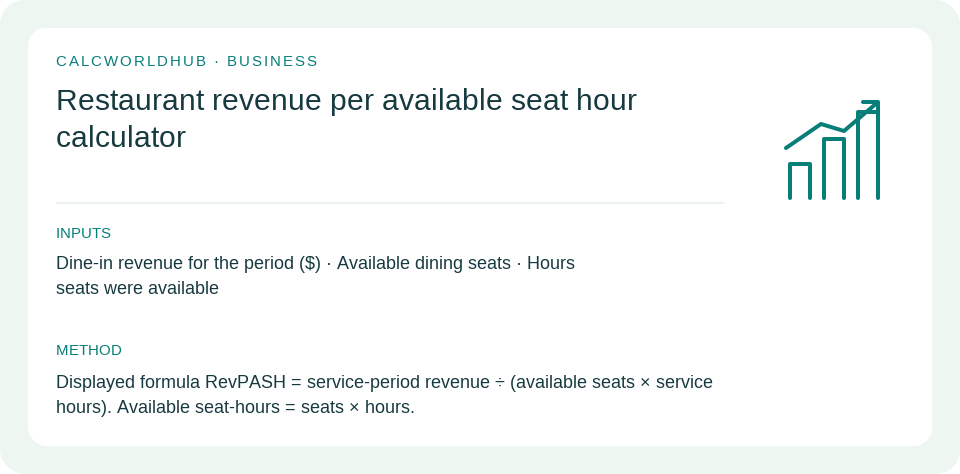
- Enter Dine-in revenue for the period ($), Available dining seats, Hours seats were available. Match the units shown beside each field and review the result together with the assumptions below.
- Read the worked example below to check the expected input format and result.
- Compare another scenario by changing one input at a time. Use Reset to return to the starting values.
How this calculation works
Revenue per available seat-hour (RevPASH) relates dine-in revenue to both the number of seats offered and the hours they were available. It lets an operator compare different meal periods while accounting for the time-based capacity of the dining room.
Inputs and units
periodRevenue— Dine-in revenue for the period ($)- Revenue attributable to the defined meal period; use one consistent gross or net sales basis.
availableSeats— Available dining seats- Seats offered to guests during the service period, not the number of guests served.
serviceHours— Hours seats were available- Duration of the matching service period in hours.
Formula
RevPASH = service-period revenue ÷ (available seats × service hours). Available seat-hours = seats × hours.
Method
Enter revenue for a defined dine-in period, the number of seats available for sale during that period, and the period duration in hours. The ratio is reported per available seat-hour, not per occupied seat or per guest.
Worked example
A dining room generating $6,000 over an 8-hour service with 100 available seats has 800 seat-hours. RevPASH = $6,000 ÷ 800 = $7.50 per seat-hour.
Assumptions and limits
Compare periods with the same revenue definition and seat inventory rules. This simple ratio does not adjust for party size, reservation restrictions, table combinations, revenue mix, off-premises orders, or time-varying seat availability. It is a descriptive metric, not a forecast or benchmark.
Frequently asked questions
Is RevPASH the same as revenue per occupied seat?
No. The denominator uses every available seat-hour, including capacity that was not occupied.
Can I compare lunch and dinner?
Yes, if the revenue and seat-availability definitions are consistent. RevPASH accounts for different period lengths and seat capacity.
Should takeout revenue be included?
Include only revenue that matches your chosen dining-capacity measure. Off-premises sales do not use dining seats, so mixing them can distort the comparison.
How do I use the Restaurant revenue per available seat hour calculator?
Enter Dine-in revenue for the period ($), Available dining seats, Hours seats were available. Match the units shown beside each field and review the result together with the assumptions below.
What is a worked example of Restaurant revenue per available seat hour?
A dining room generating $6,000 over an 8-hour service with 100 available seats has 800 seat-hours. RevPASH = $6,000 ÷ 800 = $7.50 per seat-hour.
Reference: Cornell restaurant revenue management research. See our calculation methodology.