How to use this calculator
Separate a tax-inclusive purchase total into its pre-tax price and sales-tax amount.
- Enter Tax-inclusive total ($), Sales-tax rate (%). Match the units shown beside each field and review the result together with the assumptions below.
- Read the worked example below to check the expected input format and result.
- Compare another scenario by changing one input at a time. Use Reset to return to the starting values.
How this calculation works
When a receipt gives the final total and one combined tax rate, divide by one plus that rate to recover the taxable base. Subtract the base from the total to isolate the tax component.
Inputs and units
total— Tax-inclusive total ($)- Final price including the entered single sales-tax rate.
ratePct— Sales-tax rate (%)- Combined rate applied once to the pre-tax amount.
Formula
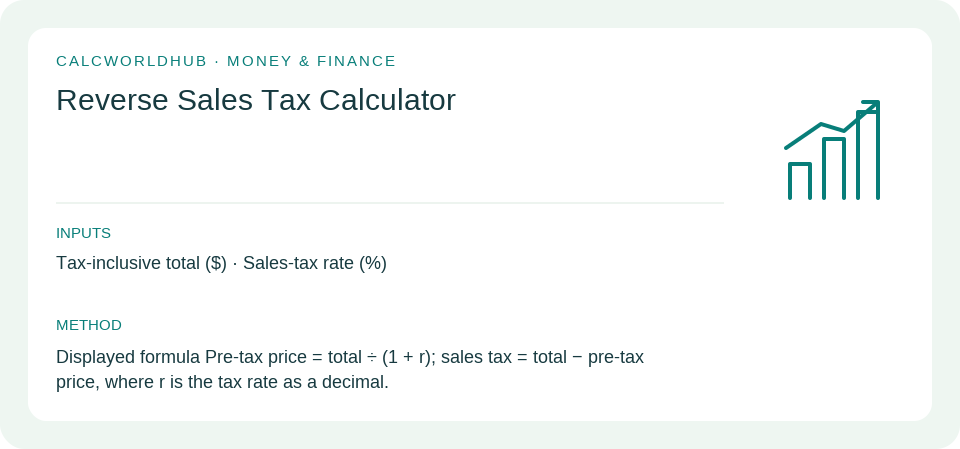
Pre-tax price = total ÷ (1 + r); sales tax = total − pre-tax price, where r is the tax rate as a decimal.
Method
The calculation assumes one uniform rate applies to the entire taxable total and the total includes only that sales tax. The entered rate must be expressed as a percentage.
Worked example
For a $107 tax-inclusive total at 7%, the pre-tax amount is $107 ÷ 1.07 = $100 and the included tax is $7.
Assumptions and limits
Real receipts may combine state, county, city, special-district rates, exemptions, tax-on-tax rules, rounding, deposits, or nontaxable items. This calculator cannot reconstruct line-item tax treatment from a mixed receipt.
Frequently asked questions
How do I remove sales tax from a total?
Divide the tax-inclusive total by 1 plus the decimal tax rate. At 7%, divide by 1.07.
Can I add several local tax rates together?
You may enter their combined rate only when the receipt applies it uniformly to the full taxable amount; local tax rules can differ.
Why not subtract 7% of the total?
The tax was calculated on the pre-tax price, not the larger tax-inclusive total, so direct subtraction gives the wrong base.
Does this handle mixed taxable and exempt items?
No. Enter a total made up entirely of items taxed at the same single rate.
How do I use the Reverse Sales Tax Calculator?
Enter Tax-inclusive total ($), Sales-tax rate (%). Match the units shown beside each field and review the result together with the assumptions below.
Read our calculation methodology.