How to use this calculator
Estimate a new annual salary and the change in gross pay from a raise percentage.
- Enter Current annual salary ($), Raise (%). Match the units shown beside each field and review the result together with the assumptions below.
- Read the worked example below to check the expected input format and result.
- Compare another scenario by changing one input at a time. Use Reset to return to the starting values.
How this calculation works
A raise estimate turns a percentage increase into an annual salary and a simple monthly equivalent. It is useful for reviewing an offer or planning a compensation change before taxes and deductions.
Inputs and units
salary— Current annual salary ($)- Enter the current gross base salary for one year.
rate— Raise (%)- Enter the proposed increase as a percentage of current annual base pay.
Formula
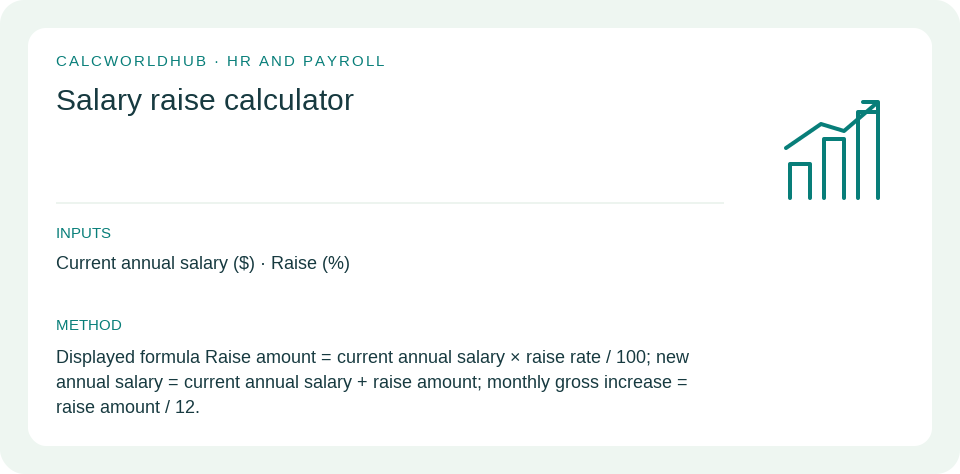
Raise amount = current annual salary × raise rate / 100; new annual salary = current annual salary + raise amount; monthly gross increase = raise amount / 12.
Method
The percentage is applied once to the current annual base salary. The monthly figure spreads that annual difference evenly over twelve months; it is not a paycheck estimate.
Worked example
At a $60,000 annual salary and a 5% raise, gross pay increases by $3,000 per year, making the new annual salary $63,000. The even monthly equivalent is $250.
Assumptions and limits
This calculation models gross base pay only. It excludes bonuses, commissions, taxes, benefit deductions, partial-year timing, and compounding raises. A raise described as a fixed amount should be entered as a rate only if converted to a percentage first.
Frequently asked questions
Does this calculate take-home pay?
No. It estimates gross base salary before tax withholding, benefit deductions, and other payroll adjustments.
How do I enter a fixed-dollar raise?
Divide the dollar increase by current annual salary and multiply by 100 to convert it to a percentage.
Is the monthly increase the same as each paycheck change?
Only as an annualized average. Actual pay-period amounts depend on payroll frequency and the effective date.
How do I use the Salary raise calculator?
Enter Current annual salary ($), Raise (%). Match the units shown beside each field and review the result together with the assumptions below.
What is a worked example of Salary raise?
At a $60,000 annual salary and a 5% raise, gross pay increases by $3,000 per year, making the new annual salary $63,000. The even monthly equivalent is $250.
Read our calculation methodology.