Sales commission calculator calculator
Estimate commission from eligible sales and a flat commission rate, then add same-period base pay.
Calculator
How to use this calculator
Estimate commission from eligible sales and a flat commission rate, then add same-period base pay.
- Enter Eligible sales ($), Commission rate (%), Base pay for same period ($). Match the units shown beside each field and review the result together with the assumptions below.
- Read the worked example below to check the expected input format and result.
- Compare another scenario by changing one input at a time. Use Reset to return to the starting values.
Sales commission calculator calculator
Estimate commission from eligible sales and a flat commission rate, then add same-period base pay.
What it measures
The commission is a percentage of sales eligible under the entered plan. Base pay is added only to show the combined gross amount for the same period.
Inputs and units
- Eligible sales ($): Sales eligible for commission in the chosen pay period.
- Commission rate (%): Nonnegative commission percentage applied to eligible sales.
- Base pay for same period ($): Nonnegative base pay for the same period; enter zero if none.
Formula and method
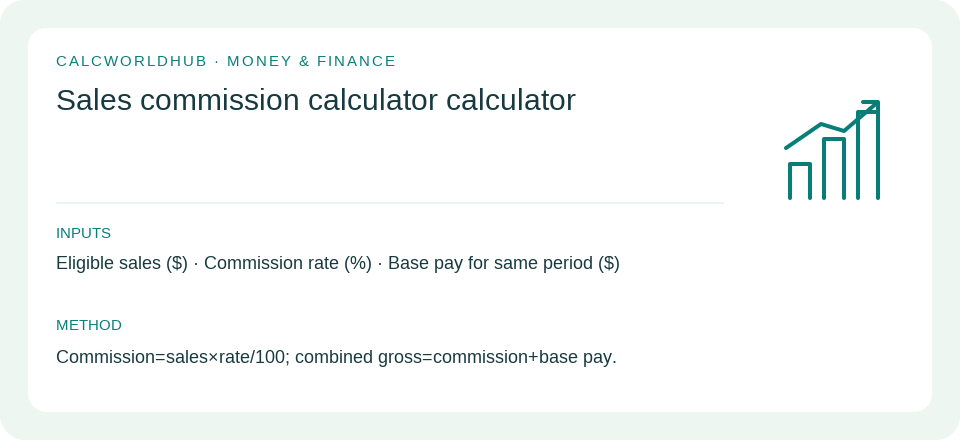
Commission=sales×rate/100; combined gross=commission+base pay.
Worked example
$25,000 eligible sales at 6% yields $1,500 commission; with $3,000 base pay, gross is $4,500.
Interpreting the result
The main result is commission. The combined figure is before withholding and other deductions.
Assumptions and limits
Real plans may use tiers, quotas, returns, caps, split credit, or different eligible-sales rules. Follow the written plan for payroll.
Frequently asked questions
Is the base pay included in the commission?
No. It is added separately to the combined gross result.
Does this model tiered commissions?
No. It applies one flat rate to all entered eligible sales.
How do I use the Sales commission calculator calculator?
Enter Eligible sales ($), Commission rate (%), Base pay for same period ($). Match the units shown beside each field and review the result together with the assumptions below.
What is a worked example of Sales commission calculator?
$25,000 eligible sales at 6% yields $1,500 commission; with $3,000 base pay, gross is $4,500.
What does the Sales commission calculator calculator calculate?
Estimate commission from eligible sales and a flat commission rate, then add same-period base pay.
See the calculation methodology.
Good calculators show their work.
CalcWorldHub is built around clear inputs and visible assumptions. Results are estimates for planning; check official sources or your provider’s terms when exact figures matter.