How to use this calculator
Compare an observed request failure rate with the rate that would consume an SLO budget over its full window.
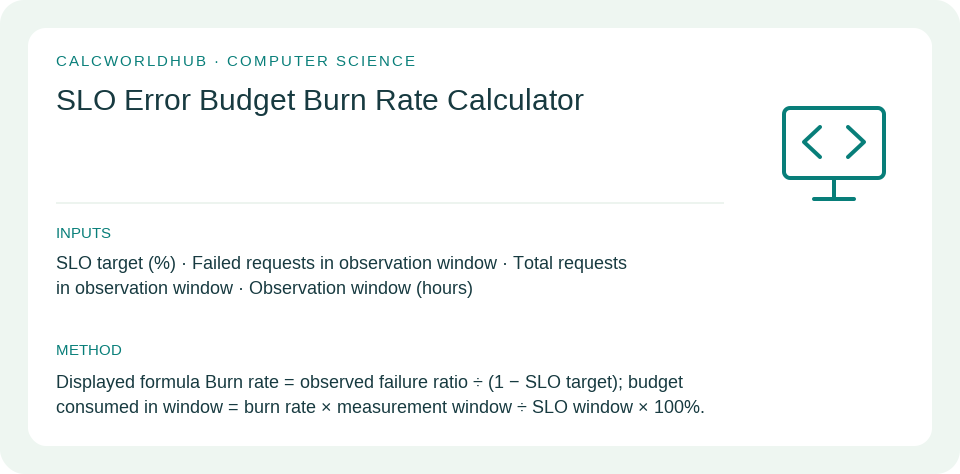
- Enter SLO target (%), Failed requests in observation window, Total requests in observation window, Observation window (hours), then complete the remaining labeled fields. Match the units shown beside each field and review the result together with the assumptions below.
- Read the worked example below to check the expected input format and result.
- Compare another scenario by changing one input at a time. Use Reset to return to the starting values.
How this calculation works
Error-budget burn rate is the observed bad-event ratio divided by the error ratio permitted by the SLO. A burn rate of 1 means the budget would be consumed exactly over one full compliance window if the measured rate and traffic continued steadily.
Inputs and units
sloPercent— SLO target (%)- Target successful-request percentage; must be below 100% to leave a nonzero error budget.
failedRequests— Failed requests in observation window- Bad events using the service's chosen request-based SLI definition.
totalRequests— Total requests in observation window- Eligible good and bad requests in the same observation window.
windowHours— Observation window (hours)- Duration covered by the measured request counts.
sloWindowDays— SLO compliance window (days)- Full SLO period over which the error budget is defined.
Formula
Burn rate = observed failure ratio ÷ (1 − SLO target); budget consumed in window = burn rate × measurement window ÷ SLO window × 100%.
Method
Enter the SLO success target, failed and total requests observed, the observation window in hours, and the full SLO window in days. The budget-consumption estimate assumes a constant request rate and failure rate over the SLO window.
Worked example
For a 99.9% SLO, 1 failed request out of 1,000 over one hour, and a 30-day SLO window, the burn rate is 1× and the hour represents about 0.1389% of the budget under a steady-rate assumption.
Assumptions and limits
This is a rate-based estimate for a request SLI. The time-scaled budget fraction assumes traffic and failure behavior remain representative across the SLO window; variable traffic, multiple windows, exclusions, and event-specific SLI rules can change actual budget consumption. It does not create an alert policy.
Frequently asked questions
What does a 1× burn rate mean?
At that rate, the error budget would be exhausted exactly at the end of the full SLO window.
Why is budget consumed based on time?
The displayed estimate scales the current rate over the compliance window and assumes traffic is representative across it.
Does this recommend an alert threshold?
No. Alert windows and burn-rate thresholds depend on service impact and operational policy.
How do I use the SLO Error Budget Burn Rate Calculator?
Enter SLO target (%), Failed requests in observation window, Total requests in observation window, Observation window (hours), then complete the remaining labeled fields. Match the units shown beside each field and review the result together with the assumptions below.
What is a worked example of SLO Error Budget Burn Rate?
For a 99.9% SLO, 1 failed request out of 1,000 over one hour, and a 30-day SLO window, the burn rate is 1× and the hour represents about 0.1389% of the budget under a steady-rate assumption.
Reference: Google SRE Workbook definition of burn rate and budget consumed over an alerting window. See our calculation methodology.