How to use this calculator
Plan full and partial spray batches from an entered finished-spray rate, tank capacity, treatment area, and product dose.
- Enter Area to treat (ha), Finished spray volume (L/ha), Tank finished volume (L), Product dose (L/ha). Match the units shown beside each field and review the result together with the assumptions below.
- Read the worked example below to check the expected input format and result.
- Compare another scenario by changing one input at a time. Use Reset to return to the starting values.
Spray tank batch planning explained
Use Area to treat (ha) with Finished spray volume (L/ha) to reproduce the sample calculation, then review the stated limits before carrying the result into another scenario.
Example with entered values
Area to treat (ha) = 6.5; Finished spray volume (L/ha) = 200; Tank finished volume (L) = 600; Product dose (L/ha) = 1.2.
- Product for one full tank: 3.6 L
- Area per full tank: 3 ha
- Total finished spray: 1300 L
- Tank loads including partial: 3 loads
- Total product: 7.8 L
The inputs above are an illustrative scenario. Display values are rounded after the calculation.
The calculation behind the result
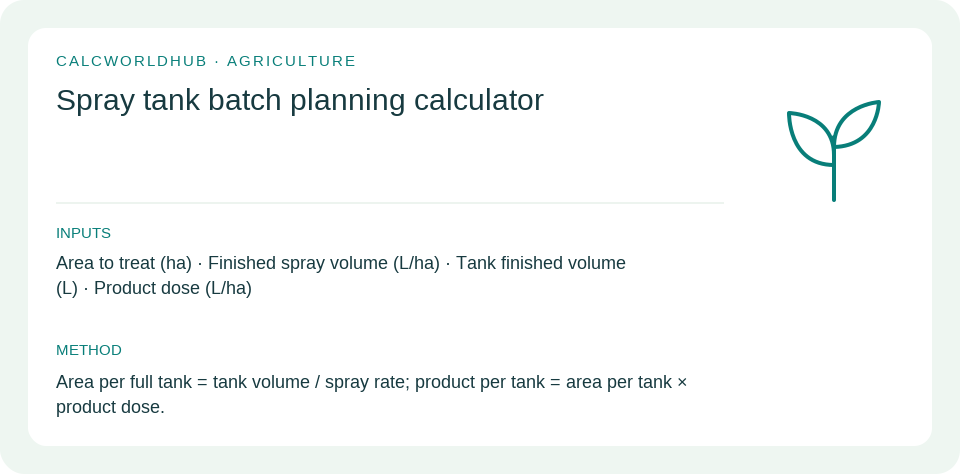
Area per full tank = tank volume / spray rate; product per tank = area per tank × product dose.
Inputs and units
- Area to treat (ha)
- Total target area.
- Finished spray volume (L/ha)
- Entered application volume per hectare.
- Tank finished volume (L)
- Usable finished-mixture capacity per full tank.
- Product dose (L/ha)
- User-specified product volume per hectare.
Before interpreting the result
Rates are user supplied. Follow the actual product label and calibration; this arithmetic does not select a treatment or dose.
A fertilizer concentration tool models solution strength. This planner converts field-area rates into batch quantities.
Sources and method notes
- EPA explains that pesticide labels provide the product’s use directions and safety information. U.S. EPA: pesticide product labels
Frequently asked questions
Is tank volume water alone?
No. Enter the final finished-mixture volume basis.
Does the last load have to be full?
No. Scale its product quantity to the remaining treated area.
Does this choose a product rate?
No. It only applies the rate you enter.
How do I use the Spray tank batch planning calculator?
Enter Area to treat (ha), Finished spray volume (L/ha), Tank finished volume (L), Product dose (L/ha). Match the units shown beside each field and review the result together with the assumptions below.
What is a worked example of Spray tank batch planning?
Area to treat (ha) = 6.5; Finished spray volume (L/ha) = 200; Tank finished volume (L) = 600; Product dose (L/ha) = 1.2. Product for one full tank: 3.6 L Area per full tank: 3 ha Total finished spray: 1300 L Tank loads including partial: 3 loads Total product: 7.8 L The inputs above are an illustrative scenario. Display values are rounded after the calculation.
See our calculation methodology.