How to use this calculator
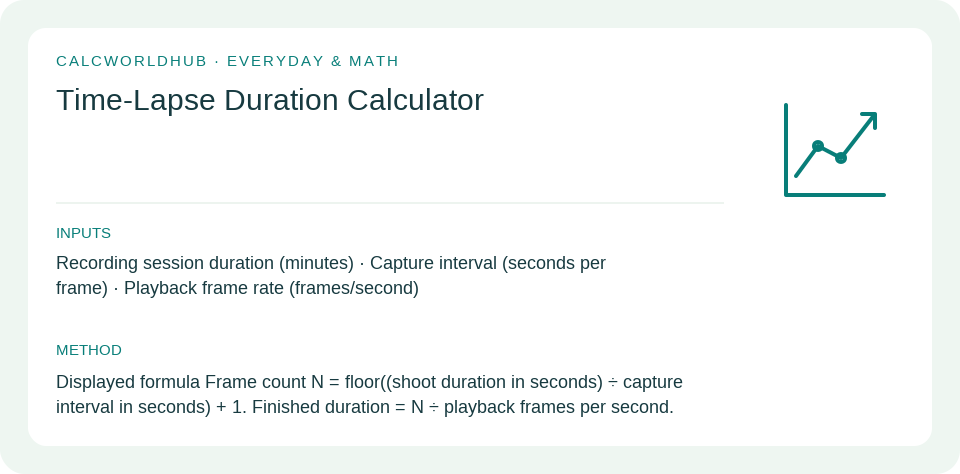
Estimate captured frames and finished video length from a shoot duration, capture interval, and playback frame rate.
- Enter Recording session duration (minutes), Capture interval (seconds per frame), Playback frame rate (frames/second). Match the units shown beside each field and review the result together with the assumptions below.
- Read the worked example below to check the expected input format and result.
- Compare another scenario by changing one input at a time. Use Reset to return to the starting values.
How this calculation works
A time-lapse compresses a long capture session into a short clip. The frame count depends on the capture interval and on whether the first image is taken at the start of the session. This calculator includes that initial frame and places later frames at each full interval that fits within the entered recording time.
Inputs and units
shootMinutes— Recording session duration (minutes)- Enter elapsed capture time; the first frame is assumed to be taken at the start.
intervalSeconds— Capture interval (seconds per frame)- Time between scheduled still-image captures.
playbackFps— Playback frame rate (frames/second)- Use the timeline frame rate of the finished video.
Formula
Frame count N = floor((shoot duration in seconds) ÷ capture interval in seconds) + 1. Finished duration = N ÷ playback frames per second.
Method
Enter the planned recording duration in minutes, the seconds between captures, and the final video frame rate. The first frame is assumed to be captured at time zero; the result includes every later scheduled capture at or before the end of the session.
Worked example
A 180-minute session with one photo every 10 seconds schedules floor(10,800 ÷ 10) + 1 = 1,081 frames. At 30 frames per second, the clip is 1,081 ÷ 30 = 36.033 seconds long.
Assumptions and limits
Assumes a constant interval, no missed frames, and a fixed playback rate. It does not include camera setup time, exposure time, dropped frames, variable frame rates, editing trims, or the storage capacity required for the image files.
Frequently asked questions
Why does the calculation add one frame?
The first photo is taken at time zero, then the interval schedule continues through the session end.
What if the session is shorter than one interval?
The schedule still includes the initial frame, so the result is one frame.
Does finished duration include a title card or transition?
No. It is the raw frame sequence length before editing.
Can I use a fractional capture interval?
Yes. Enter any positive interval in seconds, including a decimal value supported by the camera plan.
How do I use the Time-Lapse Duration Calculator?
Enter Recording session duration (minutes), Capture interval (seconds per frame), Playback frame rate (frames/second). Match the units shown beside each field and review the result together with the assumptions below.
Read our calculation methodology.