How to use this calculator
See which default permission bits remain for new Unix files and directories under an octal umask.
- Enter Three octal umask digits (000–777). Match the units shown beside each field and review the result together with the assumptions below.
- Read the worked example below to check the expected input format and result.
- Compare another scenario by changing one input at a time. Use Reset to return to the starting values.
How this calculation works
A process creation mask removes permission bits from the requested defaults for newly created files and directories. This calculator applies a three-digit octal mask to the conventional base modes 0666 for files and 0777 for directories; it does not modify existing files.
Inputs and units
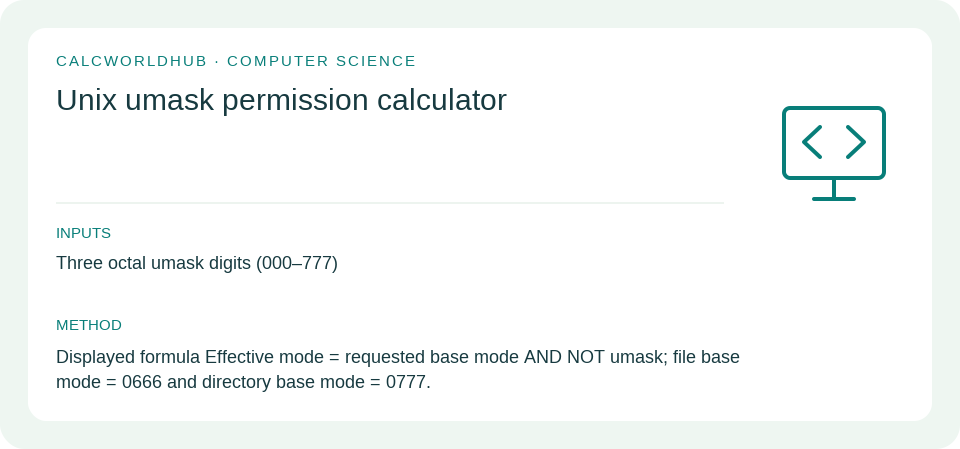
mask— Three octal umask digits (000–777)- Enter digits such as 022 as a number; only digits 0–7 are allowed.
Formula
Effective mode = requested base mode AND NOT umask; file base mode = 0666 and directory base mode = 0777.
Method
Each octal digit is handled as a three-bit mask: a set umask bit removes the corresponding read (4), write (2), or execute (1) permission from the base digit.
Worked example
With umask 022, files requested as 0666 default to 0644 and directories requested as 0777 default to 0755. The calculator displays the three mode digits without the optional leading zero.
Assumptions and limits
The actual application may request a more restrictive mode, and ACLs, filesystem rules, container settings, and operating-system policy can further change access. This describes ordinary permission bits, not every access-control mechanism.
Frequently asked questions
Why are new files not executable under umask 022?
The conventional requested file mode is 0666, which has no execute bits to preserve.
Does umask change existing permissions?
No. It affects permission bits on newly created filesystem objects.
Why can chmod show a different result?
The application may request a more restrictive creation mode, and ACLs or filesystem policy can further limit access.
How do I use the Unix umask permission calculator?
Enter Three octal umask digits (000–777). Match the units shown beside each field and review the result together with the assumptions below.
What is a worked example of Unix umask permission?
With umask 022, files requested as 0666 default to 0644 and directories requested as 0777 default to 0755. The calculator displays the three mode digits without the optional leading zero.
Reference: POSIX umask manual. See our calculation methodology.