How to use this calculator
Measure staffed dock-door occupied hours as a share of scheduled service hours across the same dock set.
- Enter Occupied dock-door hours, Scheduled serviceable door-hours. Match the units shown beside each field and review the result together with the assumptions below.
- Read the worked example below to check the expected input format and result.
- Compare another scenario by changing one input at a time. Use Reset to return to the starting values.
How this calculation works
Dock-door utilization compares accumulated time that serviceable doors are occupied with the staffed hours those same doors were scheduled to handle work. Sum hours across the defined door set and reporting window; use a consistent rule for when a door is occupied.
Inputs and units
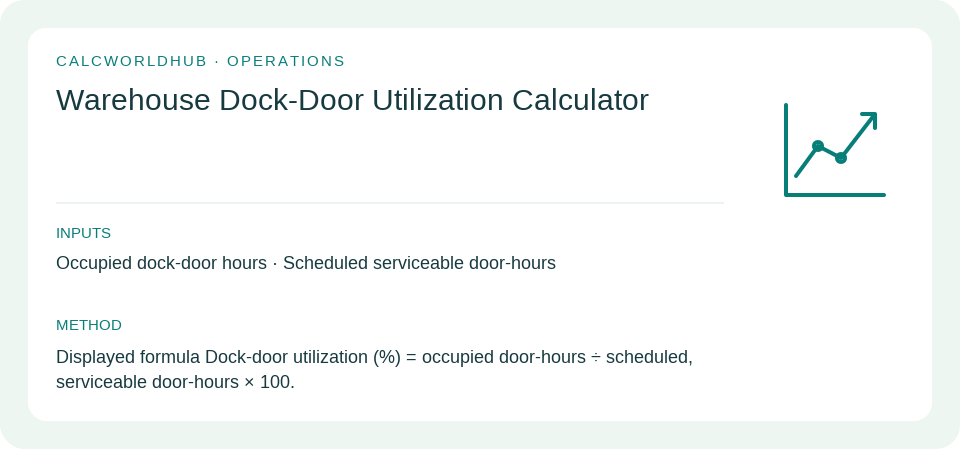
occupiedDoorHours— Occupied dock-door hours- Sum the hours that the selected dock doors were occupied during the reporting window.
scheduledDoorHours— Scheduled serviceable door-hours- Sum the staffed service hours for the same serviceable doors and reporting window.
Formula
Dock-door utilization (%) = occupied door-hours ÷ scheduled, serviceable door-hours × 100.
Method
Add the occupied hours and scheduled serviceable hours across the same doors and shift window. Exclude doors that were not scheduled or not available under the team’s documented rule.
Worked example
Across a shift, the selected doors provide 80 scheduled serviceable door-hours and are occupied for 64 hours. Utilization is 80.00%, with 16.00 scheduled hours not occupied.
Assumptions and limits
This time-based occupancy measure does not describe trailer throughput, door productivity, or receiving cycle time. Keep the door set, shift length, and treatment of breaks or maintenance closures consistent.
Frequently asked questions
What counts as an occupied door-hour?
Use a consistent local rule, such as the period a trailer is positioned at a door for loading or unloading.
Should unavailable doors be included?
Exclude doors that were not serviceable or scheduled, and document the same rule for every comparison.
Does a high result mean more freight moved?
No. It measures time occupancy; throughput also depends on the rate and amount of work handled.
How do I use the Warehouse Dock-Door Utilization Calculator?
Enter Occupied dock-door hours, Scheduled serviceable door-hours. Match the units shown beside each field and review the result together with the assumptions below.
What is a worked example of Warehouse Dock-Door Utilization?
Across a shift, the selected doors provide 80 scheduled serviceable door-hours and are occupied for 64 hours. Utilization is 80.00%, with 16.00 scheduled hours not occupied.
Read our calculation methodology.