How to use this calculator
Check two sRGB hex colors with the WCAG contrast-ratio formula.
- Enter Foreground color (hex), Background color (hex). Match the units shown beside each field and review the result together with the assumptions below.
- Read the worked example below to check the expected input format and result.
- Compare another scenario by changing one input at a time. Use Reset to return to the starting values.
How this calculation works
A contrast check compares the relative luminance of a foreground color with the luminance behind it. The result helps a designer review a specified text-and-background pair before it is used in a web interface. This page evaluates opaque six-digit sRGB hex colors and reports the numeric ratio together with common text thresholds.
Inputs and units
foreground— Foreground color (hex)- Enter a six-digit sRGB color such as #1A73E8.
background— Background color (hex)- Enter the opaque color directly behind the foreground content.
Formula
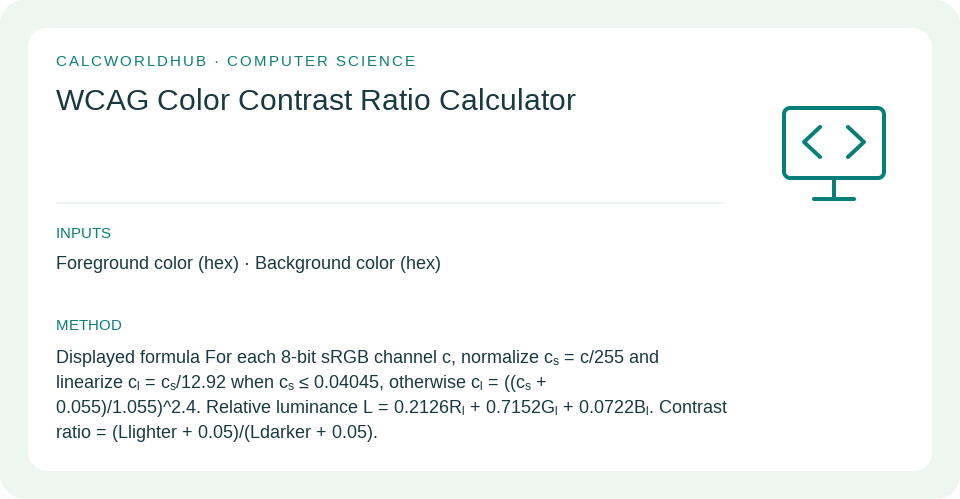
For each 8-bit sRGB channel c, normalize cₛ = c/255 and linearize cₗ = cₛ/12.92 when cₛ ≤ 0.04045, otherwise cₗ = ((cₛ + 0.055)/1.055)^2.4. Relative luminance L = 0.2126Rₗ + 0.7152Gₗ + 0.0722Bₗ. Contrast ratio = (Llighter + 0.05)/(Ldarker + 0.05).
Method
Enter foreground and background as six hexadecimal digits, with or without a leading #. The calculator linearizes the three sRGB channels, weights them by the WCAG luminance coefficients, orders the two luminances, and divides the lighter value plus 0.05 by the darker value plus 0.05.
Worked example
Black (#000000) has relative luminance 0 and white (#FFFFFF) has luminance 1. Their contrast ratio is (1 + 0.05)/(0 + 0.05) = 21:1, so this pair exceeds the listed AA and AAA text thresholds.
Assumptions and limits
This evaluates a single opaque sRGB color pair. It does not composite alpha transparency, inspect images or gradients, test font weight or size, or certify a whole page against WCAG. Actual conformance also depends on how the colors are used and on the relevant success criterion.
Frequently asked questions
What ratio does WCAG AA require for ordinary text?
Success Criterion 1.4.3 generally requires at least 4.5:1 for normal text; large-scale text has a 3:1 minimum.
Does a passing color ratio prove the entire page is accessible?
No. This checks only one opaque color pair. Page conformance includes other criteria and the way colors appear in the real interface.
Can I enter a three-digit hex color or transparency?
No. Enter six hexadecimal digits for an opaque sRGB color. Alpha compositing is not modeled.
Why is the ratio shown from 1:1 to 21:1?
The WCAG ratio uses relative luminance with a 0.05 offset, which bounds the result for sRGB black and white at 21:1.
How do I use the WCAG Color Contrast Ratio Calculator?
Enter Foreground color (hex), Background color (hex). Match the units shown beside each field and review the result together with the assumptions below.
Reference: W3C WCAG 2.2 contrast minimum and relative-luminance guidance. See our calculation methodology.