How to use this calculator
Allocate a shared tip pool across work groups using entered hours and a user-defined weight per hour.
- Enter Tip pool to allocate ($), Server group hours (hours), Server weight per hour, Bartender group hours (hours), then complete the remaining labeled fields. Match the units shown beside each field and review the result together with the assumptions below.
- Read the worked example below to check the expected input format and result.
- Compare another scenario by changing one input at a time. Use Reset to return to the starting values.
How this calculation works
Tip pooling policies can assign different credit to different roles or shifts. Enter the pool, aggregate eligible hours for each group, and the policy weight assigned to one hour in that group. The calculator distributes the pool in proportion to weighted hours and shows each group’s average payout per recorded hour.
Inputs and units
poolUsd— Tip pool to allocate ($)- Total tips included in this allocation period.
serverHours— Server group hours (hours)- Aggregate eligible hours for this group during the pool period.
serverWeight— Server weight per hour- Policy points or weight assigned to each server-group hour.
bartenderHours— Bartender group hours (hours)- Aggregate eligible hours for this group during the pool period.
bartenderWeight— Bartender weight per hour- Policy points or weight assigned to each bartender-group hour.
supportHours— Support group hours (hours)- Aggregate eligible hours for this group during the pool period.
supportWeight— Support weight per hour- Policy points or weight assigned to each support-group hour.
Formula
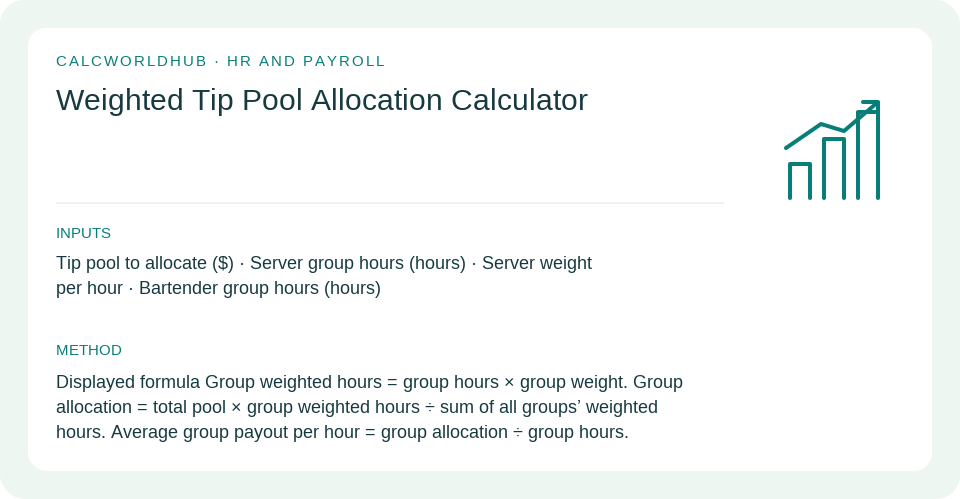
Group weighted hours = group hours × group weight. Group allocation = total pool × group weighted hours ÷ sum of all groups’ weighted hours. Average group payout per hour = group allocation ÷ group hours.
Method
Weights are user-entered allocation factors, not a recommended policy. The calculator requires at least one positive weighted-hours total; groups with zero hours receive zero allocation. For a group with zero recorded hours, the displayed per-hour value of zero is a not-applicable convention, not a computed average or wage rate.
Worked example
For a $600 pool, 40 server hours at weight 1, 20 bartender hours at 1.5, and 30 support hours at 0.75, total weighted hours are 92.5. The server group receives $600 × 40/92.5 ≈ $259.46; the bartender group receives about $194.59 and support about $145.95.
Assumptions and limits
This page performs arithmetic only. It does not determine which workers may participate in a tip pool, whether a policy complies with wage law, how tips must be reported, or how individual worker schedules differ within each group. Review applicable labor rules and employer policy.
Frequently asked questions
What is a weight per hour?
It is a user-entered allocation factor. A weight of 1.5 gives each recorded hour one and a half times the allocation credit of a weight of 1.0.
Are group hours entered per employee or in total?
Enter aggregate eligible hours for the whole group during the same pool period.
Does this tell me which workers can share tips?
No. It only applies the allocation factors and hours you enter; it does not assess eligibility or legal compliance.
Why can group payouts differ per hour?
Different weights change each group's share of the weighted pool. The reported average per-hour amount divides that group's allocation by its aggregate hours.
How do I use the Weighted Tip Pool Allocation Calculator?
Enter Tip pool to allocate ($), Server group hours (hours), Server weight per hour, Bartender group hours (hours), then complete the remaining labeled fields. Match the units shown beside each field and review the result together with the assumptions below.
Read our calculation methodology.