Z-score calculator
Measure how far a value lies from the mean in standard-deviation units.
inputs.
Calculator
How to use this calculator
Calculate z = (value − mean) / standard deviation and interpret its direction.
- Enter Value x, Mean μ, Standard deviation σ. Match the units shown beside each field and review the result together with the assumptions below.
- Read the worked example below to check the expected input format and result.
- Compare another scenario by changing one input at a time. Use Reset to return to the starting values.
Express a value in standard deviation units
A z-score locates a value relative to a distribution’s mean, measured in standard deviations.
Inputs and units
- Value x: Enter the observation to compare.
- Mean μ: Enter the mean of the reference distribution.
- Standard deviation σ: Enter a positive standard deviation in the same units as the value.
Formula and method
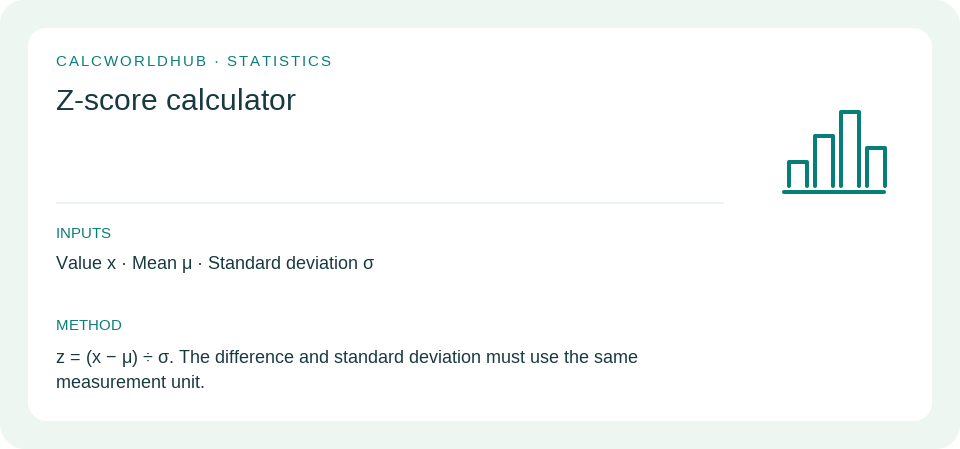
z = (x − μ) ÷ σ. The difference and standard deviation must use the same measurement unit.
Worked example
For x=82, mean=70, and standard deviation=8, z=(82−70)/8=1.5.
Interpreting the result
A z-score of 1.5 means the value is 1.5 standard deviations above the entered mean. The sign shows direction; magnitude shows distance in standard-deviation units.
Assumptions and limits
A z-score alone does not establish a probability. Probability interpretation requires a distributional model and context; this calculator does not test normality or account for sampling uncertainty.
Frequently asked questions
Can z be negative?
Yes. A value below the mean has a negative z-score.
Does z = 1.5 mean a 1.5% chance?
No. It is a standardized distance; a probability requires a reference distribution.
How do I use the Z-score calculator?
Enter Value x, Mean μ, Standard deviation σ. Match the units shown beside each field and review the result together with the assumptions below.
What is a worked example of Z-score?
For x=82, mean=70, and standard deviation=8, z=(82−70)/8=1.5.
What does the Z-score calculator calculate?
Calculate z = (value − mean) / standard deviation and interpret its direction.
Good calculators show their work.
CalcWorldHub is built around clear inputs and visible assumptions. Results are estimates for planning; check official sources or your provider’s terms when exact figures matter.