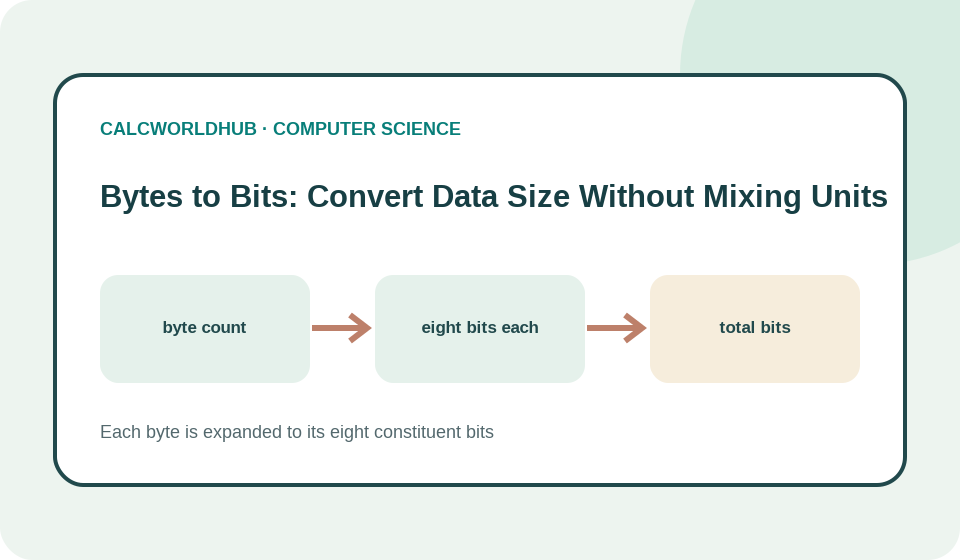

Separate bytes from bits
Bits and bytes describe different units. A bit is a binary digit; a byte is an eight-bit string in the NIST glossary. The conversion is exact when the input is truly a byte count. Do not infer the unit from a label that says only “K” or “M”: storage products and networking specifications may use different decimal or binary prefixes.
Enter a byte count using the stated unit
Enter the number of bytes, not a formatted file size with a unit suffix. If the source is KiB, MiB, or GiB, convert that prefix to bytes first using the binary powers defined for those prefixes. If it is kB or MB, use the decimal SI convention. Distinguishing the prefix prevents a thousand-versus-1024 error before the eight-bit conversion.
Multiply by eight bits per byte
The formula is bits = bytes × 8. Because each byte contains eight bits, the converted quantity is exact and no rounding is needed for whole-byte inputs. A fractional byte can occur in an abstract rate or storage calculation, but physical data is usually handled as whole bytes or bits; follow the protocol’s framing rules for partial fields.
Keep decimal and binary prefixes clear
A bit count is not a data rate. To estimate transmission time, a separate rate in bits per second and protocol overhead are needed. Likewise, an encoded representation such as Base64 contains more characters than raw bytes; convert the actual encoded size, not the original file size, if the question concerns a text payload.
Use the converted count appropriately
Use the result to compare units in a technical document, check a buffer size, or prepare an input for another calculation. Keep the original byte value beside the converted result so reviewers can trace the conversion. For a large storage quantity, show whether the prefix is decimal or binary rather than abbreviating both as “MB.”
For a single byte, the converted value is eight bits; for a byte quantity, multiply only after the byte count has been established. If a log reports a rate such as megabits per second, do not apply the size conversion and call the answer a rate: the time denominator remains part of the unit. Unit labels are part of the result, not decoration.
For storage units, NIST defines kibi, mebi, and gibi as powers of two, while SI kilo, mega, and giga are powers of ten. A manufacturer, operating system, or network provider may use different labels, so read the source definition rather than assuming a familiar shorthand. Convert the stated quantity into bytes first, then apply the exact eight-bit factor.
A file size conversion still does not tell how long a transfer will take. Divide an actual bit payload by a compatible bit-per-second rate only after accounting for protocol overhead, retransmissions, and the fact that advertised link speed is not always application throughput. Keep size and rate units explicit so multiplying or dividing them yields the intended quantity and time unit.
Worked examples
The multiplier is exactly eight, independent of the data content.
Convert a small buffer
Inputs: Buffer size = 256 bytes.
Calculation: Bits = bytes × 8 = 256 × 8 = 2,048 bits.
The buffer contains 2,048 bits.
Convert one mebibyte expressed in bytes
Inputs: Size = 1,048,576 bytes (one MiB).
Calculation: Bits = 1,048,576 × 8 = 8,388,608 bits.
One MiB contains 8,388,608 bits under the binary-prefix definition.

Limits of a simple data-size conversion
The conversion does not inspect the content or distinguish compressed, encrypted, or encoded bytes. It simply multiplies the supplied amount. If a system adds headers, checksums, padding, or framing bits, those must be counted separately when estimating the transmitted bitstream.
NIST distinguishes SI prefixes from binary prefixes because they represent different powers. A megabyte defined as 10⁶ bytes and a mebibyte defined as 2²⁰ bytes therefore produce different bit totals. State the convention whenever a source uses ambiguous shorthand, especially when comparing storage capacity with network throughput.