
Choose one reporting boundary
Use the platform’s delivered count and unique open count for the same campaign. Choose a consistent post-send window so late image loads are treated equally across campaigns. Record the provider’s delivery and open definitions before comparing reports.
Keep the delivered count and unique-open count in one export. Preserve the provider and privacy settings: changing the tracking pixel or image-proxy behavior can change recorded opens without a change in readership.
Read the source fields carefully
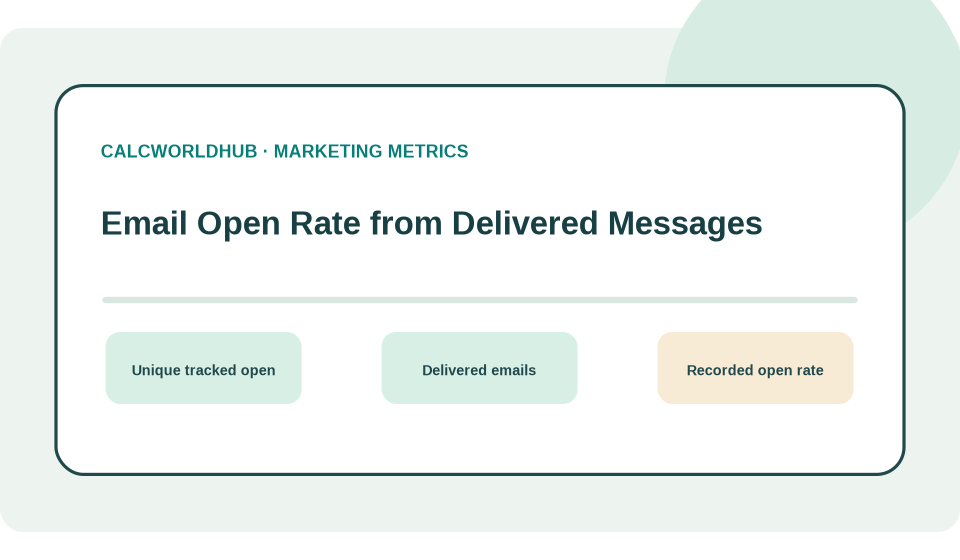
The fields are Unique tracked opens, Delivered emails. Use unique recorded opens and delivered messages from one send. Open tracking is a proxy event and does not prove that a person read the email. This is a provider-recorded event rate: image proxies may prefetch tracking pixels, while text-only opens can be missed.
Use whole-number counts, with delivered messages above zero and unique opens from zero through delivery. Report percentage-point changes only when definitions match. The calculator enforces those bounds; keep the source provider and reporting window consistent so a count from another send is not mixed into the comparison.
The handler requires whole-number counts, a positive delivered denominator, and unique opens no greater than delivery. Those bounds keep the quotient within its intended range, but they cannot establish that an open event came from a person. Keep raw counts beside the displayed percentage and mark provider or privacy-setting changes on the trend. Four decimal places of display precision do not make open tracking equally precise.
Calculate email open rate
The calculation is Open rate = unique recorded opens ÷ delivered messages × 100. This is a reporting ratio, not a verified count of people who read every message. Carry values at full precision through the equation and round only the final displayed answer. The output unit follows the inputs named in the formula.
The numerator is a tracking event, not a verified readership count. One recipient can open on several devices while the provider may deduplicate that person; image-proxy behavior can also add or hide recorded opens. Preserve the provider and privacy settings when interpreting the trend.
Compare like with like
Do not use an open-rate change alone to select a subject line or creative. Follow click and conversion events from the same send window when recipient action is the decision outcome.
Use recorded opens as a directional delivery report rather than proof that the email was read. Apple Mail Privacy Protection and other image-loading behavior can alter the numerator. When deciding whether content worked, compare clicks or other tracked actions and make sure the delivered count excludes bounces on the same basis.
Delivered messages are the denominator, not unique people across a sequence; one recipient can receive several messages. Use the provider’s delivered definition rather than assuming sent and delivered are interchangeable. Segment comparisons only when each segment keeps the same delivery and unique-open rules. The percentage may not compare cleanly across clients with different privacy protections.
Worked examples
The examples treat an open as a provider-recorded tracking event and keep it separate from confirmed readership.
A product launch send
Inputs: Unique tracked opens = 1,500; Delivered emails = 9,000.
Calculation: Open rate = 1,500 ÷ 9,000 × 100 = 16.6667%.
This is a recorded-open ratio for the delivered send; privacy and image-fetch behavior affect its meaning.
A weekly digest
Inputs: Unique tracked opens = 980; Delivered emails = 7,000.
Calculation: Open rate = 980 ÷ 7,000 × 100 = 14%.
The later digest result is not a count of readers; use stronger actions to assess engagement.

Check the limits before acting
When clicks or conversions are the decision outcome, measure them directly. The open-rate ratio does not predict which message will generate a response. A change in inbox privacy or image-proxy behavior can shift this numerator without a corresponding change in whether recipients read the message.