Email open rate calculator
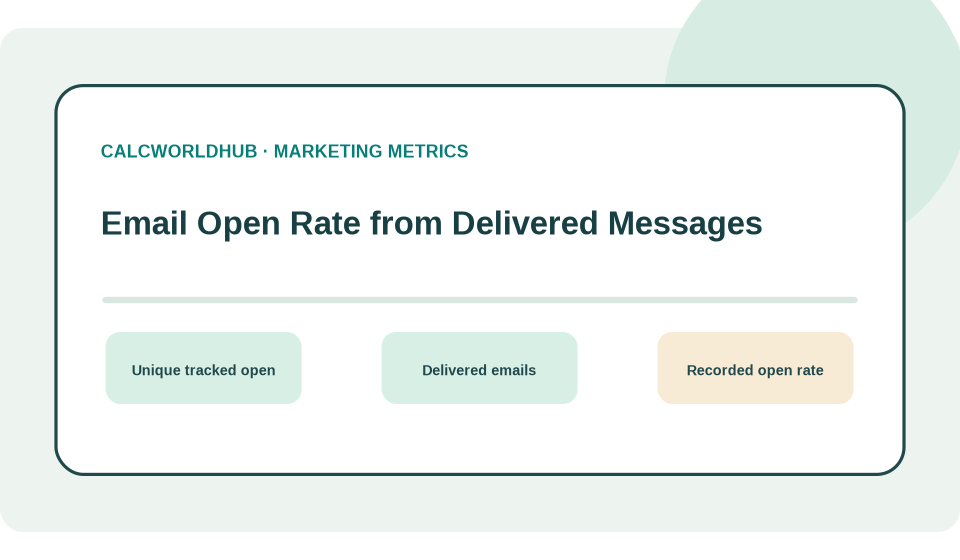
Compute reported unique opens as a fraction of delivered email messages.
Related calculators and articles
Compare methods and explore more free tools in marketing.
How to use this calculator
Compute reported unique opens as a fraction of delivered email messages.
- Enter Unique opens, Delivered emails. Match the units shown beside each field and review the result together with the assumptions below.
- Read the worked example below to check the expected input format and result.
- Compare another scenario by changing one input at a time. Use Reset to return to the starting values.
Email open rate calculator
Compute reported unique opens as a fraction of delivered email messages.
Inputs and units
- Unique opens: Distinct recipient-message open events reported by the tracking system; privacy protections may affect this count.
- Delivered emails: Messages accepted for delivery in the matching campaign; do not substitute sends if bounces are excluded.
Formula and method
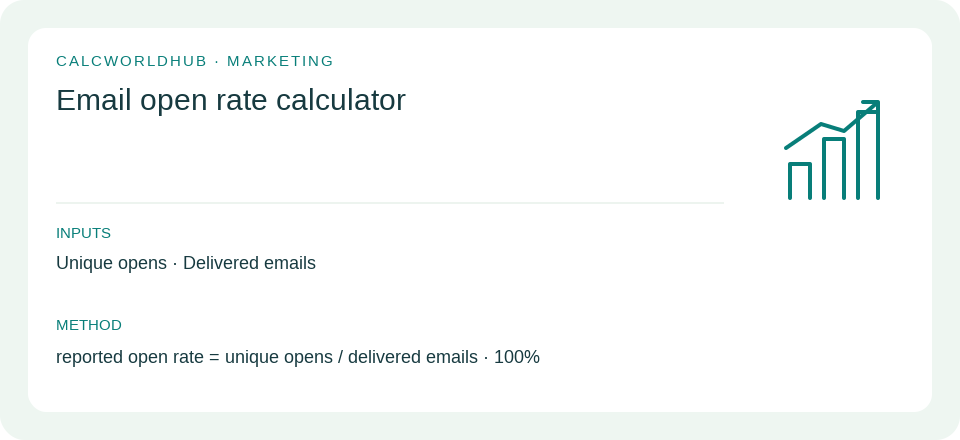
reported open rate = unique opens / delivered emails · 100%
Worked example
640 reported unique opens among 8,000 delivered messages gives 8%.
Interpreting the result
Open tracking is an imperfect proxy for readership: privacy features, image blocking, and automated security scans can alter the count.
Assumptions and limits
Unique opens must be nonnegative and no greater than delivered emails; delivered count must be positive. Keep campaign and delivery definitions consistent.
Frequently asked questions
What does this email open rate result tell me?
Open tracking is an imperfect proxy for readership: privacy features, image blocking, and automated security scans can alter the count.
What assumptions should I check?
Unique opens must be nonnegative and no greater than delivered emails; delivered count must be positive. Keep campaign and delivery definitions consistent.
How do I use the Email open rate calculator?
Enter Unique opens, Delivered emails. Match the units shown beside each field and review the result together with the assumptions below.
What is a worked example of Email open rate?
640 reported unique opens among 8,000 delivered messages gives 8%.
What does the Email open rate calculator calculate?
Compute reported unique opens as a fraction of delivered email messages.
See the calculation methodology.