
Choose the revenue and delivery boundary
Begin with one campaign or message cohort and decide which revenue events belong to it. An email platform may assign an order to a message when a recipient opens or clicks and then converts within a configured attribution window. The window and eligible touchpoints are part of the metric definition, not details to add after comparing results.
Use the delivered count for that same message cohort, excluding bounced messages that were not successfully delivered. A list size, attempted send count, or unique customer count is a different denominator. Preserve the platform’s delivery report and attribution settings so another person can understand which recipients and orders were included.
Calculate revenue per delivered email
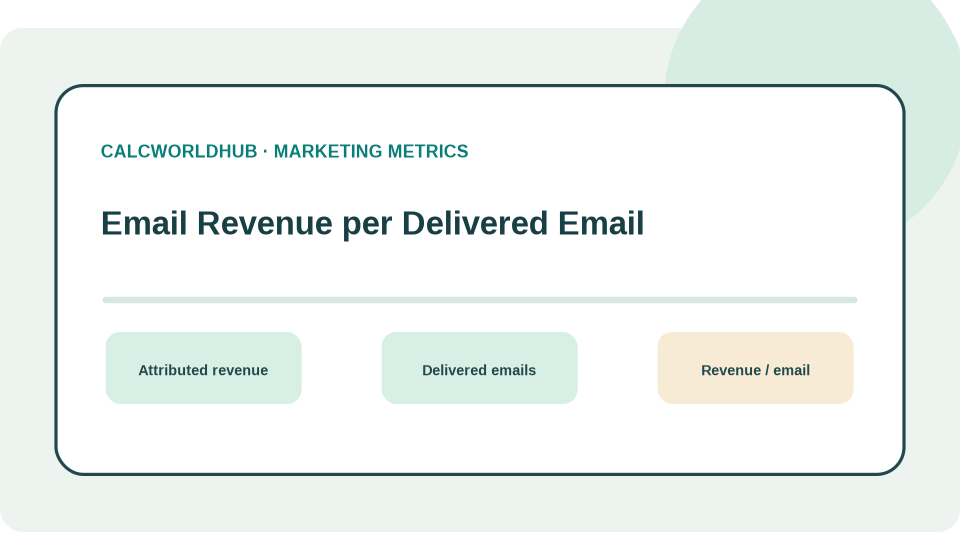
Revenue per delivered email = attributed campaign revenue ÷ delivered emails. The first input is a currency amount; the second is a positive whole-message count. The result is currency per delivered message. The calculator accepts a nonnegative revenue amount and requires at least one delivered email, so an empty or zero-delivery send cannot produce a per-message average.
Do not confuse this ratio with open rate, click-through rate, order conversion rate, or average order value. Those use different numerators or denominators. A send can produce a small revenue-per-delivery number while still driving high-value orders, and the ratio can move when delivery changes even if attributed revenue stays constant.
Read attribution as a reporting choice
Attribution is a method for assigning credit across marketing touchpoints. If a customer receives several emails or sees another channel before ordering, the credited revenue depends on the platform’s chosen model and window. Two services can attribute different amounts from the same underlying order history because their settings and event sources differ.
Report the selected conversion metric, time window, timezone, and any exclusions alongside the result. If the platform’s window changes, treat that as a change in measurement method. Keep refunds, discounts, taxes, or order adjustments under the same revenue convention for every campaign in the comparison.
Compare sends on a consistent basis
For a useful comparison, align the audience segment, send type, attribution window, currency, and time allowed for conversions to arrive. A launch message and a retention reminder may serve different purposes; a single average cannot say which one is strategically better. Segment results when the audience or offer changes materially.
Revenue per delivery is a scale-adjusted summary, but it does not account for campaign labor, platform fees, discounts, fulfillment, product cost, or margin. If the decision is profitability, calculate contribution after those costs separately. Avoid using a high attributed revenue figure as proof of incremental lift without a comparison design.
Worked examples
The two sends below have separate delivery cohorts. Compare their quotients only after confirming that both use the same revenue attribution rule and observation window.
A launch email
Inputs: Attributed campaign revenue (currency) = 4,800; Delivered emails = 24,000.
Calculation: Revenue per delivered email = $4,800.00 ÷ 24,000 = $0.2 per email.
This is revenue credited per delivered message, not profit per recipient.
A retention email
Inputs: Attributed campaign revenue (currency) = 3,150; Delivered emails = 15,000.
Calculation: Revenue per delivered email = $3,150.00 ÷ 15,000 = $0.21 per email.
The retention send’s result should be compared with the same attribution window and delivery rules.

Limits and practical interpretation
The quotient is only as reliable as its revenue attribution and delivery data. Delayed orders may appear after the initial report, and cross-device or privacy-related tracking limits can leave some activity unobserved. The calculator does not infer missing orders or repair an incomplete integration.
Use the output as a repeatable campaign metric rather than a universal score. Save the source export and its reporting settings, then compare periods after the attribution window has had time to mature. When reporting to a team, state that the amount is attributed revenue per delivered email; do not label it earnings or profit per recipient.