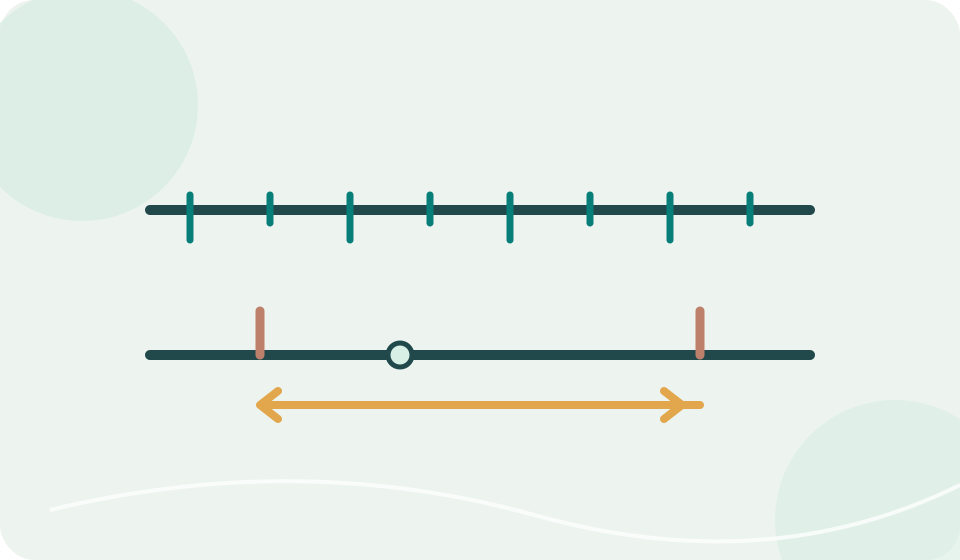

Define the width, increment, and target
Enter tolerance width as the distance between the upper and lower specification limits, not as a plus-or-minus half-width. Enter the instrument’s resolution increment in the same unit. The calculator divides tolerance by resolution, so the result is dimensionless and displayed as a ratio such as 10:1. It also divides tolerance by your chosen target to show the largest resolution increment that would meet that target.
The target ratio is an input from your quality plan, method, or engineering requirement. The tool’s default of 10 is only a starting value in the interface; it is not a claim that every measurement requires 10:1. The decision is Yes when the calculated ratio is at least your target, and No when it is lower. That comparison has no meaning if the selected target is not justified for the task.
Check actual instrument resolution
Use the smallest change the instrument can reliably distinguish under the measurement conditions. A least-significant display digit may be one clue, but it is not a complete resolution study. NIST’s measurement-process guidance distinguishes resolution from the number of digits shown and describes experimental comparisons of artifacts whose values are close together.
Resolution is only one contribution to capability. A fine display can still have substantial bias, poor repeatability, drift, hysteresis, or environmental sensitivity. Conversely, a stable measurement process may be adequate for a task even when the display increment is not extremely small. Check the specification width and resolution in the context of the whole instrument, method, part, and acceptance decision.
Worked examples
The examples use the full tolerance width and the same unit for resolution. The ratio is displayed to three decimal places, and the maximum resolution at the target is shown to four. The numeric screen checks a stated ratio; it does not assess how the instrument performs across its range.
A 50-to-1 screen against a 10-to-1 target
Inputs: Tolerance width = 0.50 mm; resolution = 0.01 mm; target = 10
Calculation: Ratio = 0.50 ÷ 0.01 = 50:1; maximum resolution = 0.50 ÷ 10 = 0.05 mm
Calculated ratio = 50:1; maximum resolution at target = 0.0500 mm; meets the chosen target: Yes.
A ratio that misses the selected target
Inputs: Tolerance width = 0.12 mm; resolution = 0.05 mm; target = 4
Calculation: Ratio = 0.12 ÷ 0.05 = 2.4:1; maximum resolution = 0.12 ÷ 4 = 0.03 mm
Calculated ratio = 2.400:1; maximum resolution at target = 0.0300 mm; meets the chosen target: No.

Interpret the threshold result
In the first case, a 0.01 mm increment is small compared with a 0.50 mm width, giving 50 increments across that width. If the documented target is 10:1, the instrument exceeds it. The second case has fewer increments across the allowed interval and fails a chosen 4:1 target. These outputs help compare options, but do not directly predict measurement error or false acceptance.
If the result misses the target, options may include a finer instrument, a better method, or a revised measurement plan. If it meets the target, you still need to confirm calibration status and suitable operating conditions. The ratio is not a probability, an uncertainty estimate, a gauge R&R result, or a conformity statement.
Assumptions and limits
The calculator requires positive finite tolerance width, resolution, and target values. It assumes the tolerance and resolution use comparable units; unit conversion is not performed. A zero or negative input is rejected, and the calculator rejects a non-finite ratio. Outputs are a ratio, a derived maximum resolution, and a simple Yes/No comparison.
Some procedures define discrimination rules using a particular convention, range, or study design. Apply those definitions when they differ from this simple quotient. A display increment may be nominal rather than experimentally established, and the quality of the reference, operator technique, environment, and measurement method may dominate the result. Record the source of the resolution value and the reason for choosing the target. Use the instrument resolution-to-tolerance ratio calculator to compare candidate instruments.