How to use this calculator
Compare a measuring instrument’s display resolution with a stated tolerance width and chosen discrimination target.
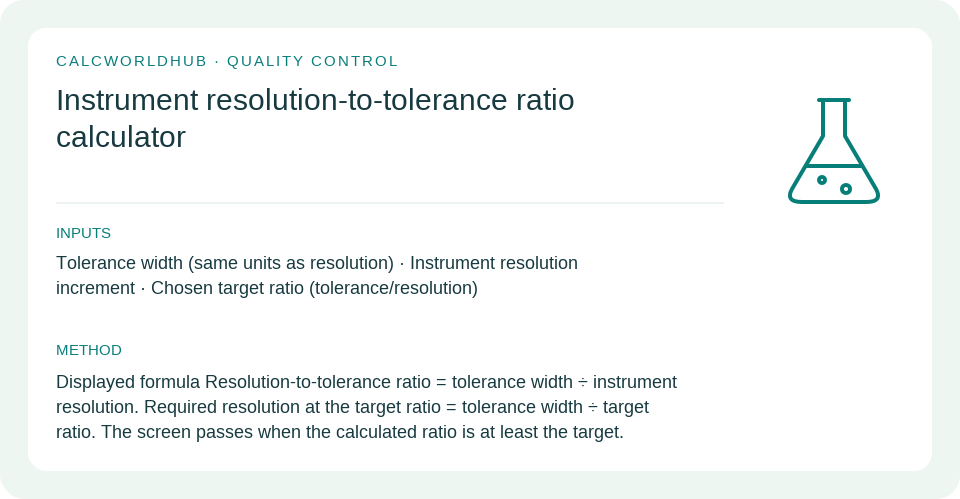
- Enter Tolerance width (same units as resolution), Instrument resolution increment, Chosen target ratio (tolerance/resolution). Match the units shown beside each field and review the result together with the assumptions below.
- Read the worked example below to check the expected input format and result.
- Compare another scenario by changing one input at a time. Use Reset to return to the starting values.
How this calculation works
Instrument resolution describes the smallest displayed increment, while tolerance width describes the acceptable range for the measured characteristic. Their ratio helps screen whether the instrument increment is small relative to the tolerance, using a target ratio chosen by the user.
Inputs and units
tolerance— Tolerance width (same units as resolution)- Full allowed interval width, such as upper specification minus lower specification.
resolution— Instrument resolution increment- Smallest displayed or reported increment in the same unit.
targetRatio— Chosen target ratio (tolerance/resolution)- Target value from your measurement procedure; this tool does not set one for you.
Formula
Resolution-to-tolerance ratio = tolerance width ÷ instrument resolution. Required resolution at the target ratio = tolerance width ÷ target ratio. The screen passes when the calculated ratio is at least the target.
Method
Enter tolerance width and instrument resolution in the same unit, such as millimeters. Select the discrimination target required by your procedure; the calculator does not impose a universal acceptance rule.
Worked example
A tolerance width of 1.0 mm and resolution of 0.1 mm give a ratio of 10:1. If the procedure’s chosen target is 10:1, the instrument meets that resolution screen; this does not assess calibration uncertainty. At the stated 10:1 target, the maximum resolution is 0.1 mm.
Assumptions and limits
This ratio considers display increment only. It does not include calibration uncertainty, repeatability, bias, stability, measurement method, or decision risk. Any target ratio should come from the applicable quality plan or technical procedure.
Frequently asked questions
Does this certify that an instrument is suitable?
No. It compares resolution with tolerance only; calibration uncertainty, bias, repeatability, and the measurement process also matter.
Is 10:1 a universal rule?
No. Enter the target ratio specified by your procedure or quality plan; requirements vary by context.
Should I enter one-sided tolerance or tolerance width?
Enter the full tolerance width used by your procedure. If limits are specified separately, calculate the interval width first.
How do I use the Instrument resolution-to-tolerance ratio calculator?
Enter Tolerance width (same units as resolution), Instrument resolution increment, Chosen target ratio (tolerance/resolution). Match the units shown beside each field and review the result together with the assumptions below.
What is a worked example of Instrument resolution-to-tolerance ratio?
A tolerance width of 1.0 mm and resolution of 0.1 mm give a ratio of 10:1. If the procedure’s chosen target is 10:1, the instrument meets that resolution screen; this does not assess calibration uncertainty. At the stated 10:1 target, the maximum resolution is 0.1 mm.
Read our calculation methodology.