How to use this calculator
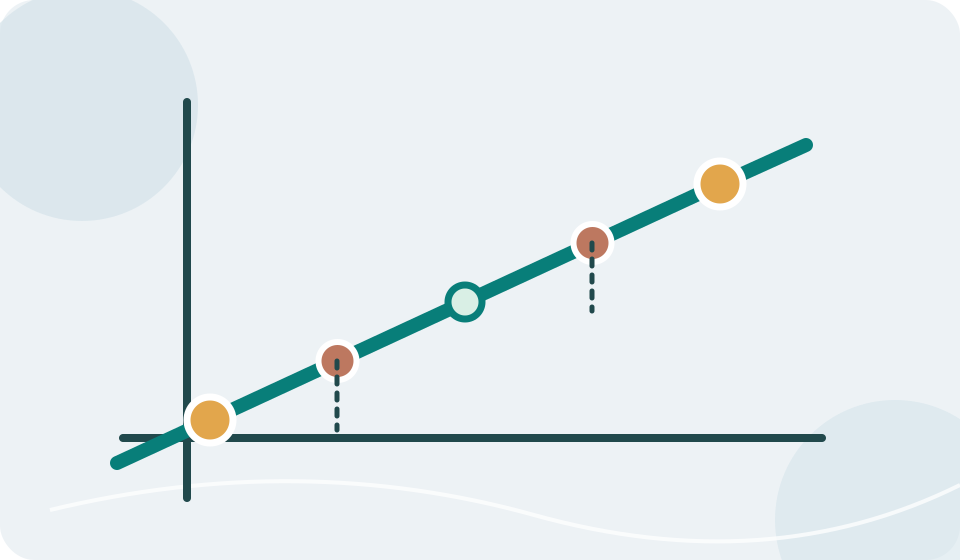
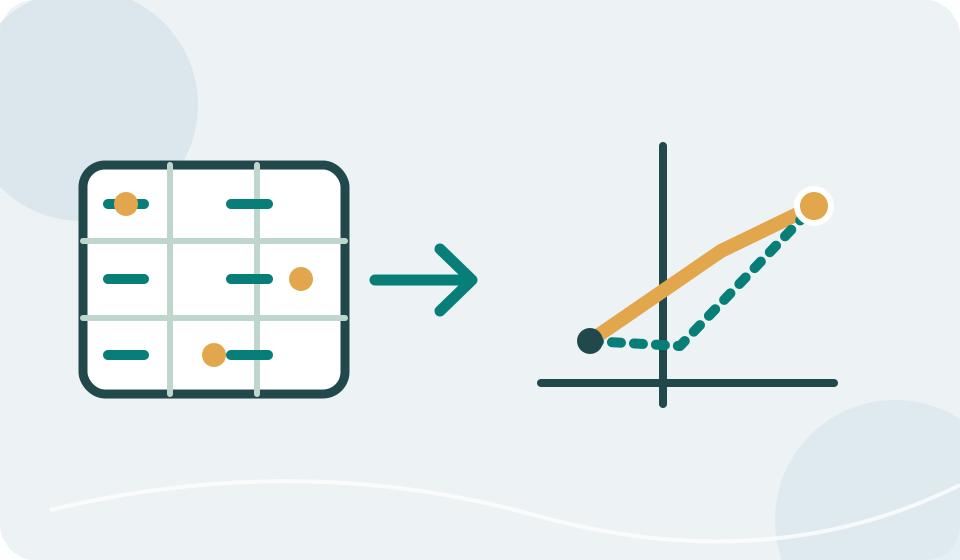
Interpolate between two 3D points with a parameter t, or extrapolate beyond them when t is outside the interval from 0 to 1.
- Enter Start x, Start y, Start z, End x, then complete the remaining labeled fields. Match the units shown beside each field and review the result together with the assumptions below.
- Read the worked example below to check the expected input format and result.
- Compare another scenario by changing one input at a time. Use Reset to return to the starting values.
How 3D vector interpolation calculator works
Interpolate between two 3D points with a parameter t, or extrapolate beyond them when t is outside the interval from 0 to 1.
Inputs and units
- Start x: Finite x-coordinate of the starting point p₀.
- Start y: Finite y-coordinate of the starting point p₀.
- Start z: Finite z-coordinate of the starting point p₀.
- End x: Finite x-coordinate of the ending point p₁.
- End y: Finite y-coordinate of the ending point p₁.
- End z: Finite z-coordinate of the ending point p₁.
- Parameter t: Finite interpolation parameter t; values outside 0–1 extrapolate.
Formula and method
p(t) = p₀ + t(p₁−p₀)
Worked example
From p₀=(0,0,0) to p₁=(10,20,30), t=0.25 gives p=(2.5,5,7.5).
Interpreting the result
t=0 returns the start, t=1 the end, and values between them lie on the segment. Values below 0 or above 1 extrapolate along the same line.
Assumptions and limits
Coordinates must use the same basis and units. Any finite real t is mathematically valid; it is not restricted to [0,1] unless the application requires a point on the segment.
Sources and method
- Dot products, scalar and vector projections, cross products, and plane equations. OpenStax, Calculus Volume 3, Chapter 2 key equations
Frequently asked questions
What do t=0 and t=1 return?
They return the start and end points respectively.
Is t outside 0 to 1 invalid?
No. It gives linear extrapolation beyond the segment.
How do I use the 3D vector interpolation calculator?
Enter Start x, Start y, Start z, End x, then complete the remaining labeled fields. Match the units shown beside each field and review the result together with the assumptions below.
What is a worked example of 3D vector interpolation?
From p₀=(0,0,0) to p₁=(10,20,30), t=0.25 gives p=(2.5,5,7.5).
What does the 3D vector interpolation calculator calculate?
Interpolate between two 3D points with a parameter t, or extrapolate beyond them when t is outside the interval from 0 to 1.