Base64 encoded length calculator
Find the padded Base64 output length for a known number of source bytes. Enter your values below to see the result and method.
inputs.
Related calculators and articles
Compare methods and explore more free tools in computer science.
How to use the Base64 encoded length calculator
Estimate the padded standard Base64 character count from a nonnegative whole-number byte count. For text, count encoded bytes rather than Unicode characters.
What it calculates
Find the padded Base64 output length for a known number of source bytes. A source length of 1 or 2 bytes each encodes to 4 Base64 characters after padding; zero bytes produce zero characters.
Inputs and units
The input is a nonnegative safe integer number of source bytes. Fractional values are invalid; text must first be measured in bytes, for example UTF-8 bytes.
- Source bytes: Whole-octet input length before Base64 encoding; padding is included and line wrapping is excluded.
Formula and method
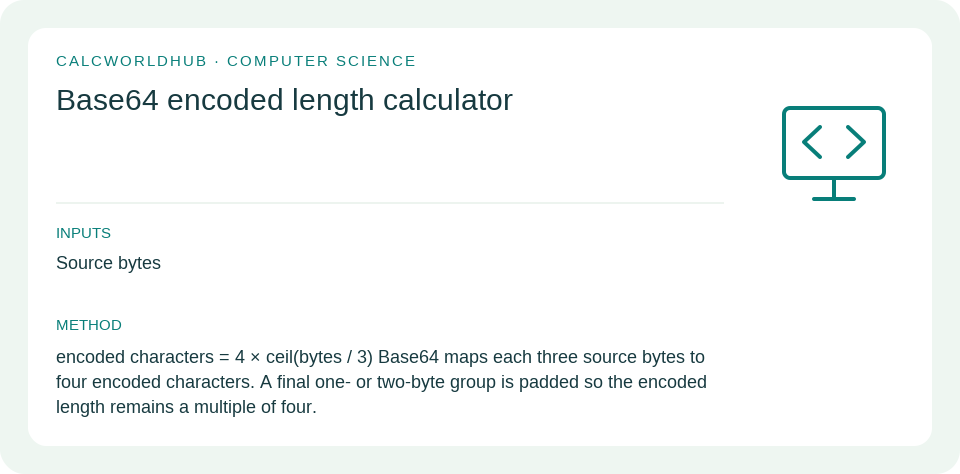
encoded characters = 4 × ceil(bytes / 3)
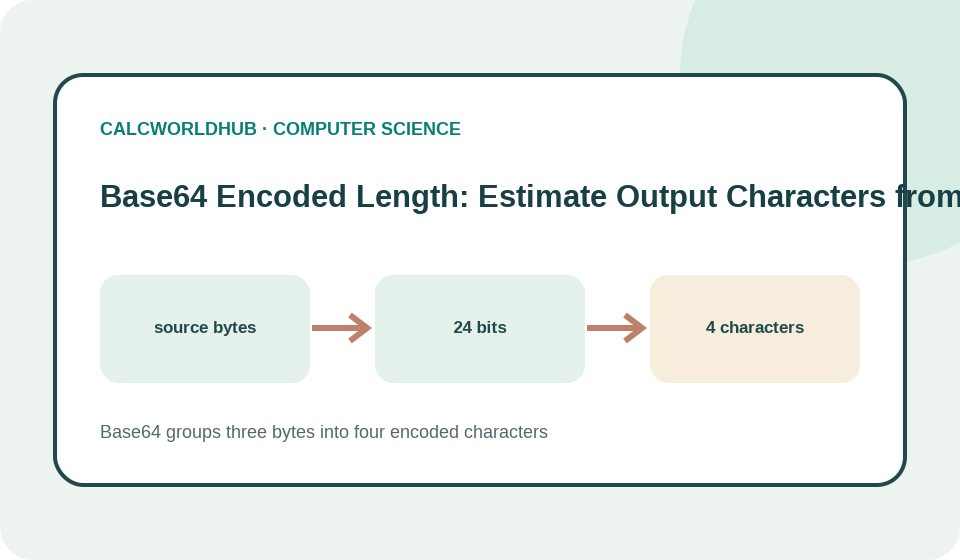
Base64 maps each three source bytes to four encoded characters. A final one- or two-byte group is padded so the encoded length remains a multiple of four.
Worked example
Encoding 1,000 bytes takes 4 × ceil(1,000/3) = 1,336 Base64 characters, including padding.
How to interpret the result
The output counts Base64 characters including standard '=' padding. It excludes line breaks, prefixes, JSON quoting, and transport framing.
Assumptions and limitations
This predicts length for standard padded Base64 without line wrapping or a data-URL prefix. Actual text may have URL-safe alphabet substitutions but the character count is the same.
Frequently asked questions
Why is Base64 length rounded up in groups of three bytes?
Each 3-byte group maps to 4 characters. A final 1- or 2-byte group is padded to 4 characters, so the total is 4 × ceil(bytes ÷ 3).
Are line breaks and data-URL prefixes included in the character count?
No. The estimate includes standard '=' padding but excludes line wrapping, a data-URL prefix, JSON quoting, and transport framing.
How do I use the Base64 encoded length calculator?
Enter Source bytes. Match the units shown beside each field and review the result together with the assumptions below.
What is a worked example of Base64 encoded length?
Encoding 1,000 bytes takes 4 × ceil(1,000/3) = 1,336 Base64 characters, including padding.
What does the Base64 encoded length calculator calculate?
Free Base64 encoded length calculator. Find the padded Base64 output length for a known number of source bytes. Review its formula, example, and assumptions.
Read the calculation methodology and privacy policy.
Source: RFC 4648 §4, Base 64 Encoding.