How to use this calculator
Initialize the integral state so switching a weighted PID from manual to automatic does not create an output jump.
- Enter Current manual command, Proportional gain, Reference, Measurement, then complete the remaining labeled fields. Match the units shown beside each field and review the result together with the assumptions below.
- Read the worked example below to check the expected input format and result.
- Compare another scenario by changing one input at a time. Use Reset to return to the starting values.
Bumpless PID integral initialization explained
Find the PID integral contribution that makes the automatic controller output match the prior manual command at transfer.
A numerical walkthrough
Current manual command = 4; Proportional gain = 2; Reference = 10; Measurement = 9; Proportional setpoint weight = 0.7; Derivative contribution = -0.2; Feedforward contribution = 1.
- Required integral contribution: 7.2 actuator units
- Proportional contribution: -4 actuator units
- Reconstructed automatic command: 4 actuator units
Match manual command four with reference ten, measurement nine, setpoint weight 0.7 and an active feedforward of one.
The model behind the numbers
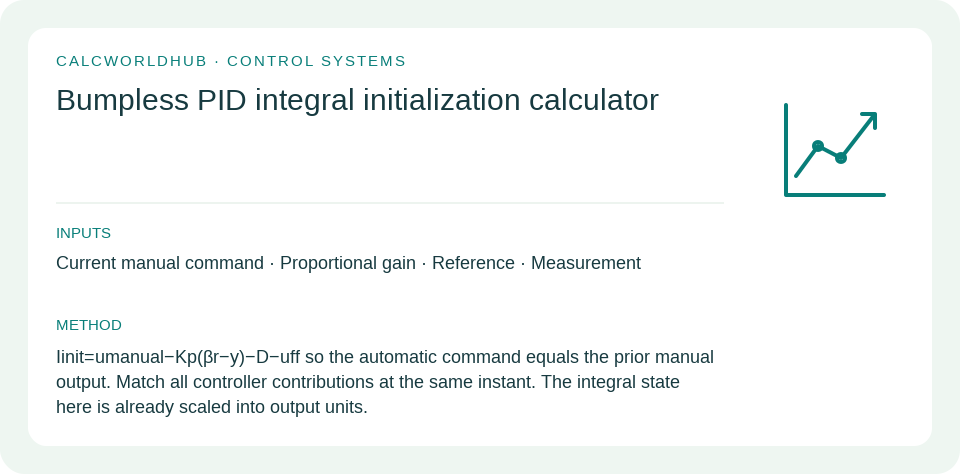
Iinit=umanual−Kp(βr−y)−D−uff so the automatic command equals the prior manual output.
Match all controller contributions at the same instant. The integral state here is already scaled into output units.
What to enter
u— Current manual command- Actuator output immediately before automatic transfer.
kp— Proportional gain- Gain used after transfer.
r— Reference- Automatic controller reference at transfer.
y— Measurement- Measured process value at transfer.
beta— Proportional setpoint weight- Weight on reference in the proportional term.
D— Derivative contribution- Derivative contribution at the instant of transfer.
ff— Feedforward contribution- Feedforward output that will remain active.
Interpreting the result
Does not enforce integral limits or compensate a subsequent reference jump.
Reading the outputs
The reconstructed command verifies the transfer balance; it is not a prediction of the next controller update.
Frequently asked questions
Why can the initial integral be large?
It may need to cancel proportional and feedforward contributions already present.
Is this integral error accumulated over time?
No. It is the scaled integral output contribution.
Does this remove derivative kick?
No. Derivative initialization and filtering must be consistent separately.
How do I use the Bumpless PID integral initialization calculator?
Enter Current manual command, Proportional gain, Reference, Measurement, then complete the remaining labeled fields. Match the units shown beside each field and review the result together with the assumptions below.
What is a worked example of Bumpless PID integral initialization?
Current manual command = 4; Proportional gain = 2; Reference = 10; Measurement = 9; Proportional setpoint weight = 0.7; Derivative contribution = -0.2; Feedforward contribution = 1. Required integral contribution: 7.2 actuator units Proportional contribution: -4 actuator units Reconstructed automatic command: 4 actuator units Match manual command four with reference ten, measurement nine, setpoint weight 0.7 and an active feedforward of one.
Read our calculation methodology.