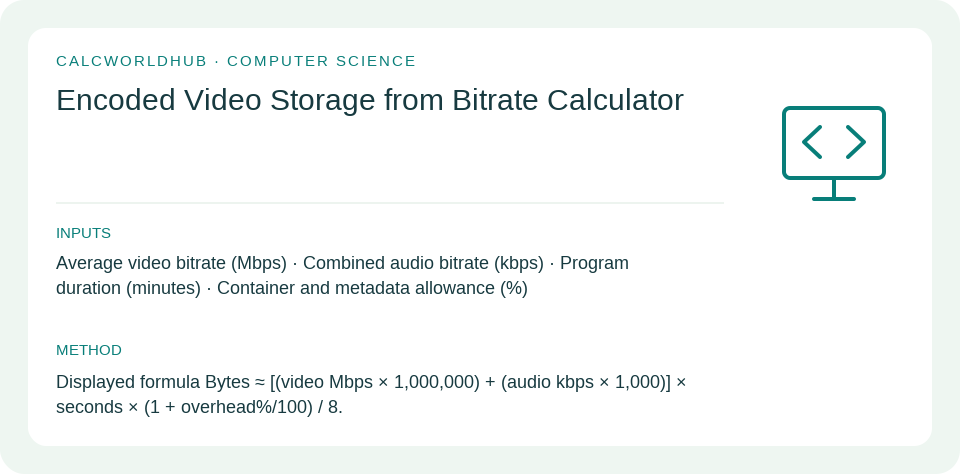
How to use this calculator
Estimate encoded video file size from video bitrate, audio bitrate, duration, and an overhead allowance.
- Enter Average video bitrate (Mbps), Combined audio bitrate (kbps), Program duration (minutes), Container and metadata allowance (%). Match the units shown beside each field and review the result together with the assumptions below.
- Read the worked example below to check the expected input format and result.
- Compare another scenario by changing one input at a time. Use Reset to return to the starting values.
How this calculation works
An encoded stream’s approximate size follows its average data rate multiplied by playback time. Add the video and audio bitrates, convert minutes to seconds, multiply by one plus the optional overhead percentage, then divide bits by eight to obtain bytes. The result is shown in decimal gigabytes and binary gibibytes.
Inputs and units
videoMbps— Average video bitrate (Mbps)- Use the target or measured average encoded video bitrate.
audioKbps— Combined audio bitrate (kbps)- Enter the total bitrate for all audio streams included in the file.
durationMinutes— Program duration (minutes)- Enter playback duration, not render or download time.
overheadPct— Container and metadata allowance (%)- Use zero if you do not want to include an overhead allowance.
Formula
Bytes ≈ [(video Mbps × 1,000,000) + (audio kbps × 1,000)] × seconds × (1 + overhead%/100) / 8.
Method
Convert video megabits per second and audio kilobits per second to bits per second, sum the rates, and multiply by duration in seconds. The overhead percentage is an explicit allowance for container and metadata bytes; it is not a codec guarantee.
Worked example
At 20 Mbps video plus 192 kbps audio for 60 minutes with a 1% overhead allowance, estimated storage is 9.1773 GB or 8.5470 GiB.
Assumptions and limits
Uses average encoded bitrates. Variable-bitrate output can differ substantially with scene complexity, codec, and export settings; actual container overhead and metadata also vary. Use the resulting values as a planning estimate and check the final export when storage limits are strict.
Frequently asked questions
Why does the calculator ask for average bitrate?
Average bitrate is the stream data rate used in the size estimate. Variable-bitrate encoders change the instantaneous rate, so the average is the useful planning input.
What is the difference between GB and GiB?
GB uses decimal billions of bytes; GiB uses 1,073,741,824 bytes. Operating systems may label these units differently.
Does the result include subtitles and extra audio tracks?
Only through the overhead allowance unless you add their bitrates to the entered audio total. Separate tracks and container metadata vary by format.
How do I use the Encoded Video Storage from Bitrate Calculator?
Enter Average video bitrate (Mbps), Combined audio bitrate (kbps), Program duration (minutes), Container and metadata allowance (%). Match the units shown beside each field and review the result together with the assumptions below.
What is a worked example of Encoded Video Storage from Bitrate?
At 20 Mbps video plus 192 kbps audio for 60 minutes with a 1% overhead allowance, estimated storage is 9.1773 GB or 8.5470 GiB.
Reference: Adobe Media Encoder bitrate definitions and export settings guidance. See our calculation methodology.