File storage block count calculator
Round a partial final allocation block up to the next whole block.
Calculator
How to use this calculator
Estimate fixed-size storage blocks by dividing a data size in decimal MB by a positive block size in decimal KB and rounding up.
- Enter Data size to allocate (MB), Block size (KB). Match the units shown beside each field and review the result together with the assumptions below.
- Read the worked example below to check the expected input format and result.
- Compare another scenario by changing one input at a time. Use Reset to return to the starting values.
Estimate fixed-size blocks needed for a data size
A fixed-size allocation uses whole blocks, so a partial final block still requires one full block. Enter the size to allocate and the block size in matching decimal units.
Inputs and units
- Data size to allocate (MB): Input data size in decimal megabytes for this estimate.
- Block size (KB): Allocation block size in decimal kilobytes; it must be positive.
Formula and method
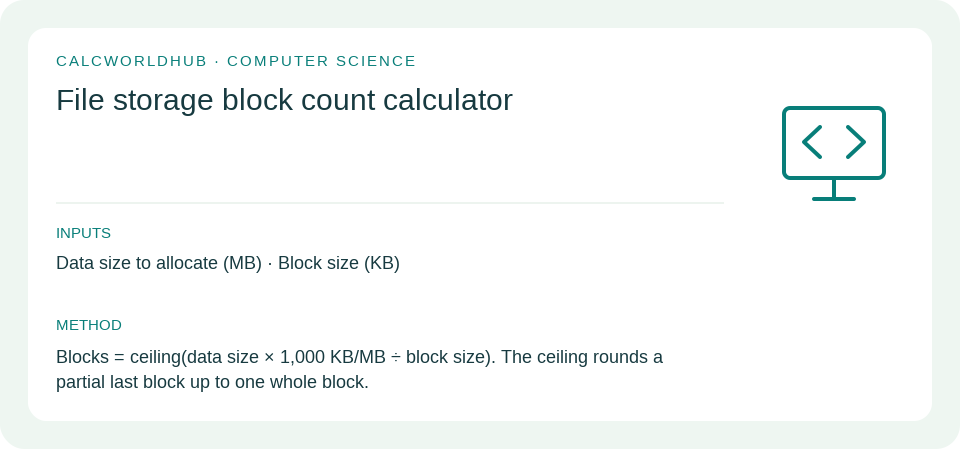
Blocks = ceiling(data size × 1,000 KB/MB ÷ block size). The ceiling rounds a partial last block up to one whole block.
Worked example
A 1,500 MB file with 4 KB blocks needs ceiling(1,500 × 1,000 ÷ 4) = 375,000 blocks.
Interpreting the result
The block count is a capacity estimate. A file whose size is not an exact multiple of the block size has unused space in its last block.
Assumptions and limits
The calculator uses decimal MB and KB and a single fixed block size. Real file systems can have metadata, sparse files, compression, deduplication, and different allocation rules.
Method references
Frequently asked questions
Why were compressed size and transfer rate removed?
They do not change the number of fixed-size allocation blocks for the data size entered.
Is a block the same as a file-system cluster?
Many file systems allocate storage in cluster or allocation-unit multiples, but the exact implementation depends on the file system.
How do I use the File storage block count calculator?
Enter Data size to allocate (MB), Block size (KB). Match the units shown beside each field and review the result together with the assumptions below.
What is a worked example of File storage block count?
A 1,500 MB file with 4 KB blocks needs ceiling(1,500 × 1,000 ÷ 4) = 375,000 blocks.
What does the File storage block count calculator calculate?
Estimate fixed-size storage blocks by dividing a data size in decimal MB by a positive block size in decimal KB and rounding up.
Good calculators show their work.
CalcWorldHub is built around clear inputs and visible assumptions. Results are estimates for planning; check official sources or your provider’s terms when exact figures matter.