How to use this calculator
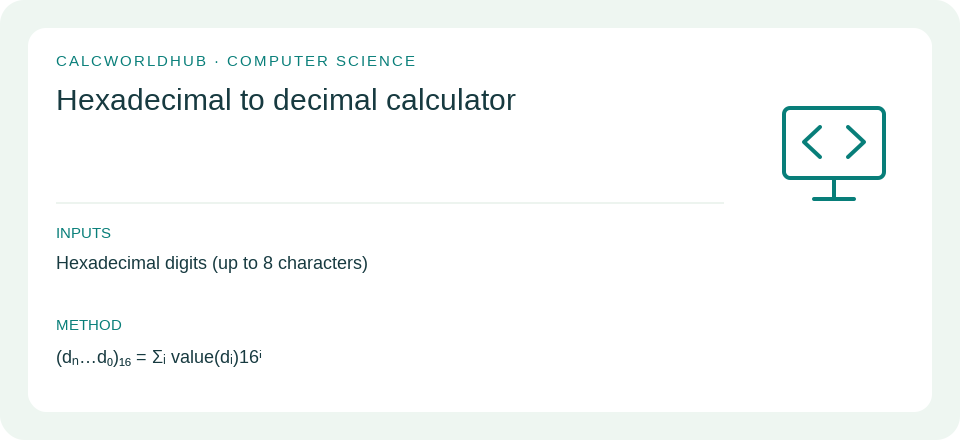
Convert an unsigned hexadecimal numeral to its base-10 integer value.
- Enter Hexadecimal digits (up to 8 characters). Match the units shown beside each field and review the result together with the assumptions below.
- Read the worked example below to check the expected input format and result.
- Compare another scenario by changing one input at a time. Use Reset to return to the starting values.
How Hexadecimal to decimal calculator works
Convert an unsigned hexadecimal numeral to its base-10 integer value.
Inputs and units
- Hexadecimal digits (up to 8 characters): Enter hexadecimal digits 0–9 and A–F, up to the supported length; letter case does not change value.
Formula and method
(dₙ…d₀)₁₆ = Σᵢ value(dᵢ)16ⁱ
Worked example
FF₁₆ = 15×16 + 15 = 255₁₀.
Interpreting the result
Each hexadecimal position represents a power of 16. The output is an unsigned integer, regardless of any external encoding convention.
Assumptions and limits
This parses an unsigned numeral, not a signed machine word, memory address, or two's-complement value. Keep any intended bit width and signedness separate.
Frequently asked questions
Does lowercase f have the same value as uppercase F?
Yes. Hexadecimal digits are case-insensitive here.
Does the result preserve leading zeros?
No. Leading zeros do not change the integer value; use a fixed-width format if width matters.
How do I use the Hexadecimal to decimal calculator?
Enter Hexadecimal digits (up to 8 characters). Match the units shown beside each field and review the result together with the assumptions below.
What is a worked example of Hexadecimal to decimal?
FF₁₆ = 15×16 + 15 = 255₁₀.
What does the Hexadecimal to decimal calculator calculate?
Convert an unsigned hexadecimal numeral to its base-10 integer value.