How to use this calculator
Return the number of binary digits required to represent a nonnegative safe integer, with zero defined as one bit.
- Enter Non-negative integer. Match the units shown beside each field and review the result together with the assumptions below.
- Read the worked example below to check the expected input format and result.
- Compare another scenario by changing one input at a time. Use Reset to return to the starting values.
How Integer bit length calculator works
Return the number of binary digits required to represent a nonnegative safe integer, with zero defined as one bit.
Inputs and units
- Non-negative integer: Enter a nonnegative whole number within JavaScript's safe-integer range.
Formula and method
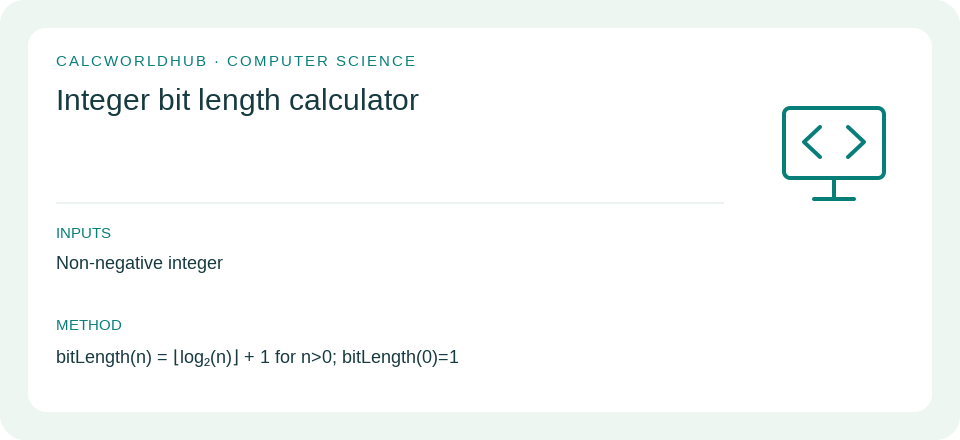
bitLength(n) = ⌊log₂(n)⌋ + 1 for n>0; bitLength(0)=1
Worked example
1023 is 1111111111₂, which requires 10 bits. Zero is represented by the single digit 0 and is reported as 1 bit.
Interpreting the result
The result is the minimal unsigned binary digit count, not a storage allocation or signed representation width.
Assumptions and limits
Only nonnegative safe integers are supported. Fixed-width machine types may allocate more bits and signed encodings reserve or interpret a sign bit differently.
Frequently asked questions
Why does zero return one bit?
This tool counts the digit in the ordinary binary numeral 0, which has length one.
Does this tell me how many bytes a file needs?
No. It gives the binary numeral length; storage formats add fixed widths, alignment, and metadata.
How do I use the Integer bit length calculator?
Enter Non-negative integer. Match the units shown beside each field and review the result together with the assumptions below.
What is a worked example of Integer bit length?
1023 is 1111111111₂, which requires 10 bits. Zero is represented by the single digit 0 and is reported as 1 bit.
What does the Integer bit length calculator calculate?
Return the number of binary digits required to represent a nonnegative safe integer, with zero defined as one bit.