Inventory turnover calculator calculator
Use matching period costs and inventory values to estimate turns and days.
Calculator
How to use this calculator
Calculate inventory turns from period COGS and average inventory, then convert turns to equivalent days.
- Enter Cost of goods sold ($), Beginning inventory ($), Ending inventory ($), Period length (days). Match the units shown beside each field and review the result together with the assumptions below.
- Read the worked example below to check the expected input format and result.
- Compare another scenario by changing one input at a time. Use Reset to return to the starting values.
Estimate inventory turns and equivalent days for a period
Inventory turnover compares cost of goods sold with average inventory at cost. The entered period length converts the turnover rate into a days-on-hand equivalent.
Inputs and units
- Cost of goods sold ($): COGS for the period being analyzed.
- Beginning inventory ($): Inventory value at the start of that same period.
- Ending inventory ($): Inventory value at the end of that same period.
- Period length (days): Positive number of calendar days represented by the COGS and inventory values.
Formula and method
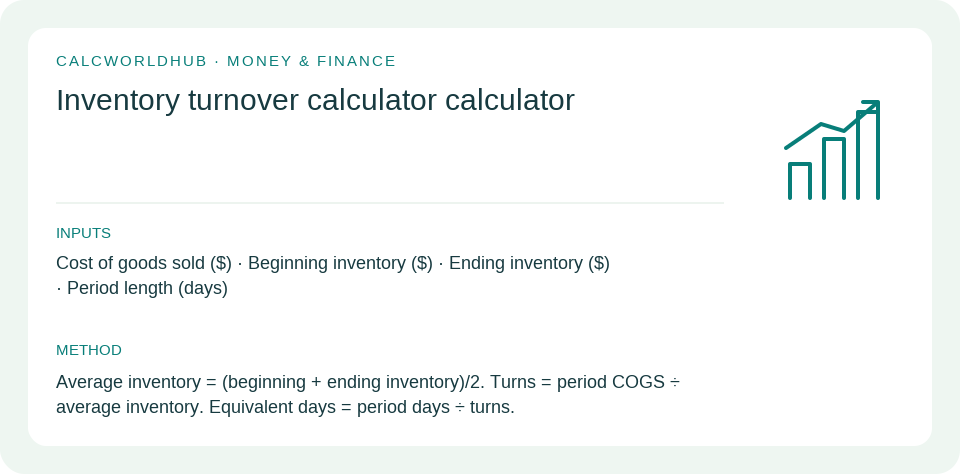
Average inventory = (beginning + ending inventory)/2. Turns = period COGS ÷ average inventory. Equivalent days = period days ÷ turns.
Worked example
For $60,000 COGS, beginning inventory $8,000, ending inventory $10,000, and 365 days: average inventory $9,000; turns = 6.667; equivalent days ≈ 54.75.
Interpreting the result
More turns or fewer equivalent days indicate faster movement relative to average inventory, but the context of the business and period matters.
Assumptions and limits
Use inventory values measured consistently at cost and align COGS with the same period. Seasonal swings can make a two-point average misleading; this ratio is not a reorder recommendation.
Method references
Frequently asked questions
Why does period length appear in the result?
It converts turns during the chosen period into an equivalent number of days per turn.
Is higher turnover always better?
Not necessarily. It can reflect efficient movement or insufficient stock, depending on demand and service needs.
How do I use the Inventory turnover calculator calculator?
Enter Cost of goods sold ($), Beginning inventory ($), Ending inventory ($), Period length (days). Match the units shown beside each field and review the result together with the assumptions below.
What is a worked example of Inventory turnover calculator?
For $60,000 COGS, beginning inventory $8,000, ending inventory $10,000, and 365 days: average inventory $9,000; turns = 6.667; equivalent days ≈ 54.75.
What does the Inventory turnover calculator calculator calculate?
Calculate inventory turns from period COGS and average inventory, then convert turns to equivalent days.
Good calculators show their work.
CalcWorldHub is built around clear inputs and visible assumptions. Results are estimates for planning; check official sources or your provider’s terms when exact figures matter.