How to use this calculator
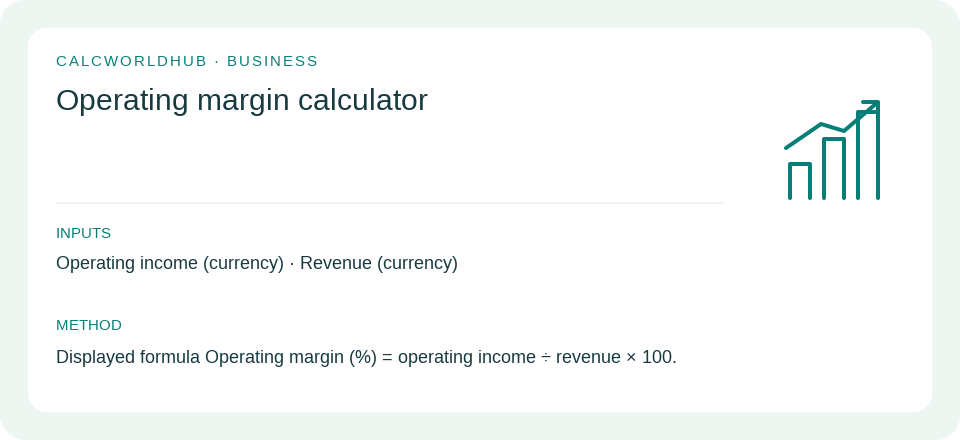
Calculate operating income as a percentage of revenue to compare core operating profitability.
- Enter Operating income (currency), Revenue (currency). Match the units shown beside each field and review the result together with the assumptions below.
- Read the worked example below to check the expected input format and result.
- Compare another scenario by changing one input at a time. Use Reset to return to the starting values.
How this calculation works
Operating margin shows how much operating income remains from each unit of revenue after operating expenses under the chosen accounting statement. Enter revenue and operating income for the same period.
Inputs and units
income— Operating income (currency)- Operating profit or loss before interest and income tax for the period.
revenue— Revenue (currency)- Revenue for the same reporting period.
Formula
Operating margin (%) = operating income ÷ revenue × 100.
Worked example
Operating income of $60,000 on $500,000 revenue gives 60,000 ÷ 500,000 × 100 = 12% operating margin.
Assumptions and limits
The result depends on how the business classifies operating and non-operating items. It is not gross margin, contribution margin, or net profit margin.
Frequently asked questions
How is this different from gross margin?
Operating margin uses operating income after operating expenses; gross margin typically subtracts cost of goods sold from revenue.
Can operating margin be negative?
Yes. A negative operating result produces a negative margin.
Does the ratio include interest and income tax?
No. This calculator uses operating income before interest and income tax.
How do I use the Operating margin calculator?
Enter Operating income (currency), Revenue (currency). Match the units shown beside each field and review the result together with the assumptions below.
What is a worked example of Operating margin?
Operating income of $60,000 on $500,000 revenue gives 60,000 ÷ 500,000 × 100 = 12% operating margin.
Read our calculation methodology.