RAID usable capacity calculator
Estimate nominal data capacity for common RAID layouts from drive count and drive size. Enter your values below to see the result and method.
inputs.
Related calculators and articles
Compare methods and explore more free tools in computer science.
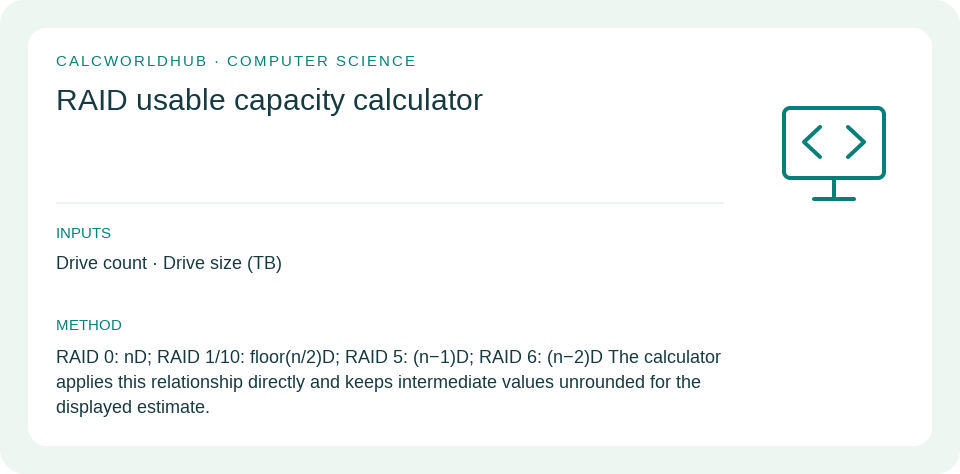
How to use the RAID usable capacity calculator
Estimate nominal data capacity for common RAID layouts from drive count and drive size. Use the free tool above without creating an account.
What it calculates
Estimate nominal data capacity for common RAID layouts from drive count and drive size. This is nominal decimal capacity for the selected common RAID layout and equal-sized drives. It excludes hot spares and filesystem overhead and does not imply that RAID is a backup.
Inputs and units
Enter Drive count and Drive size (TB). Review the labels and example values before calculating.
- Drive count: enter a value in the unit shown; the browser checks the accepted format and range.
- Drive size (TB): enter a value in the unit shown; the browser checks the accepted format and range.
Select RAID level 0, 1, 5, 6, or 10 in the third field.
Formula and method
RAID 0: nD; RAID 1/10: floor(n/2)D; RAID 5: (n−1)D; RAID 6: (n−2)D
The calculator applies this relationship directly and keeps intermediate values unrounded for the displayed estimate.
Worked example
Six 4 TB drives in RAID 5 provide a nominal 20 TB before filesystem and vendor-unit differences.
How to interpret the result
Use the result to answer the specific sizing, encoding, performance, or representation question stated on this page. It is conditional on the chosen inputs; change one input at a time to see how the estimate responds.
Assumptions and limitations
The estimate assumes equal-sized drives and the listed conventional layouts. It does not account for hot spares, filesystem overhead, decimal versus binary units, or implementation-specific RAID behavior.
Frequently asked questions
How does RAID level affect nominal capacity?
For equal drives of size D, the model uses nD for RAID 0, floor(n/2)D for RAID 1/10, (n−1)D for RAID 5, and (n−2)D for RAID 6.
Why can formatted capacity be lower than this result?
The result is nominal decimal drive capacity. Filesystem structures, reserved space, vendor unit conventions, hot spares, and implementation details can reduce usable capacity.
Does RAID provide a backup?
No. RAID can provide availability or fault tolerance for selected drive failures, but it does not replace a separate backup.
How do I use the RAID usable capacity calculator?
Enter Drive count, Drive size (TB). Match the units shown beside each field and review the result together with the assumptions below.
What is a worked example of RAID usable capacity?
Six 4 TB drives in RAID 5 provide a nominal 20 TB before filesystem and vendor-unit differences.
Read the calculation methodology and privacy policy.