How to use this calculator
Annualize revenue observed over a partial period using a straight-line daily run rate.
- Enter Revenue observed (currency), Days in observation period, Annualization days. Match the units shown beside each field and review the result together with the assumptions below.
- Read the worked example below to check the expected input format and result.
- Compare another scenario by changing one input at a time. Use Reset to return to the starting values.
How this calculation works
A revenue run rate extends an observed revenue pace across a selected period. This simple annualizer divides recorded revenue by observed days and multiplies by a 365-day year; it does not forecast future demand.
Inputs and units
revenue— Revenue observed (currency)- Use one consistent revenue basis for the period you are annualizing.
daysObserved— Days in observation period- Count calendar days represented by the entered revenue.
targetDays— Annualization days- Use 365 for this annual run-rate estimate.
Formula
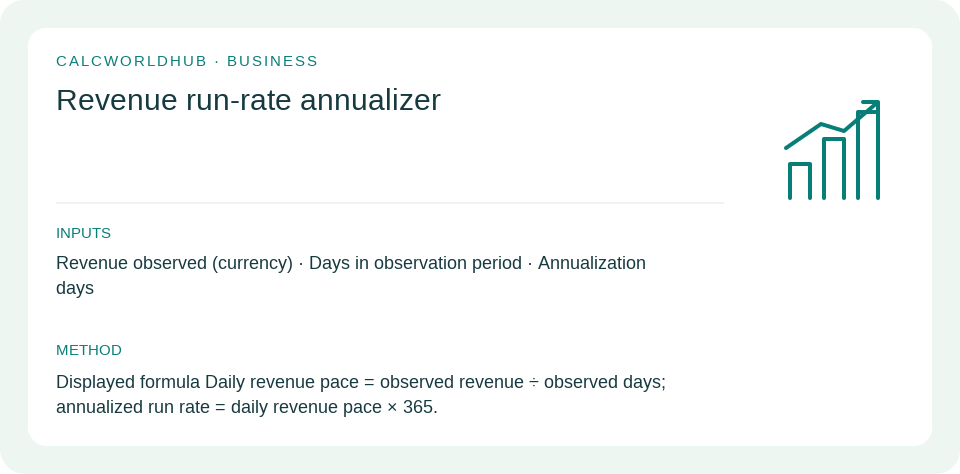
Daily revenue pace = observed revenue ÷ observed days; annualized run rate = daily revenue pace × 365.
Method
Enter recognized or collected revenue for the observation window, the number of days in that window, and a target period no longer than the observation window's calendar year basis. The yearly output uses 365 days.
Worked example
Revenue of $70,000 over 35 calendar days is $2,000 per day. Annualized at 365 days, the straight-line run rate is $730,000.
Assumptions and limits
A straight-line run rate assumes the observed pace repeats. It does not adjust for seasonality, growth, refunds, one-time sales, working days, or accounting cutoffs.
Frequently asked questions
Is run-rate revenue the same as a forecast?
No. It extends a past pace mathematically and does not model seasonality, pipeline, or expected changes.
Should I use calendar days or business days?
This calculator annualizes on a 365-calendar-day basis. Use revenue and day counts measured consistently, or use a different method for working-day planning.
Can one unusually strong week distort the estimate?
Yes. Short observation windows and one-time revenue can make a straight-line annualization unrepresentative.
How do I use the Revenue run-rate annualizer?
Enter Revenue observed (currency), Days in observation period, Annualization days. Match the units shown beside each field and review the result together with the assumptions below.
What is a worked example of Revenue run-rate annualizer?
Revenue of $70,000 over 35 calendar days is $2,000 per day. Annualized at 365 days, the straight-line run rate is $730,000.
Read our calculation methodology.