Young’s modulus from stress and strain calculator
Estimate Young’s modulus as axial stress divided by engineering strain.
Calculator
How to use this calculator
Estimate Young’s modulus as axial stress divided by engineering strain.
- Enter Applied force (N), Cross-sectional area (mm²), Original length (mm), Length change (mm). Match the units shown beside each field and review the result together with the assumptions below.
- Read the worked example below to check the expected input format and result.
- Compare another scenario by changing one input at a time. Use Reset to return to the starting values.
Young’s modulus from stress and strain calculator
Estimate Young’s modulus as axial stress divided by engineering strain.
Inputs and units
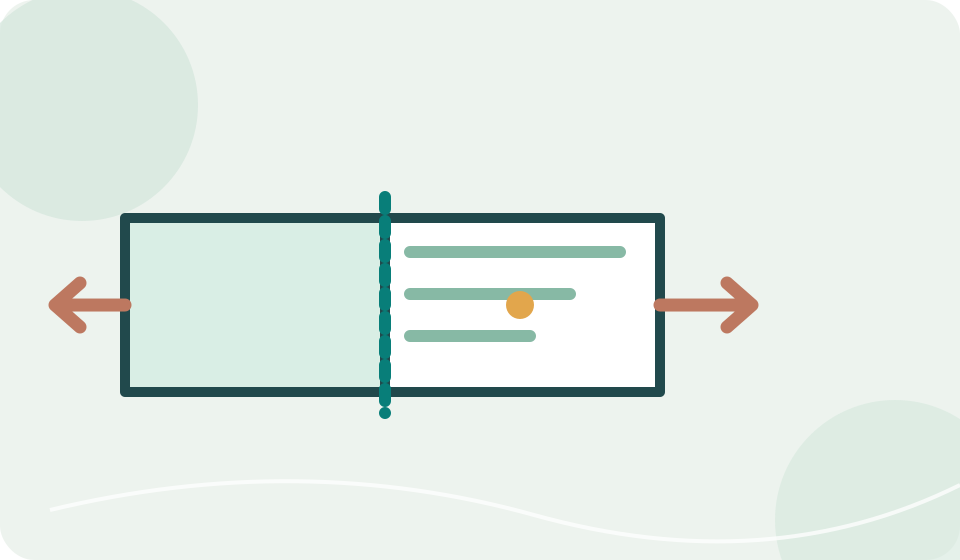
- Applied force (N): Axial force normal to the cross section, in newtons; sign convention distinguishes tension and compression.
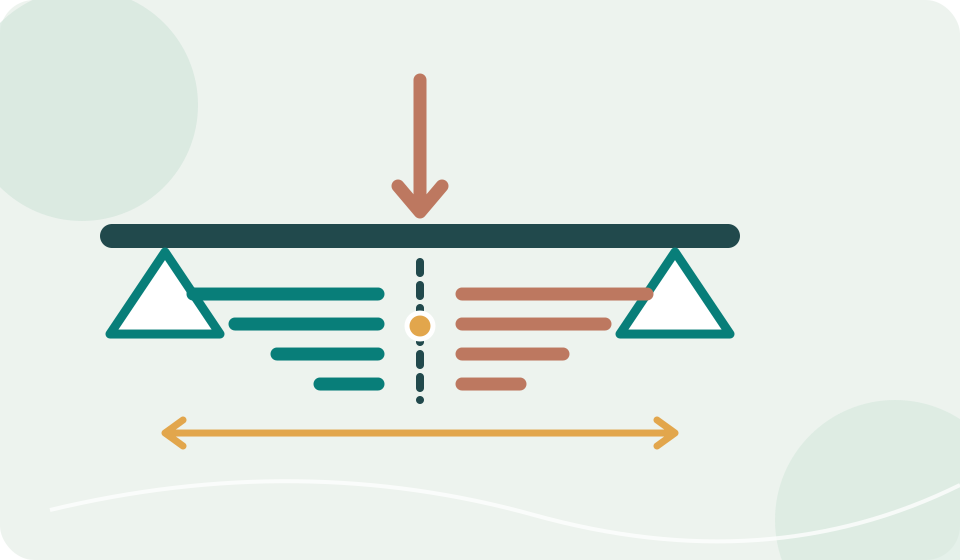
- Cross-sectional area (mm²): Loaded section area; mm² with newtons gives N/mm², numerically equal to MPa.
- Original length (mm): Unloaded gauge length in millimetres; it sets the engineering-strain denominator.
- Length change (mm): Axial extension or shortening in millimetres; zero strain has no finite stress/strain modulus ratio.
Formula and method
E = (F/A)/(ΔL/L₀)
Worked example
With 1,200 N, 80 mm², L₀=200 mm, and ΔL=0.4 mm, stress=15 MPa and strain=0.002, so E=7,500 MPa.
Interpreting the result
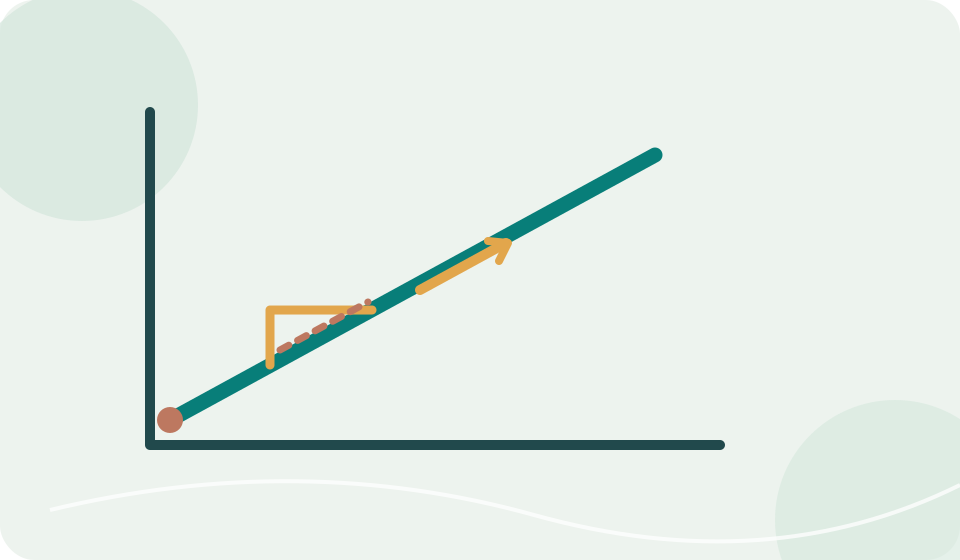
The result is a stiffness measure for the specified loading interval; it is meaningful as Young’s modulus only in the material’s linear elastic regime.
Assumptions and limits
Area and original length must be positive; elongation must be nonzero. Use consistent length units and account for preload, temperature, and machine compliance in measured data.
Sources and method
- Defines normal stress as force per area and Young’s modulus as stress divided by strain in the elastic range. OpenStax University Physics Volume 1: stress, strain, and elastic modulus
Frequently asked questions
Which inputs determine this result?
The visible inputs are Applied force (N), Cross-sectional area (mm²), Original length (mm), Length change (mm). Each is used by the displayed formula; the calculator does not use any other hidden measurement.
When does this method apply?
Area and original length must be positive; elongation must be nonzero. Use consistent length units and account for preload, temperature, and machine compliance in measured data.
How do I use the Young’s modulus from stress and strain calculator?
Enter Applied force (N), Cross-sectional area (mm²), Original length (mm), Length change (mm). Match the units shown beside each field and review the result together with the assumptions below.
What is a worked example of Young’s modulus from stress and strain?
With 1,200 N, 80 mm², L₀=200 mm, and ΔL=0.4 mm, stress=15 MPa and strain=0.002, so E=7,500 MPa.
What does the Young’s modulus from stress and strain calculator calculate?
Estimate Young’s modulus as axial stress divided by engineering strain.
See the calculation methodology.
Good calculators show their work.
CalcWorldHub is built around clear inputs and visible assumptions. Results are estimates for planning; check official sources or your provider’s terms when exact figures matter.