
Set the audience boundary first
Choose one email audience and a start date before exporting counts. The starting list is the number of unique subscribed contacts at that boundary, not every contact record stored in the account. If the business has several lists, segments, or marketing permissions, calculate each on its own consistent basis rather than combining unlike populations.
Then define the period end and include only changes that occurred between those dates. A contact imported twice, moved between segments, or unsubscribed and later resubscribed can be represented differently by different platforms. Keep an export or platform report with the calculation so the result can be traced to a specific audience snapshot.
Separate additions from removals
The inputs are subscribers at period start, new valid subscribers added, unsubscribes, bounced or otherwise removed addresses, and period length in calendar days. The calculation subtracts both removal counts from additions. It does not ask for sign-up source, engagement, or campaign sends, so those factors are not part of this growth rate.
Use unique contact counts that match the platform’s end-of-period membership logic. Do not subtract a bounce that was never in the opening list unless the reporting definition includes it as a period removal. Likewise, do not count a re-import as a new opt-in if it simply duplicates an existing contact. A consistent rule matters more than the label used by an export.
Calculate rate and ending audience
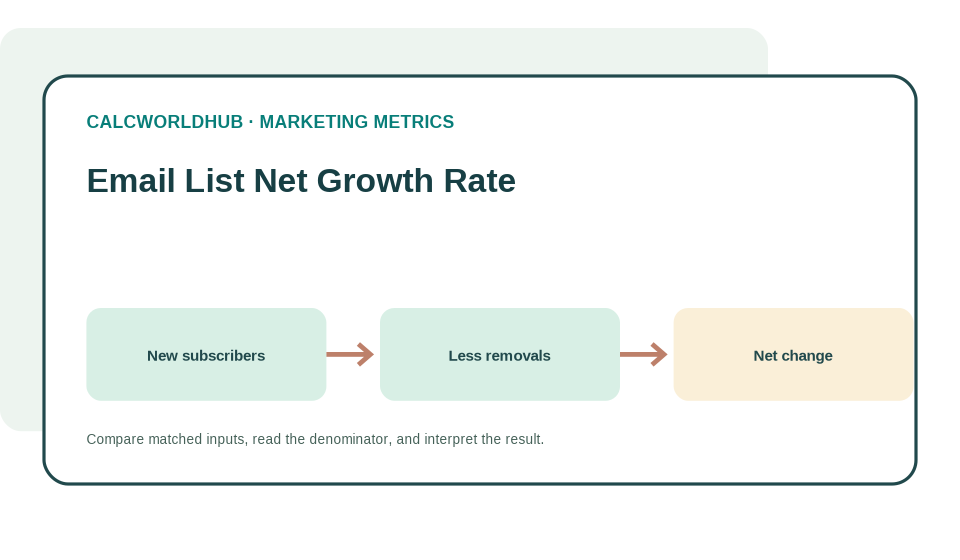
Net change equals new subscribers minus unsubscribes minus bounced or removed addresses. Growth rate equals net change divided by the starting list, multiplied by 100. The calculator also adds net change to the opening count to estimate the ending list and divides net change by the number of days for average net additions per day.
The percentage is normalized by the opening audience; the day count is used only for the daily average. A period that gains 600 contacts on a list of 10,000 has a different rate from the same 600 on a list of 25,000. The arithmetic does not convert that rate into a forecast or tell whether the added contacts will remain engaged.
Compare periods with the same rules
For a month-to-month comparison, hold the audience definition and status rules steady. Note whether contacts are counted by email address or person, how suppressions are treated, and whether the platform removes hard bounces automatically. A change in list hygiene policy can create a drop that reflects cleaner records rather than weaker acquisition.
If one month includes a major promotion, a new signup form, or a migration, segment those events in the accompanying notes. Net growth is useful for understanding direction and scale, but it hides the separate flows. Keep additions, opt-outs, and removals visible so a team can diagnose what changed instead of acting only on a single percentage.
Interpret the result without overstating it
A positive rate means additions exceeded losses relative to the starting count; a negative rate means losses were larger. The calculator rejects inputs implying a negative ending list. Displayed values are rounded; calculations use the entered counts.
List growth is not the same as deliverability, consent quality, revenue, or engagement. A large new-subscriber count can include invalid or poorly matched signups, while a modest rate can reflect deliberate suppression of stale contacts. Review source and permission practices separately, and keep email platform reporting aligned with the applicable requirements in the markets where messages are sent.
Worked examples
Both periods use the same rule: valid additions less opt-outs and removed addresses, divided by the subscribed contacts at period start.
A monthly list review
Inputs: Subscribers at period start = 10,000; New subscribers added = 800; Unsubscribes = 120; Bounced or removed addresses = 80; Period length (days) = 30.
Calculation: Net change = 800 − 120 − 80 = 600; growth rate = 600 ÷ 10,000 × 100 = 6.00%; ending list = 10,000 + 600 = 10,600; average net additions per day = 600 ÷ 30 = 20.00.
The audience grew by 600 contacts, equal to 6% of its opening size. The daily average is a simple period average, not a claim that signups arrived evenly.
A second monthly cohort
Inputs: Subscribers at period start = 25,000; New subscribers added = 1,100; Unsubscribes = 300; Bounced or removed addresses = 200; Period length (days) = 30.
Calculation: Net change = 1,100 − 300 − 200 = 600; growth rate = 600 ÷ 25,000 × 100 = 2.40%; ending list = 25,000 + 600 = 25,600; average net additions per day = 600 ÷ 30 = 20.00.
The same net addition is 2.4% on the larger starting audience. Equal net counts can therefore produce different growth rates.
