How to use this calculator
Measure subscriber list growth over a period after subtracting unsubscribes and bounced or removed addresses from new signups.
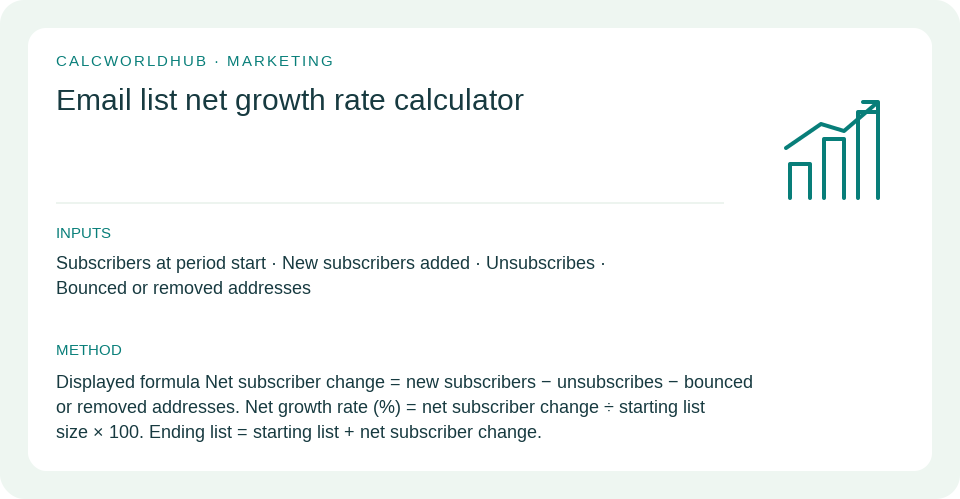
- Enter Subscribers at period start, New subscribers added, Unsubscribes, Bounced or removed addresses, then complete the remaining labeled fields. Match the units shown beside each field and review the result together with the assumptions below.
- Read the worked example below to check the expected input format and result.
- Compare another scenario by changing one input at a time. Use Reset to return to the starting values.
How this calculation works
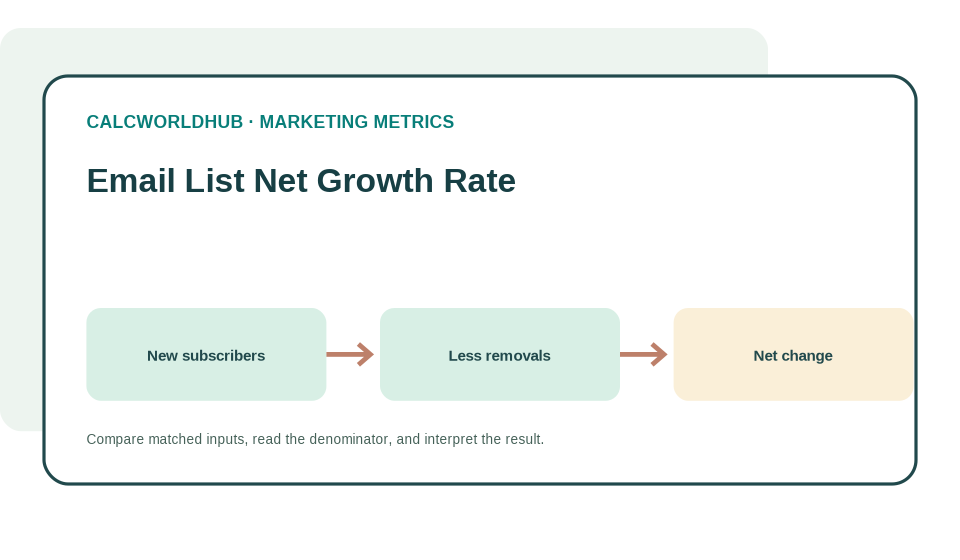
Gross signups can hide losses from unsubscribes and address cleanup. This period-level measure starts with the audience size at the beginning, nets subscriber additions against the removals entered, and reports both the absolute change and its percentage of the starting audience.
Inputs and units
startingList— Subscribers at period start- Unique subscribed contacts at the beginning of the reporting period.
newSubscribers— New subscribers added- New valid opt-ins added during the period.
unsubscribes— Unsubscribes- Contacts who opted out during the same period.
bouncesRemoved— Bounced or removed addresses- Bounced or otherwise removed contacts excluded from the end-of-period list.
periodDays— Period length (days)- Number of calendar days in the reporting period, used for average net additions per day.
Formula
Net subscriber change = new subscribers − unsubscribes − bounced or removed addresses. Net growth rate (%) = net subscriber change ÷ starting list size × 100. Ending list = starting list + net subscriber change.
Method
Use counts from one consistent reporting period. Enter the audience size at its start, new opt-ins, unsubscribes, bounces or removals, and the number of days. The result does not attribute growth to individual channels or campaigns.
Worked example
Starting with 10,000 subscribers, adding 800, and removing 120 unsubscribes plus 80 bounced addresses gives a net gain of 600. The period growth rate is 600 ÷ 10,000 × 100 = 6%, and the ending list is 10,600.
Assumptions and limits
List platforms may classify bounces, suppressions, and duplicate contacts differently. Use a consistent audience definition and period boundary. A negative result means the entered losses exceeded additions; the calculator rejects a negative ending list because the input counts would be inconsistent.
Frequently asked questions
What counts as net email list growth?
It is additions minus the subscriber losses included in your chosen reporting definition, divided by the list size at the start of the period.
Should hard bounces be subtracted?
Subtract them if your platform removes them from the audience and you want the result to match that platform’s list count.
Can the growth rate be negative?
Yes. A negative rate means unsubscribes and removals exceeded new signups, while the total ending audience remained nonnegative.
How do I use the Email list net growth rate calculator?
Enter Subscribers at period start, New subscribers added, Unsubscribes, Bounced or removed addresses, then complete the remaining labeled fields. Match the units shown beside each field and review the result together with the assumptions below.
What is a worked example of Email list net growth rate?
Starting with 10,000 subscribers, adding 800, and removing 120 unsubscribes plus 80 bounced addresses gives a net gain of 600. The period growth rate is 600 ÷ 10,000 × 100 = 6%, and the ending list is 10,600.
Reference: Mailchimp email reporting metric. See our calculation methodology.